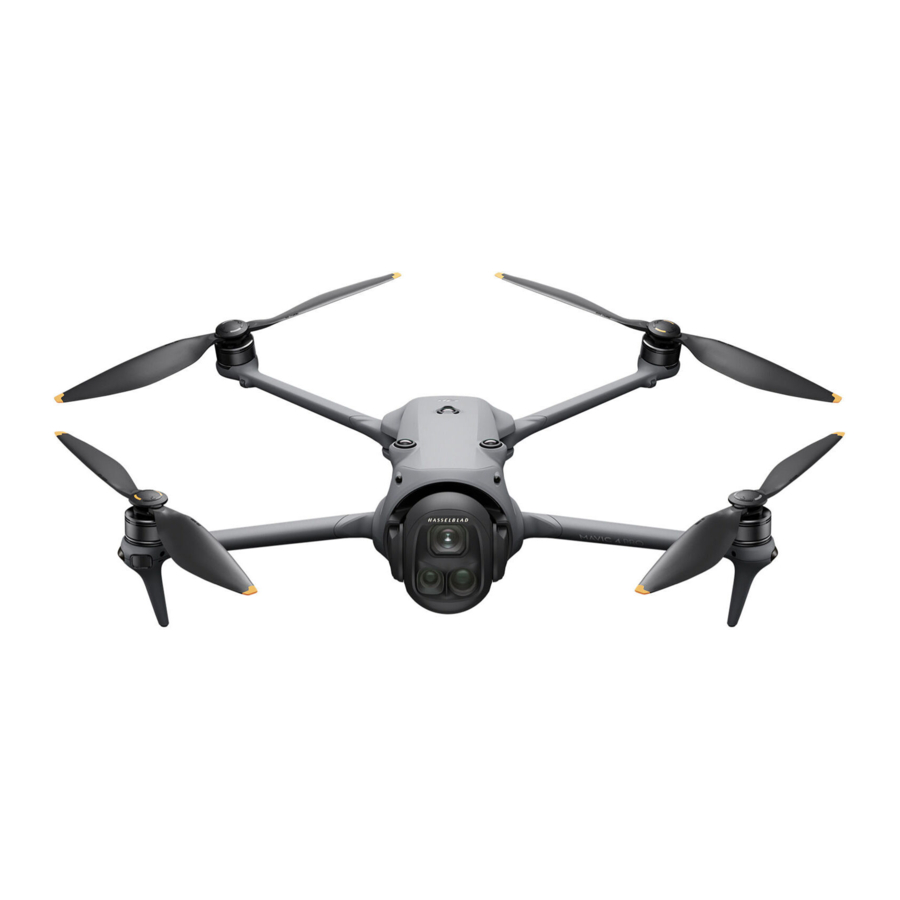
dji MAVIC 4 PRO Manual
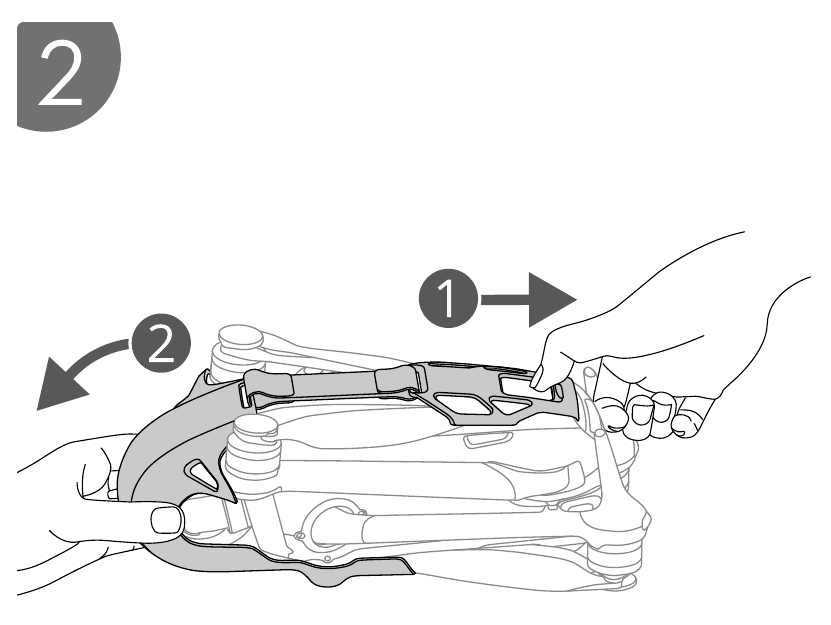
Setting Up
- Tutorial Videos
![]()

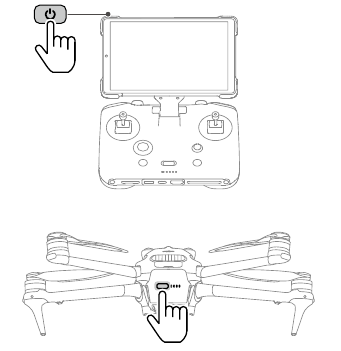
Press the power button once to activate the battery before first use.
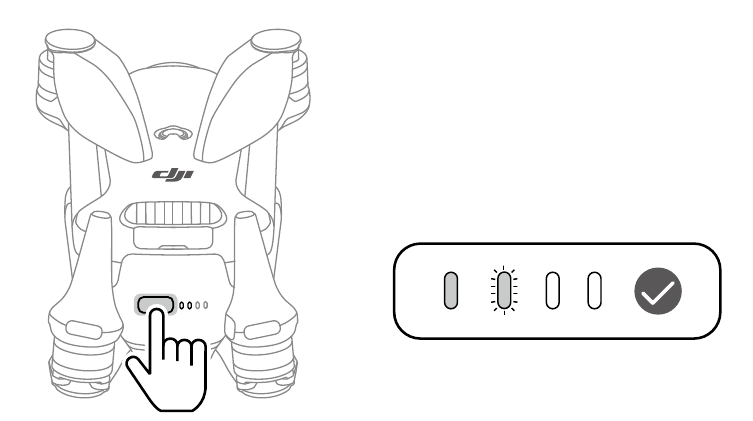
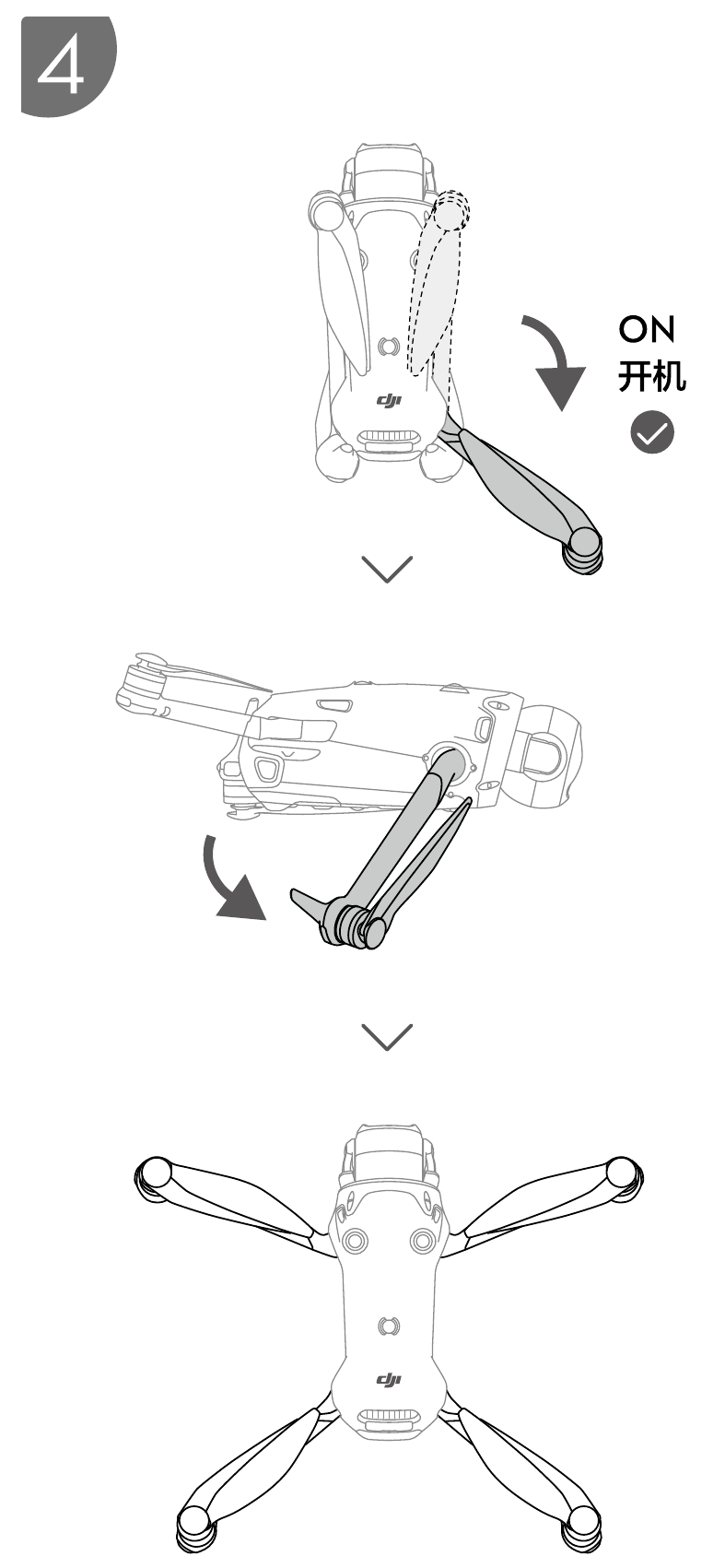
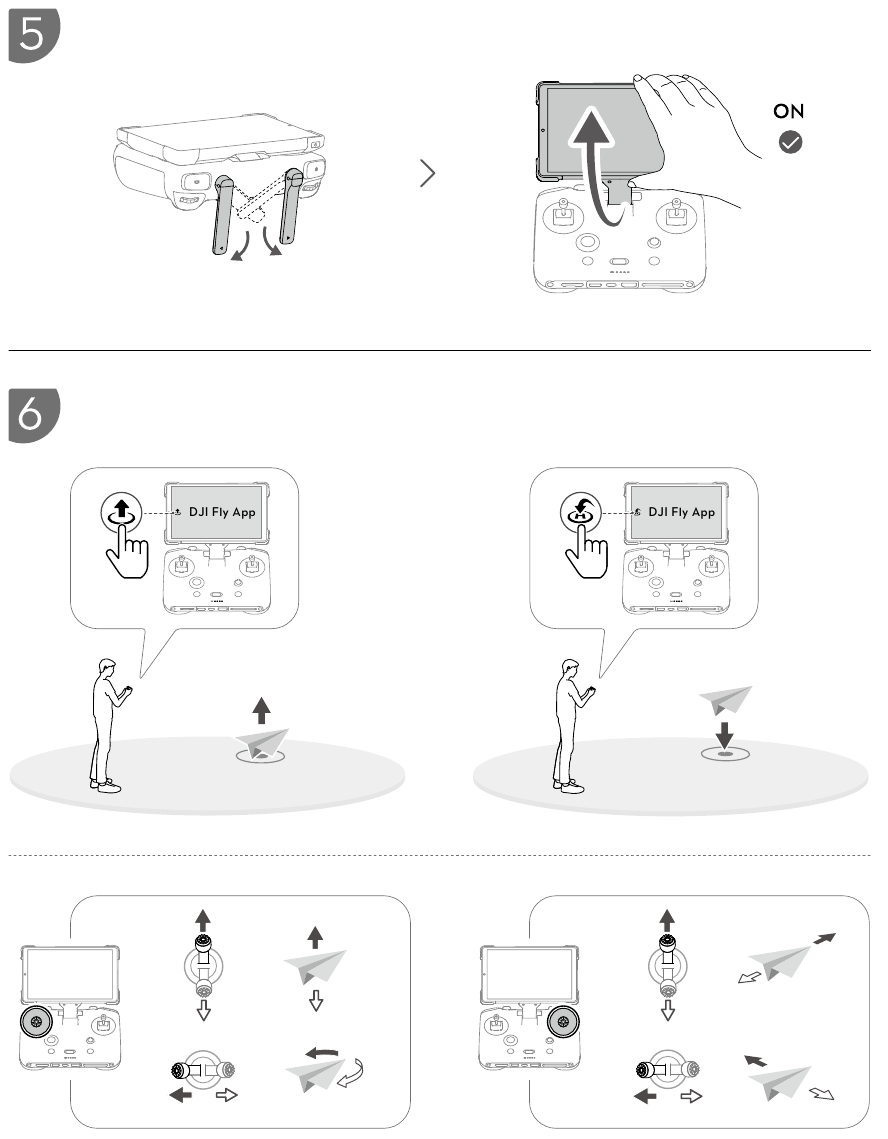

Manually power on/off: press, then press and hold.
DJI Mavic 4 Pro
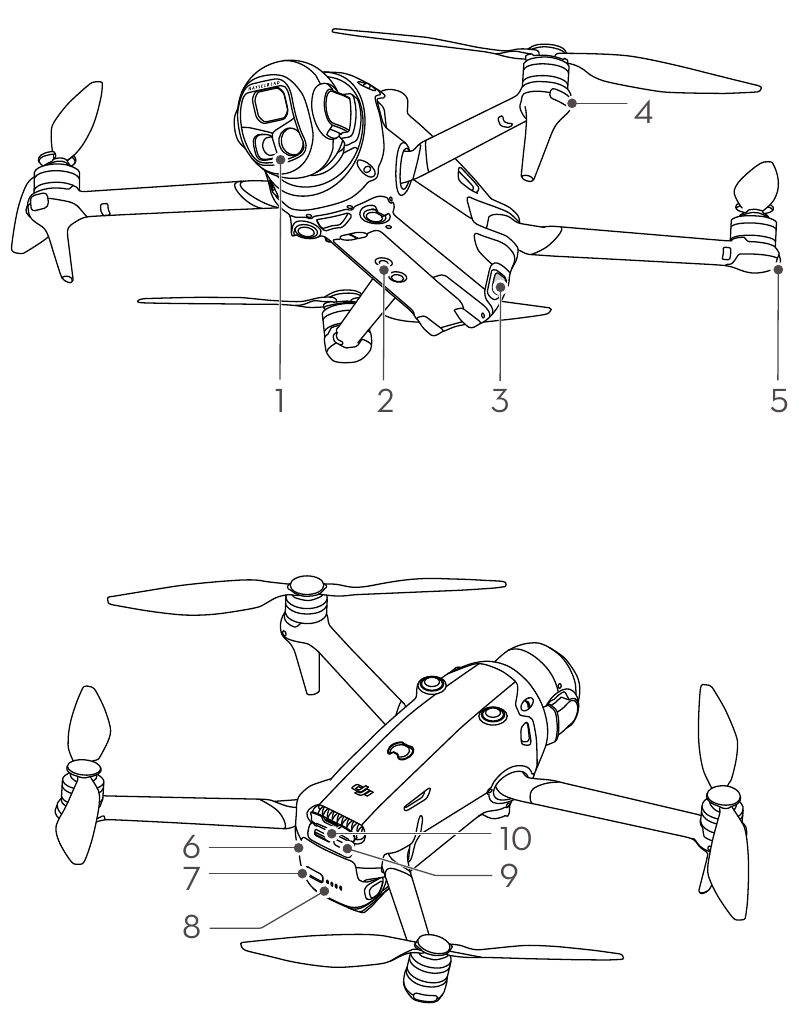
- Gimbal and Camera
- Auxiliary Light
- Battery Buckles
- Front LEDs
- Aircraft Status Indicators
- Intelligent Flight Battery
- Power Button
- Battery Level LEDs
- USB-C Port
- microSD Card Slot
DJI RC Pro 2
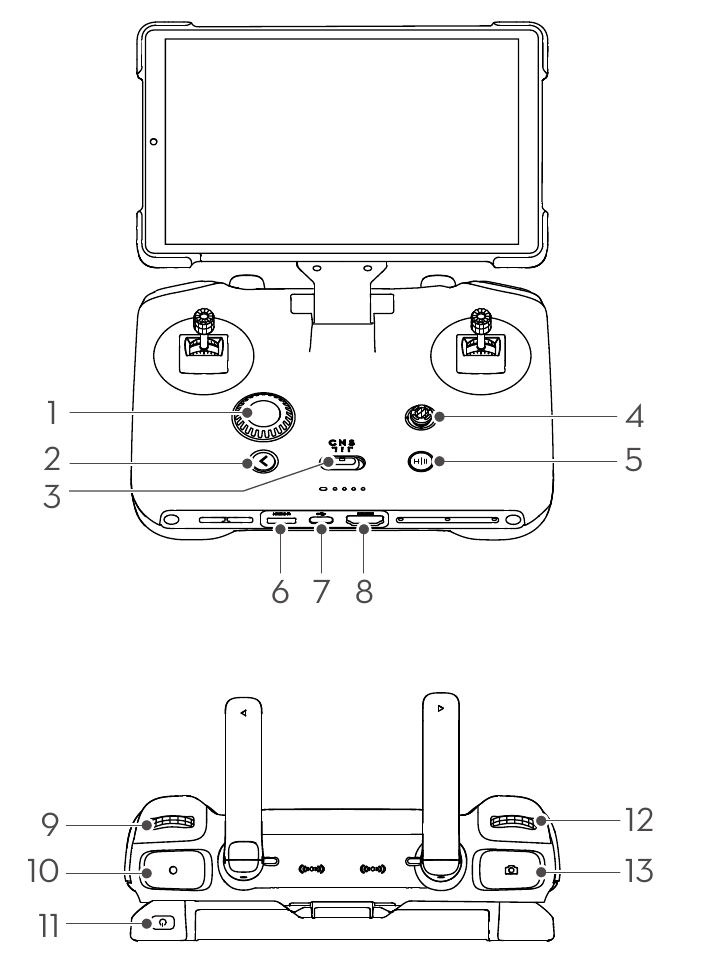
- Dial
- Back Button
- Flight Mode Switch
- 5D Button
- Flight Pause/Return to Home (RTH) Button
- microSD Card Slot
- USB-C Port
- HDMI Port
- Gimbal Dial
- Record Button
- Power Button
- Camera Settings Dial
- Focus/Shutter Button
Download manual
Here you can download full pdf version of manual, it may contain additional safety instructions, warranty information, FCC rules, etc.
Download dji MAVIC 4 PRO Manual


