Pioneer AVH-Z3200DAB, AVH-A3200DAB, AVH-Z2200BT Quick Start Guide
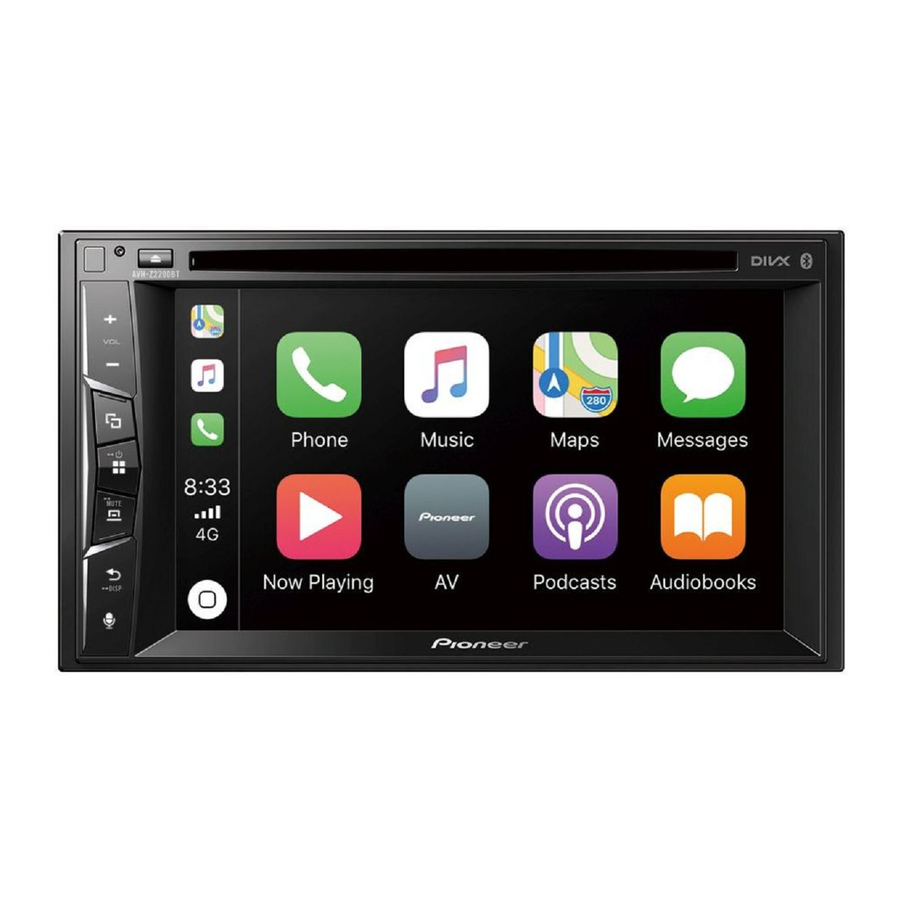
What's What


 | RESET |  Reset the microprocessor Reset the microprocessor |
 | VOL (+/-) | |
 |  |
|
 |  |
|
 |  |
|
 |  |
|
 |  |  Activate the voice recognition mode Activate the voice recognition mode |
 |  | Eject a disc |
 Switch between the Application screen and the AV operation screen
 Switch to the camera view mode
Selecting the clock

 |  Switch to clock adjustment display Switch to clock adjustment display |
 | Adjust the clock |
Selecting the source

 | Display the AV source selection screen and select a source |

| Display the source list and select a source |
Tuner operation

 |  Select a band Select a band |
 |
|
 | Display the preset channel list |
 | Store the strongest broadcast frequencies |
 |
|
Moving images operation

 | Stop playback |
 | Move ahead one frame |
 | Fast forwards and reverse |
 | Pause and start playback |
 |  Change the playback point Change the playback point |

 |  Display the playlist screen Display the playlist screen |
 | Select a list title that you want to play |
 | Scroll the list title or category name |
 |  Scroll the list Scroll the list |
Audio operation

 |  Switch between media file types Switch between media file types |
 | Display the hidden function bar |
 | Set the function for playing audio |
 |  Skip files forwards or backwards Skip files forwards or backwards |
 | Select a folder |
Bluetooth telephone operation

 |  Display the Bluetooth connection menu Display the Bluetooth connection menu |
 | Display the preset dial screen |
 | Switch to the phone book mode |
 | Switch to the call history list |
 |  Enter the phone number directly Enter the phone number directly |
 | Turn private mode on and off |
 | Adjust the listening volume |
 | Accept an incoming call |
 | End a call |
This guide is intended to guide you through the basic functions of this unit.
For details, please refer to the Operation manual stored on the website. http://www.pioneer-car.eu
Declaration of Conformity with regard to the Radio Equipment Directive 2014/53/EU
| Manufacturer: Pioneer Corporation 28-8, Honkomagome 2-chome, Bunkyo-ku, Tokyo 113-0021, JAPAN | EU Representative's & Importer: Pioneer Europe NV Haven 1087,Keetberglaan 1, 9120 Melsele, Belgium ttp://www.pioneer-car.eu |


References

Download manual
Here you can download full pdf version of manual, it may contain additional safety instructions, warranty information, FCC rules, etc.
Download Pioneer AVH-Z3200DAB, AVH-A3200DAB, AVH-Z2200BT Quick Start Guide


