Digipower GO VIRAL DP-VL120 - 120 Led Video Light Manual
Contents
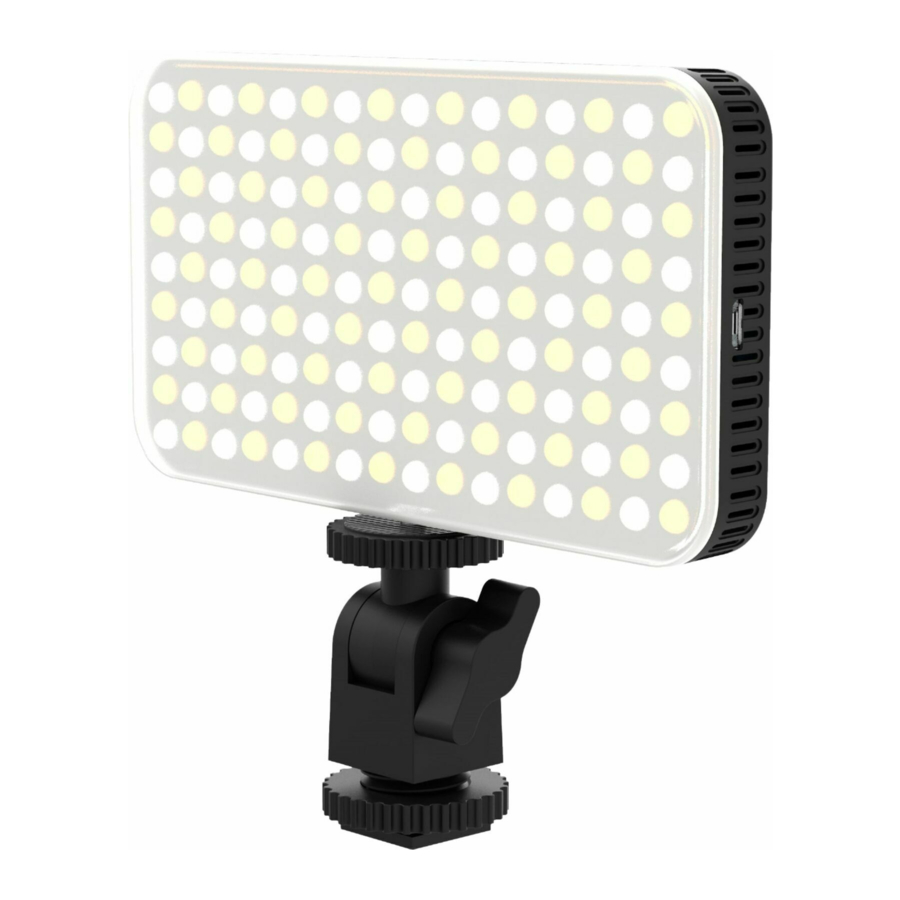
Product Diagram


- Battery level indicator (Battery level indicator)
- Mode indicator (Mode indicator)
- Power button (Power button)
- Rotary knob adjusts colour temperature and brightness
- Micro USB charge port
- ¼" thread mount
Charging the light
- Fully charge the light before first use
- Connect the included micro USB cable from the light to a USB charger (not included)
- When all 4 white LEDs remain on the light is fully charged, charge time approximately 3 hours with a 2amp USB charger
Using the light
- Short press the Power button to turn the light on
- Short press the rotary knob to change between colour temperature and brightness adjustment
- When the mode indicator is blinking blue, colour temperature is adjusted by turning the dial left or right
- When the mode indicator is blue, brightness is adjusted by turning the dial left or right
- To quickly go to full brightness/highest colour temperature, press and hold the Power button for two seconds
- When Battery level indicator shows one LED left, the power level is low and the light should be recharged soon
Attaching the light to a camera shoe
- Thread the camera shoe adapter onto the bottom of the light
- Slide the shoe adapter into the shoe of a DSLR or Mirrorless camera, turn the thumbwheel clockwise to secure it


Download manual
Here you can download full pdf version of manual, it may contain additional safety instructions, warranty information, FCC rules, etc.
Download Digipower GO VIRAL DP-VL120 - 120 Led Video Light Manual

