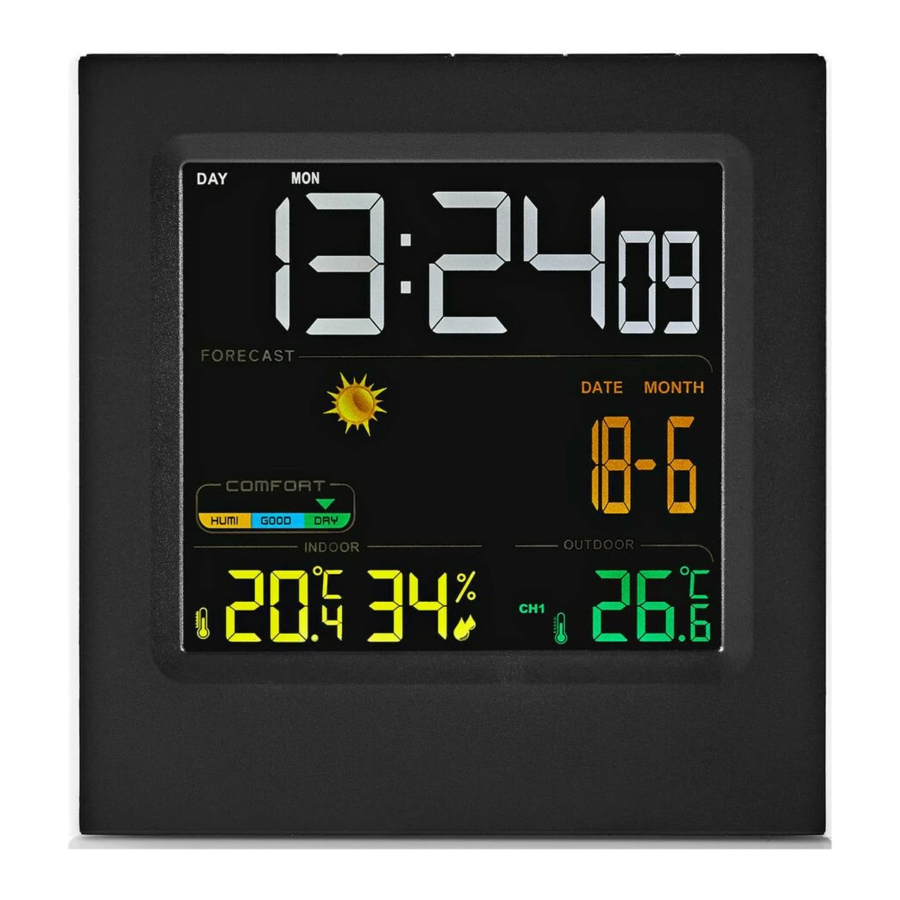
Press the button to set the mode: normal / time / date / alarm mode.
Time mode: Press and hold the button to switch between hours and minutes. Press the up/down buttons to adjust the settings. Press the button to confirm.
Date mode: Press and hold the button to switch between year, month and day. Press the up/down buttons to adjust the settings. Press the button to confirm.
Alarm actuation mode: Press and hold the button to switch between hours, minutes and snooze time. Press the up/down buttons to adjust the settings. Press the button to confirm.
Up button (up button)
Down button (down button)
Press the buttons to increase or decrease the value. Press and hold the buttons to accelerate the process.
Max/min button (max/min button)
Press the buttons to view the temperature and humidity (maximum and minimum values). Press and hold the buttons to clear the maximum and minimum values.
°C/°F button (°C/°F button)
Press the button to set the temperature display format (°C/°F).
Insert the batteries (3x AAA) into the battery compartment.
Close the battery compartment.
Note: After inserting the batteries, the device will detect the indoor temperature and humidity (barometer value) and subsequently the outdoor temperature and humidity for 3 minutes.
Insert the batteries (2x AAA) into the battery compartment.
Close the battery compartment.
Data transmission channel tuner (data transmission channel tuner)
Open the battery compartment.
Remove the batteries.
Set the data reception channel to the corresponding channel on the main unit.
Insert the batteries.
Close the battery compartment.
Safety
General safety
Read the manual carefully before use. Keep the manual for future reference.
The manufacturer is not liable for consequential damages or for damages to property or persons caused by non-observance of the safety instructions and improper use of the device.
Only use the device for its intended purposes. Do not use the device for other purposes than described in the manual.
Do not use the device if any part is damaged or defective. If the device is damaged or defective, replace the device immediately.
Battery safety
Use only the batteries mentioned in the manual.
Do not use old and new batteries together.
Do not use batteries of different types or brands.
Do not install batteries in reverse polarity.
Do not short-circuit or disassemble the batteries.
Do not expose the batteries to water.
Do not expose the batteries to fire or excessive heat.
Batteries are prone to leakage when fully discharged. To avoid damage to the product, remove the batteries when leaving the product unattended for longer periods of time.
If liquid from the batteries comes into contact with skin or clothing, immediately rinse with fresh water.
Cleaning and maintenance
Do not use cleaning solvents or abrasives.
Do not clean the inside of the device.
Do not attempt to repair the device. If the device does not operate correctly, replace it with a new device.
Do not immerse the device in water or other liquids.
Clean the outside of the device using a soft, damp cloth.
Support
If you need further help or have comments or suggestions please visit www.nedis.com/support