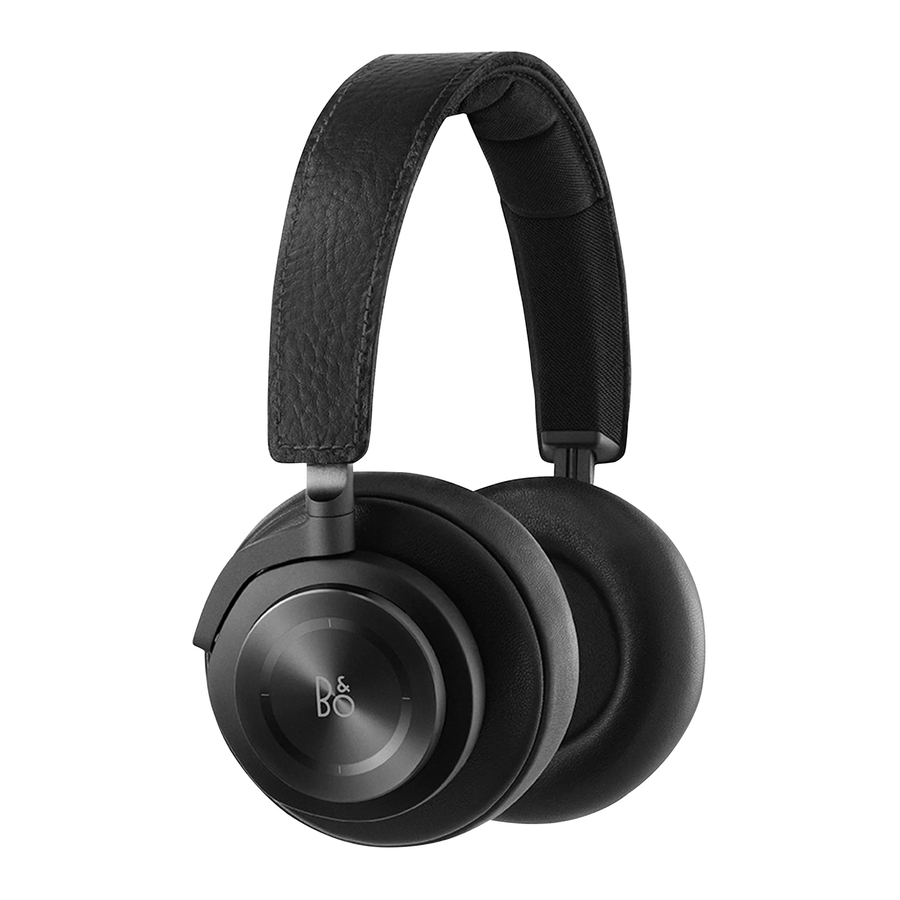
Bang & Olufsen BeoPlay H7 - Headphones Manual
Bluetooth® pairing

Move switch to the top position and hold for 2 sec. to initiate Bluetooth pairing. Release the switch when a sound is heard and the indicator starts flashing blue. Select BeoPlay H7 in the Bluetooth settings on your device

Using Bluetooth

- Move the switch to the top position, and release to activate Bluetooth.
- Move the switch to the top position and release again to deactivate Bluetooth.

Music operation

- Tap to play or pause.
- Circle clockwise or counter-clockwise for volume adjustment.
- Swipe forward or backward for next or previous.


Call operation

- Tap to answer call. Long press to end call. Double tap to redial latest number.
- Circle clockwise or counterclockwise for volume adjustment.


When a call is active, swipe forward to transfer it from the headphones to the smartphone.

Battery and charging

When the indicator turns red, the battery power is below 10%. Charge the headphones using the USB cable or exchange the battery. You can use the headphones while they are charging. When the battery is fully charged, the indicator turns constant green.
Exchange battery

Push the slider to open the battery compartment. Remove the battery by turning the headphones upside down, no need to apply any force. Insert the new battery with charging points pointing inwards and to the right. Close the battery lid and lock it using the slider.
Use with cable

Plug in the enclosed mini-jack cable to use the headphones if you are not allowed to use Bluetooth or if the battery is discharged.

Download manual
Here you can download full pdf version of manual, it may contain additional safety instructions, warranty information, FCC rules, etc.
Download Bang & Olufsen BeoPlay H7 - Headphones Manual


