VAVA Baby Night Light VA-CL009 Manual
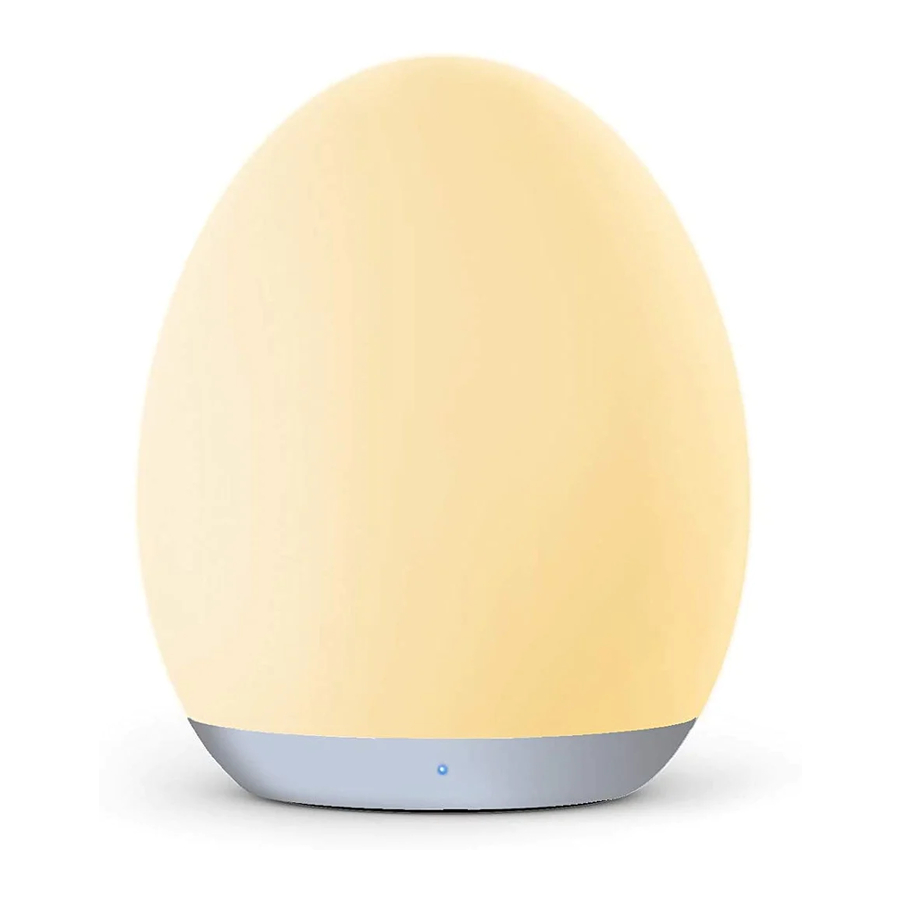
Product Diagram


- Touch Control (Touch Control)
- Power Switch (Power Switch)
- Timer Button (Timer Button)
- LED Indicator (LED Indicator)
- Multicolor Light Mark (Multicolour Light Mark)
- Warm Light Mark (Warm Light Mark)
- Off Mark (Off Mark)
- USB Charging Port (USB Charging Port)
Specifications
| Power | 1.5W |
| Luminous Flux | 100lm |
| Battery Capacity | 2000mAh |
| Charging Time | 3.5h |
| Working Time on a Full Charging | 7h (highest brightness) 100h (lowest brightness but not night light mode) |
| Working Voltage | DC 5V |
How to Use

NOTE:
- When the battery level is lower than 20%, the LED indicator will turn red. · The LED indicator will keep blinking when charging and stay solid blue once fully charged.
- In standby mode, the LED indicator will blink on and off for easy locating in the dark.
Warm Light Mode

- Toggle the Power Switch (Power Switch) to Warm Light Mark (Warm Light Mark).
- Tap the Touch Control (Touch Control) twice to turn on / off the light.
- Tap and hold the Touch Control (Touch Control) to adjust the light brightness, release at the desired level. Tap and hold it again to adjust the brightness to the opposite direction.
Multicolor Light Mode

- Toggle the Power Switch (Power Switch) to Multicolor Light Mark (Multicolour Light Mark) to enter automatic colour carousel, where several colour will cycle through.
- Tap the Touch Control (Touch Control) once to stay in current colour, tap it again to resume colour carousel. The LED indicator will flash twice to confirm your setting.
- Tap the Touch Control (Touch Control) twice to turn on / off the light.
Memory Function
The Memory Function is enabled only in Standby mode.
Warm Light Mode/ Multicolor Light Mode (Warm Light Mode/ Multicolour Light Mode)
- To enter the Standby mode, tap the Touch Control (Touch Control) twice and the light will turn off indicating the light is under Standby mode.
- Tap the Touch Control (Touch Control) twice again, the light will turn on and remain the last setting for Brightness (in Warm Light Mode) or Color Temperature (in Multicolor Light Mode) (Colour Temperature (in Multicolour Light Mode)).
NOTE:
Do not toggle the Power Switch (Power Switch) to OFF, or it will exit the Standby mode and reset the night light.
Night Light Mode
When the light is in Standby mode, tap and hold the Touch Control (Touch Control) for 1 second to enter night light mode.
NOTE:
Night light mode is enabled only in Warm Light Mode.
Timer Setting
When the light is on, press the Timer Button (Timer Button) once to set 1 hour timer with the LED indicator turning green.

- Do not attempt to alter or repair the unit. Return to the manufacturer for repairing.
- If a bad odour or an unusual operation is detected, turn off immediately.
- Do not place near any heat source, moisture, or corrosive substances.
- Regularly clean the lamp with a dry cloth.
- If not in use, regularly clean the unit. Store in a dry and cool place.
- Use a 5V power adapter only, as other adapters may damage the product.
E-mail
support@vava.com
Manufacturer:
Shenzhen NearbyExpress Technology Development Co.,Ltd. Address: Floor 7, Building E, Galaxy World Phase II, Shenzhen, China
Learn more about the EU Declaration of Conformity:
https://www.vava.com/pages/user-manual


References

Download manual
Here you can download full pdf version of manual, it may contain additional safety instructions, warranty information, FCC rules, etc.
Download VAVA Baby Night Light VA-CL009 Manual