JBL Tune 560BT - On-Ear Headphones Manual
Contents
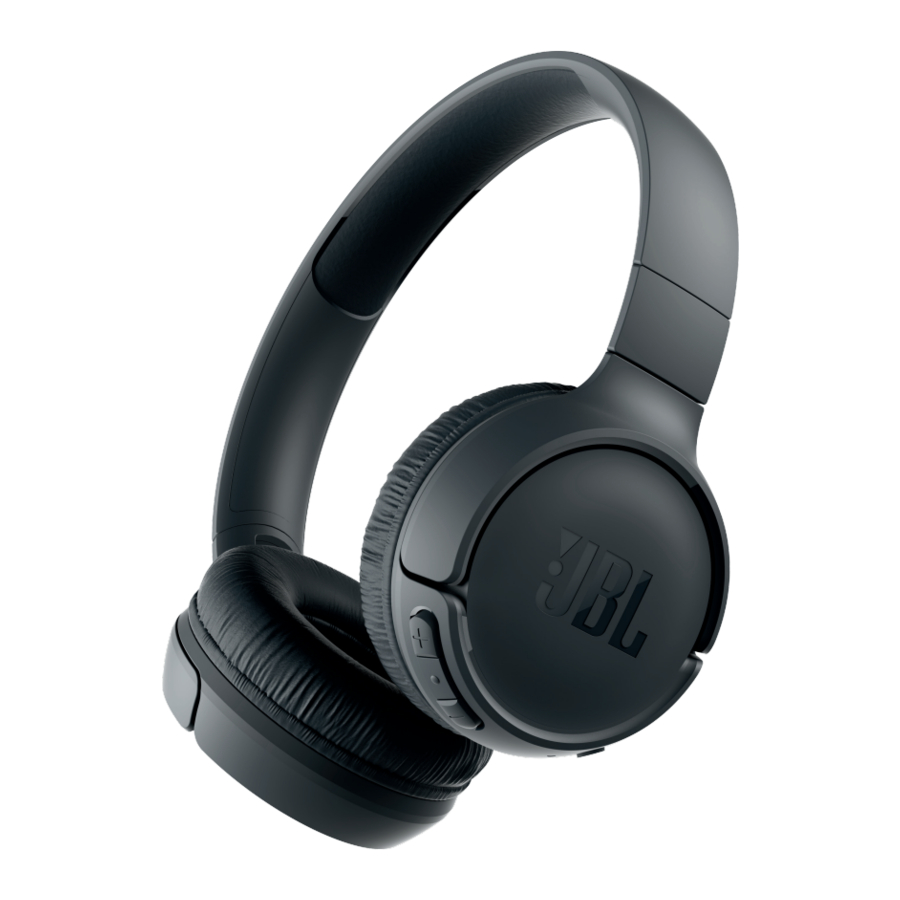
What's in the box

TUNE560BT

Charging cable

Warranty Card, Warning Card, Safety sheet and QSG
Overview
Buttons & LEDs

Charging

Bluetooth® connection
- Turn on/off the headphone (Turn on/turn off the headphone)

- If connecting for the first time, the headphone will enter paring mode automatically after it is powered on.
- Connect to Bluetooth device (Connect to Bluetooth device)


Music control

Phone call

Voice assistant

Seamlessly switch between devices
- Pair and connect the headphone with the 1st device. (see Section Bluetooth Connection)
- Pair and connect the headphone with the 2nd Bluetooth device

- Connect to Bluetooth device (Connect to Bluetooth device)


Items to note:
- Maximum 2 devices can be connected simultaneously
- To switch music source, pause the music on the current device and select play on the 2nd device.
- Phone call will always take priority.
- If one device goes out of Bluetooth range or powers off, you may need to manually reconnect the remaining device. See Section 7 Step 3.
LED behaviour

| LED Status | Headphone mode |
 On On |  Power on Power on |
 On On | Power off |
 Fast Fast |  BT Pairing BT Pairing |
 On On | BT Connected |
 Slow Slow |  Low Battery Low Battery |
 On On |  Charging in Progress Charging in Progress |
 Off Off | Charging Complete |

Download manual
Here you can download full pdf version of manual, it may contain additional safety instructions, warranty information, FCC rules, etc.
Download JBL Tune 560BT - On-Ear Headphones Manual


