Marantz SR7008 Manual
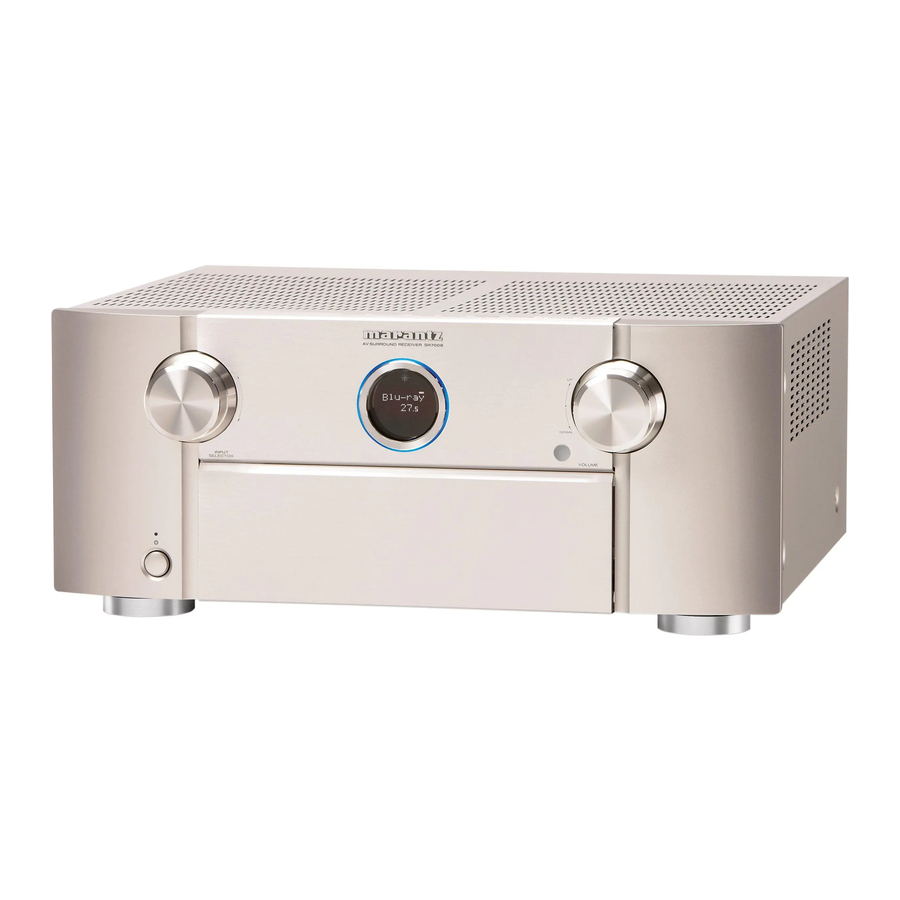
Before You Begin
If you have setup problems:
If you need additional help in solving problems, contact Marantz customer service in your area.
For details, see the Marantz homepage. www.marantz.com
1-855-ONE-MARANTZ
1-855-663-6272 Call for Assistance: 9:00AM to 8:00PM M-F E.S.T.
For frequency asked questions please visit http://marantz.custhelp.com/app/answers/list
For US and Canada only
What's In the Box

Required for setup

 These drawings are for illustrative purposes only and may not represent the actual product(s).
Setup
There are three steps to the setup process.
- Install batteries in the remote control unit
- Connect the receiver to your TV
- Follow the On-Screen Setup Assistant
Installing batteries in the remote control unit

Connecting the receiver to your TV
- Place the receiver near your TV.
![]()
![]()
Receiver - Connect the receiver to your TV with an HDMI cable.


- Turn on the TV.
![]()
- Select the appropriate HDMI input on your TV.
![]()


- Turn on receiver.

- Press
![]() to turn on receiver.
to turn on receiver.


 to turn on receiver.
Follow the On-Screen Setup Assistant
The Setup Assistant will walk you through connecting and configuring your speakers and components to your Marantz receiver. Please use the remote control and follow the on-screen instructions.

Owner's Manual
The included CD-ROM contains an Adobe PDF version of the full owner's manual for the AV receiver.
Please reference this manual for more details about the setup and operation of the receiver and it's features.

References

Download manual
Here you can download full pdf version of manual, it may contain additional safety instructions, warranty information, FCC rules, etc.
Download Marantz SR7008 Manual
