EZVIZ DP1 - Wire-free Smart Door Viewer Manual
Contents
Attention
- Do not expose the camera to the harsh environment like high temperature, humid, salt mist, or rain, otherwise, the device may be damaged.
- Do not press the sensor or lens of the camera, otherwise, the device may be damaged.
- Do not pull the wire of the camera hardly, and protect yourself from being cut by the wire. Damage to the wire due to inappropriate operation is not included in the warranty.
- Use the exclusively power adapter to charge the panel, otherwise, the system may be damaged.
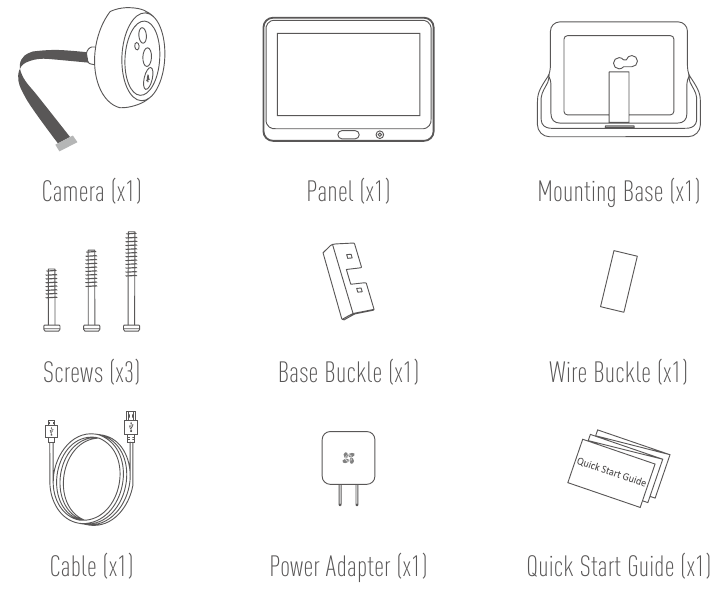
Box Content
Overview
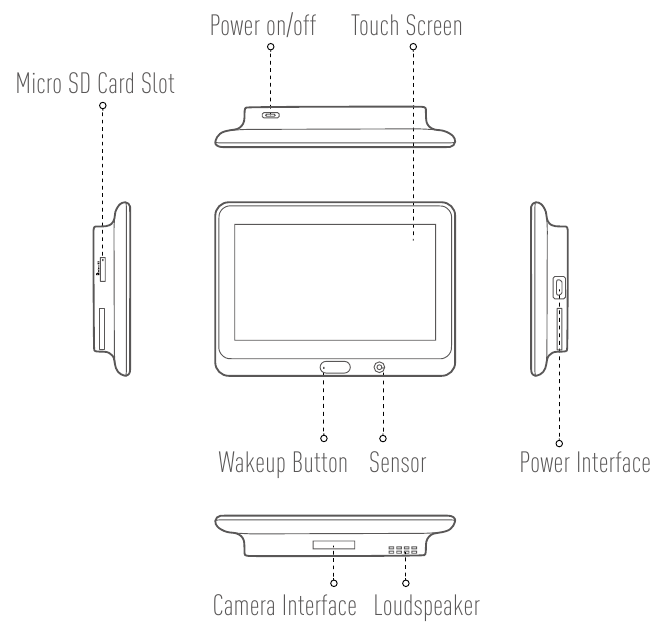
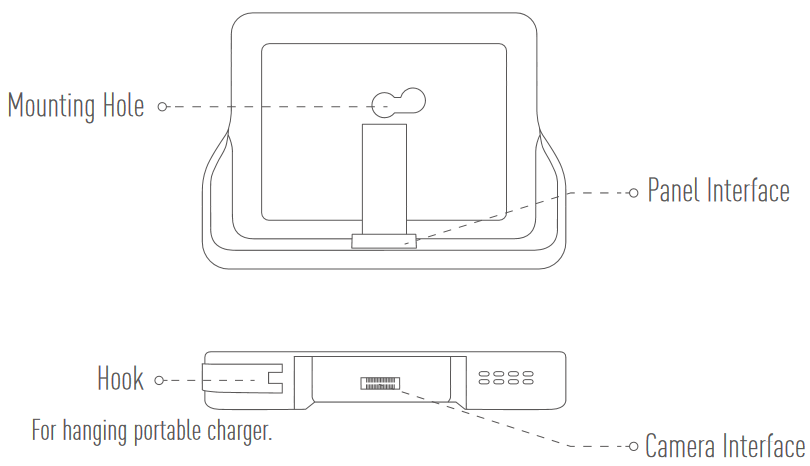
Panel
Camera
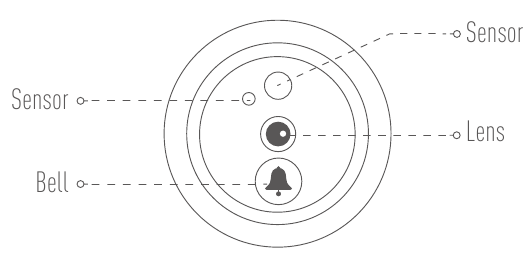
 Do not block the sensors.
Mounting Base
Installation
- If you used to install the peephole, remove it and install the device in the same place. If not, please drill a hole of diameter about 16.5 to 30mm and about 145cm distance from the ground to have a good viewing effect.
- Measure the door's thickness and select the appropriate screw.
![]()
Screw Thickness ![]()
35 to 60mm ![]()
60 to 85mm ![]()
85 to 100mm


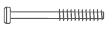
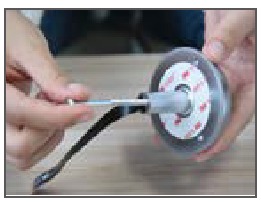
- Turn the screw into the back of camera.
![]()
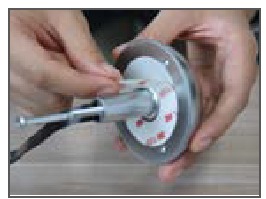
- Tear off the release paper.
![]()
- Pass screw and wire through the door. You can roll up the paper to help.
![]()
- Adjust camera's position and push it close to the door gently.
![]()
- Connect the mounting base with the camera's wire.
![]()
- Insert the buckle and press it tightly to fix it.
![]()
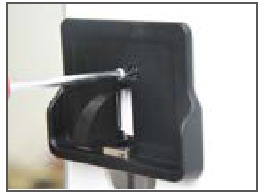
- Adjust the mounting base's position and tighten the screw.
![]()
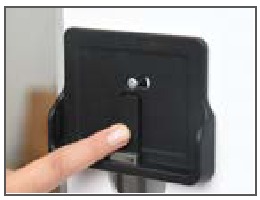
- Put the wires in the groove and insert the buckle.
![]()
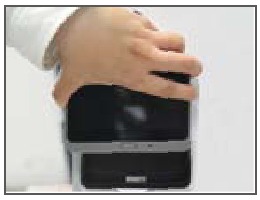
- Slide the panel into the mounting base.
![]()
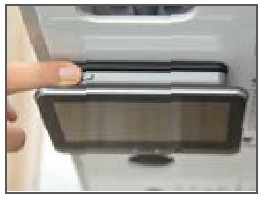
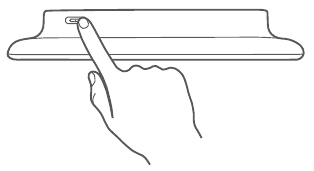
- Hold the power button to power on the panel.
![]()
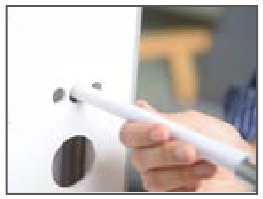
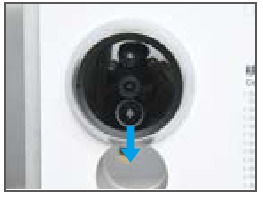
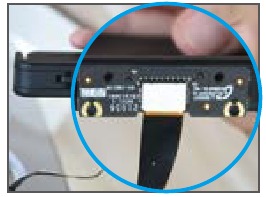
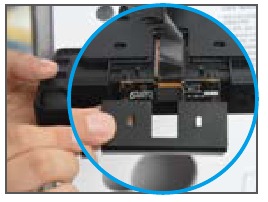
Power on
Hold the power button for 3 to 5 seconds to power up the panel.
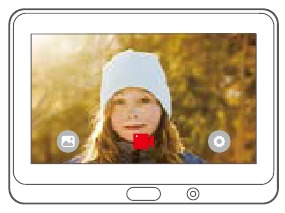
 | Album |
 | Record |
 | Set |
Tap to set detailed parameters as you desired such as Display, Monitoring, Date, and etc.
Connect to Wi-Fi
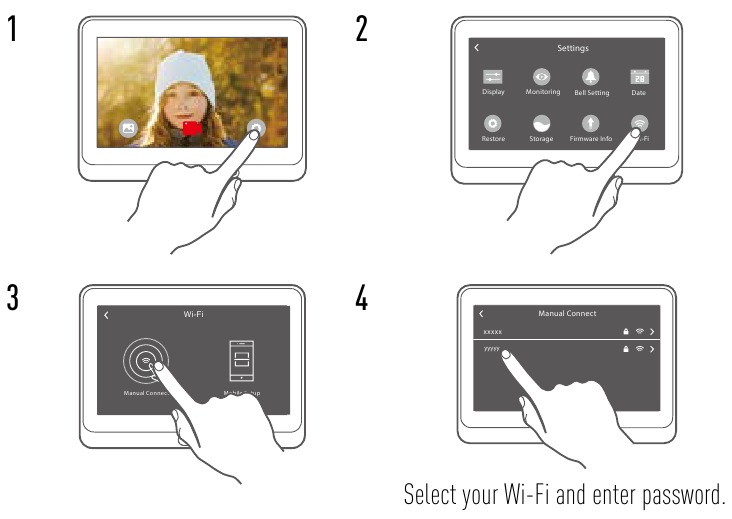
Add to EZVIZ App
- Create an user account.
- Connect your mobile phone to Wi-Fi.
- Download and install the EZVIZ app by searching "EZVIZ" in App Store and Google Play. TM
- Launch the app and register an EZVIZ user account following the start-up wizard.
- Add a camera to EZVIZ.
- Log in the EZVIZ app.
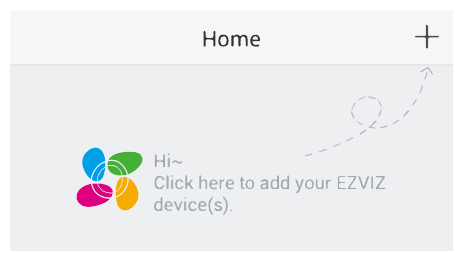
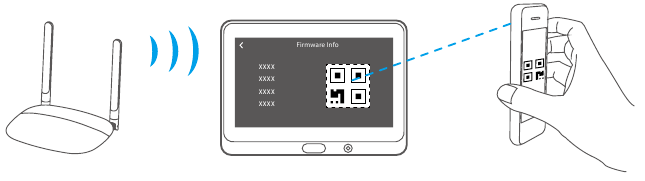
- On the Home screen, tap "+" on the upper-right corner to go to the scan QR code page.

- Scan the QR code.

![information]() Tap Firmware Info to view the QR code.
Tap Firmware Info to view the QR code.
Charge the Panel
Connect the panel with the power outlet via power adapter.
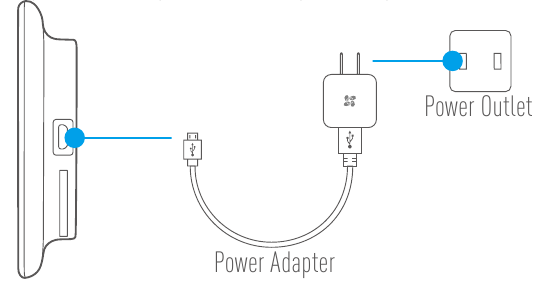
- Recommended Charging Time: 5 to 6 hours.
- You can also charge the panel via portable charger and hang it on the hook.

References

Download manual
Here you can download full pdf version of manual, it may contain additional safety instructions, warranty information, FCC rules, etc.
Download EZVIZ DP1 - Wire-free Smart Door Viewer Manual


