Bang & Olufsen Beoplay Beoplay E4 - Headphones Manual
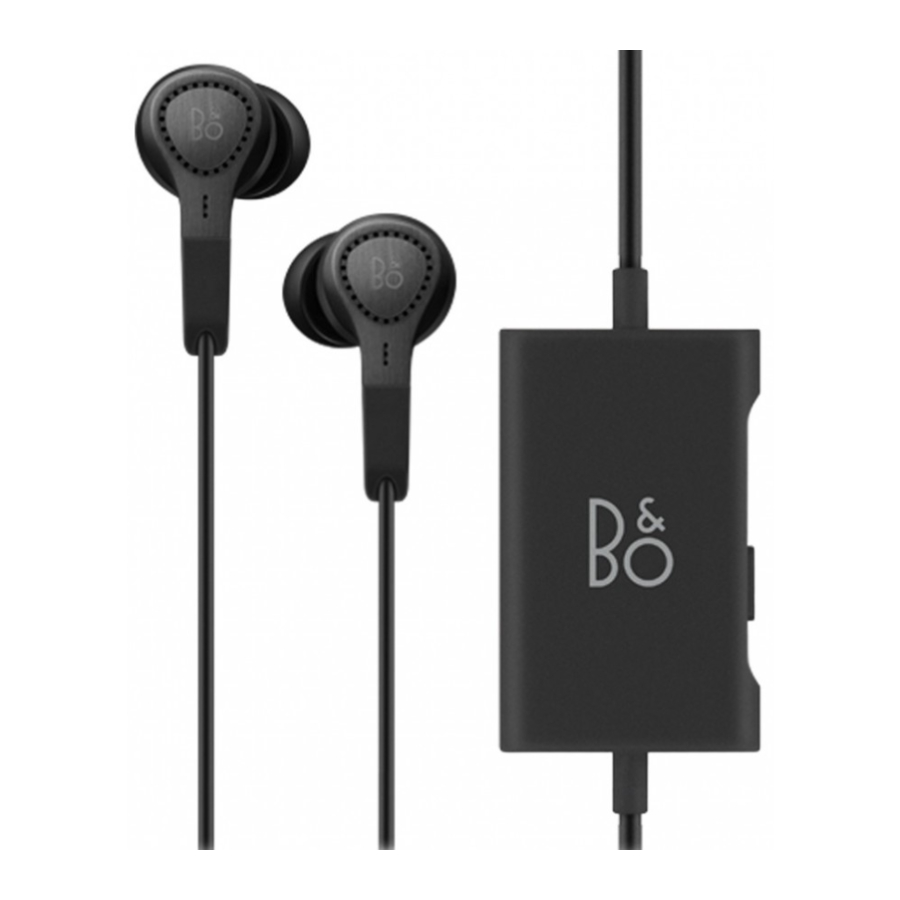
Comply Tip

Buttons Oveview

Noise Cancellation

Move the switch to ON position to switch on the Active Noise Cancellation. The indicator turns white.
Transparency

Move the switch to the end position and hold for 1 second to switch on and off the Transparency. The indicator turns blue when Transparency is switch on. Active Noise Cancellation is turned on and the indicator turns white when Transparency is switched off.
Charging


When the indicator turns red, the battery power is below 10%. Charge the earphone using the USB cable. You can use the earphone while they are charging. When the battery is fully charged, the indicator turns constant green.
Register Online
Register online at www.beoplay.com/register to receive important  information about product and software updates – and to get exciting news and offers from B&O PLAY. If you have purchased your product at a BANG & OLUFSEN store or at www.beoplay.com, you have automatically been registered.

References

Download manual
Here you can download full pdf version of manual, it may contain additional safety instructions, warranty information, FCC rules, etc.
Download Bang & Olufsen Beoplay Beoplay E4 - Headphones Manual


