Pioneer AVH-220EX, AVH-221EX - DVD RDS AV Receiver Quick Start Guide
Contents
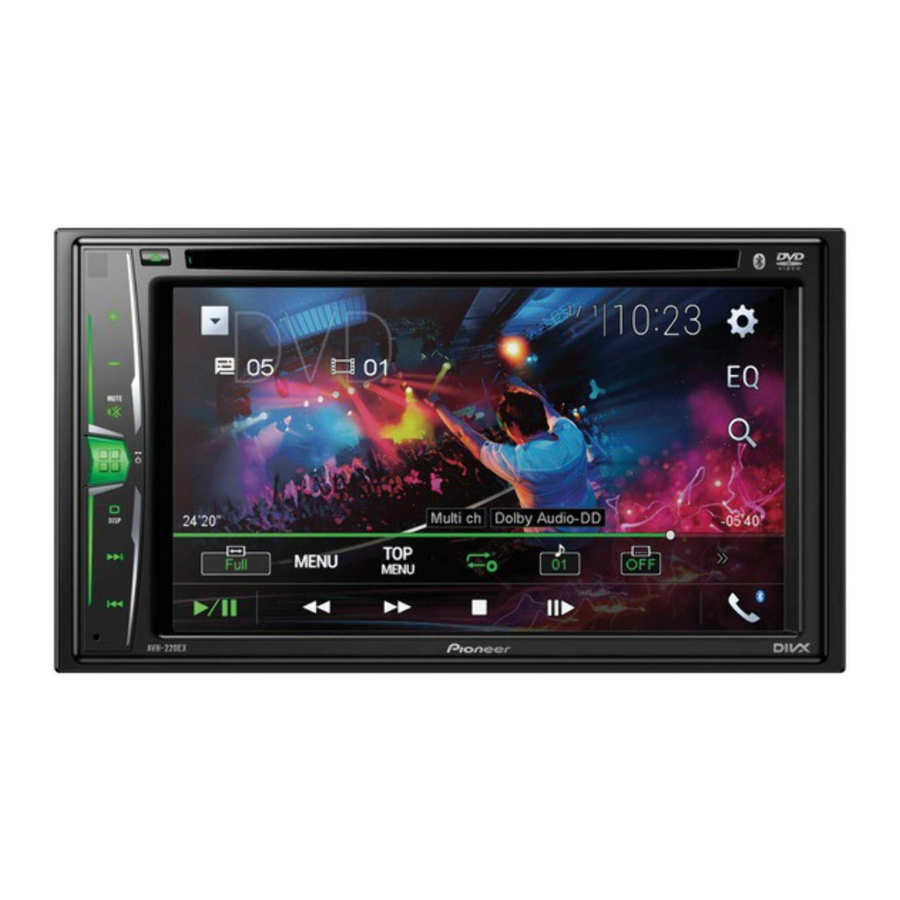
The screen shown in the examples may differ from actual screens, which may be changed without notice for performance and function improvements.

What's What

- VOL (+/–) button
- MUTE button
![]() button
button
Press to display the top menu screen.
Press and hold to power off.- DISP button
Press to turn the display on or off. ![]() or
or ![]() button
button
Performs manual seek tuning, fast forward, reverse and track search controls.
Press to answer or end a call.- RESET button
![]() button
button
Press to eject a disc.- Disc-loading slot
- LCD screen
 button
 or
or  button
 button
Selecting the source

Setting the clock

Tuner operation

Moving images operation
[DVD operation]

The vehicle must be in park with the handbrake set.
[ROM, USB-Video operation]

The vehicle must be in park with the handbrake set.
Audio operation

Bluetooth telephone operation
Compatible smartphones
Compatibility with all smartphones is not guaranteed.

This guide is intended to guide you through the basic functions of this unit.
For details, please refer to the Operation manual stored on the website.
http://www.pioneerelectronics.com/PUSA/Car


References

Download manual
Here you can download full pdf version of manual, it may contain additional safety instructions, warranty information, FCC rules, etc.
Download Pioneer AVH-220EX, AVH-221EX - DVD RDS AV Receiver Quick Start Guide


