Tacx FLUX S Smart Manual
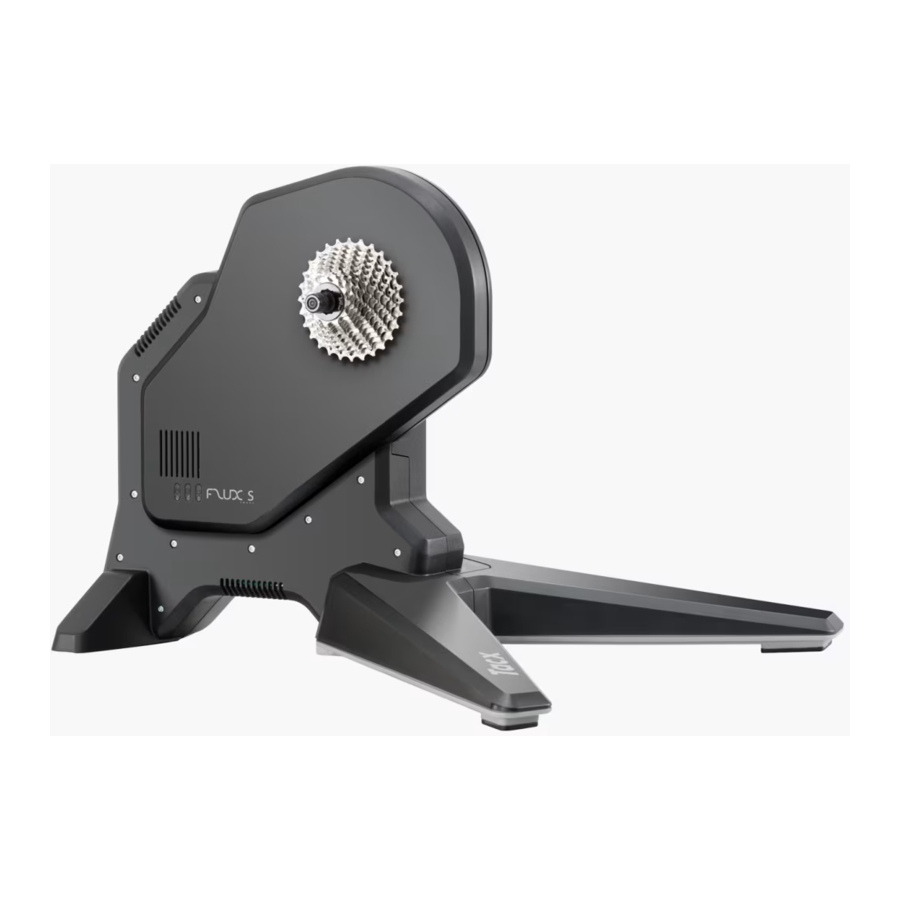
Assembly
- Check if everything is in the package

- Lay the trainer down on its side

- Place the cassette on the body by aligning the markers
Please consult the Tacs website for an updated list with fitting cassettes.

- Mount the cassette according to the instructions provided in the manual of the cassette
- Slide the front leg in the trainer and fix it with the 2 bolts

- Place the trainer on a firm, level surface

- Select the needed quick release. Place the T2835 for 142x12 or 148x12 mm axles according to the instructions supplied with the axles. Use the fill ring in case of axle length 135 mm


Quick release for 142x12mm and 148x12mm sold separately, check the Tacx website
- Place the bike in the trainer


Disk surface can be hot. Do not touch when operating.

Specifications
| Wireless Protocol: | Bluetooth 4.0 & ANT+ |
| Frequency range | 2400-2483,5 MHz |
| RF Output Power | 5 dBm (typical) |
| Temperature Range | Operational -20°C to+ 55°C |
| Transmit Range | 10 m |
| Power supply | Only use supplied power cord |
Download manual
Here you can download full pdf version of manual, it may contain additional safety instructions, warranty information, FCC rules, etc.
Download Tacx FLUX S Smart Manual


