How to Find the Recycle Bin on Xiaomi Redmi Pad Pro
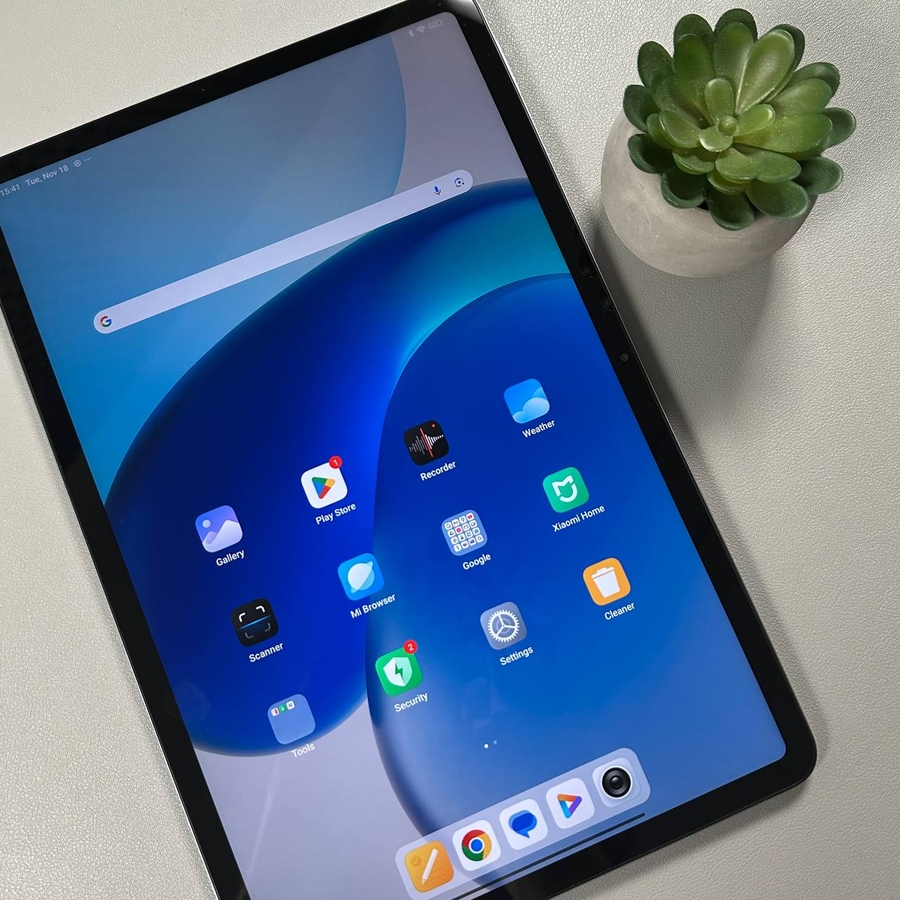
Are you searching for an easy way to manage your deleted files on the Xiaomi Redmi Pad Pro? In this guide, we'll show you how to access the recycle bin using the Files by Google app, a tool that will help you restore accidentally deleted files within 30 days.
Download and Install Files by Google
To start, you need to download the Files by Google app from the Google Play Store. This application is essential as it provides a user-friendly interface for managing and recovering your deleted files. Open the Play Store on your Xiaomi Redmi Pad Pro, search for 'Files by Google,' and tap the 'Install' button to download and set it up on your device.

Open and Set Up Files by Google
Once the app is installed, tap on its icon to open it. Follow the on-screen instructions to give the app the necessary permissions. This might include allowing access to your device's storage, which is crucial for the app to locate and manage your files efficiently.

Navigate to the Menu and Access the Recycle Bin
After you have set up the app, look for the menu icon, typically represented by three horizontal lines or dots in the top corner of the screen. Tap on it to open an expanded view with more options. Here, you will see a bin icon labeled 'Recycle Bin,' where all your recently deleted files are stored.

Managing and Restoring Deleted Files
Inside the recycle bin, you'll find a list of all your deleted files. You can restore these files within 30 days from the time of deletion. To recover a file, tap on it and choose the 'Restore' option. This will move the file back to its original location on your device.