How to Take Stunning Macro Photos on Your Xiaomi 15T Pro
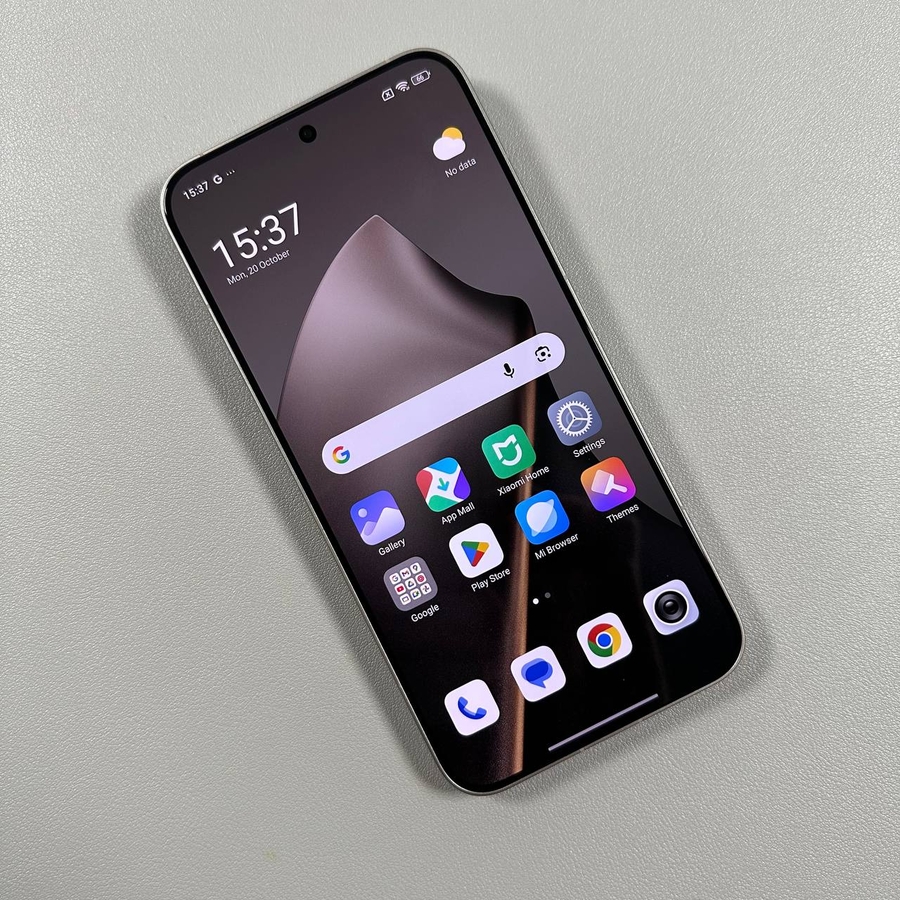
Unlock the potential of your Xiaomi 15T Pro by learning how to capture intricate macro photographs. Follow these detailed steps to make the most of your smartphone's camera.
Step 1: Open the Camera App
To start your macro photography journey on your Xiaomi 15T Pro, first open the Camera app. This app's icon looks like a small camera and can be found on your home screen or within the app drawer.

Step 2: Find Your Subject
Choose an interesting subject for your macro photo. Look for something that features fine details, like the text on a box or the intricate patterns of a flower. Make sure your subject is well-lit and has interesting textures to emphasize.

Step 3: Zoom In
Once you have chosen your subject, use your fingers to pinch the screen and zoom in. This will activate the macro mode on your Xiaomi 15T Pro, allowing you to get up close and personal with your chosen subject.

Step 4: Keep Your Phone Steady
To capture the clearest macro shots, it is essential to hold your phone steady. Any slight movement can lead to blurry images. Consider supporting your elbows on a solid surface or using a tripod for better stability.
Step 5: Enhance with Flashlight
In low light conditions, you can enhance your macro photos by using the flashlight on your Xiaomi 15T Pro. This provides additional lighting to highlight fine details, creating a more vivid and focused image.

Now you are equipped with the knowledge to take stunning macro photos using your Xiaomi 15T Pro. Remember to keep experimenting with different subjects and lighting conditions to enhance your photography skills further.