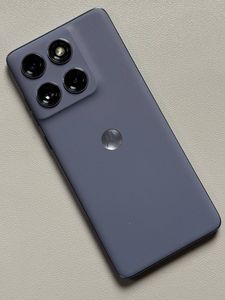
How to Check EID Number on Motorola EDGE 60 Fusion
In this guide, we will walk you through the simple process of locating the EID number on your Motorola EDGE 60 Fusion. Whether you need this number for troubleshooting or for technical setup, these instructions will help you find it effortlessly.
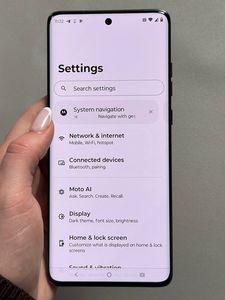
Step 1: Open the Settings App
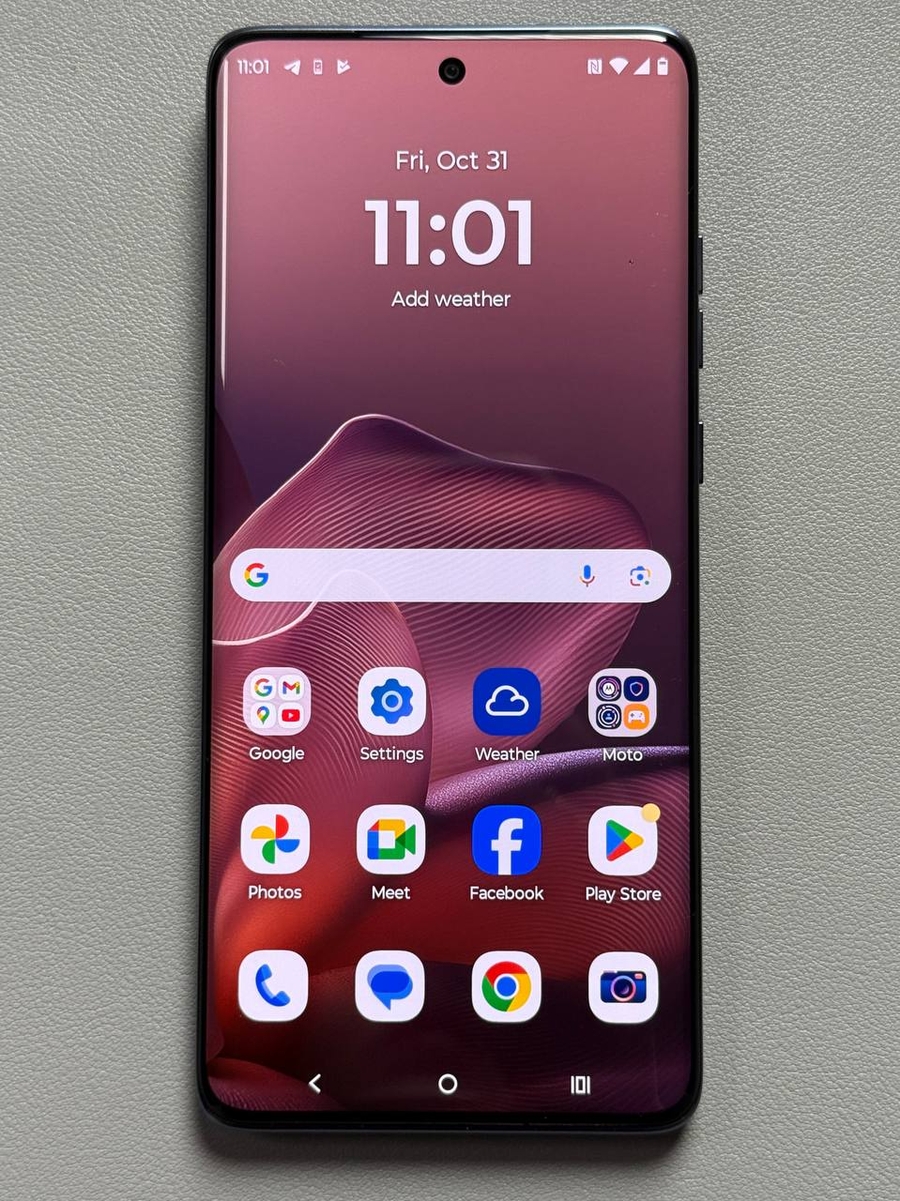
To begin, unlock your Motorola EDGE 60 Fusion and locate the Settings app, identifiable by its gear-shaped icon. You can find this icon either on your home screen or within the app drawer.

Step 2: Navigate to About Phone
Once the Settings app is open, scroll to the bottom of the menu. Look for the "About Phone" option and tap on it to proceed.

Step 3: Select Device Details
In the About Phone section, continue scrolling until you find "Device Details." This is where the necessary device information, including the EID, is located.

Step 4: Locate and Copy the EID Number
In the Device Details section, scroll once more to locate the EID number. To copy it for later use, press and hold down your finger on the EID number until the copy option appears, then select it.