Dell Latitude 7390 2-in-1 P29S - Snelstartgids voor laptop
Inhoud
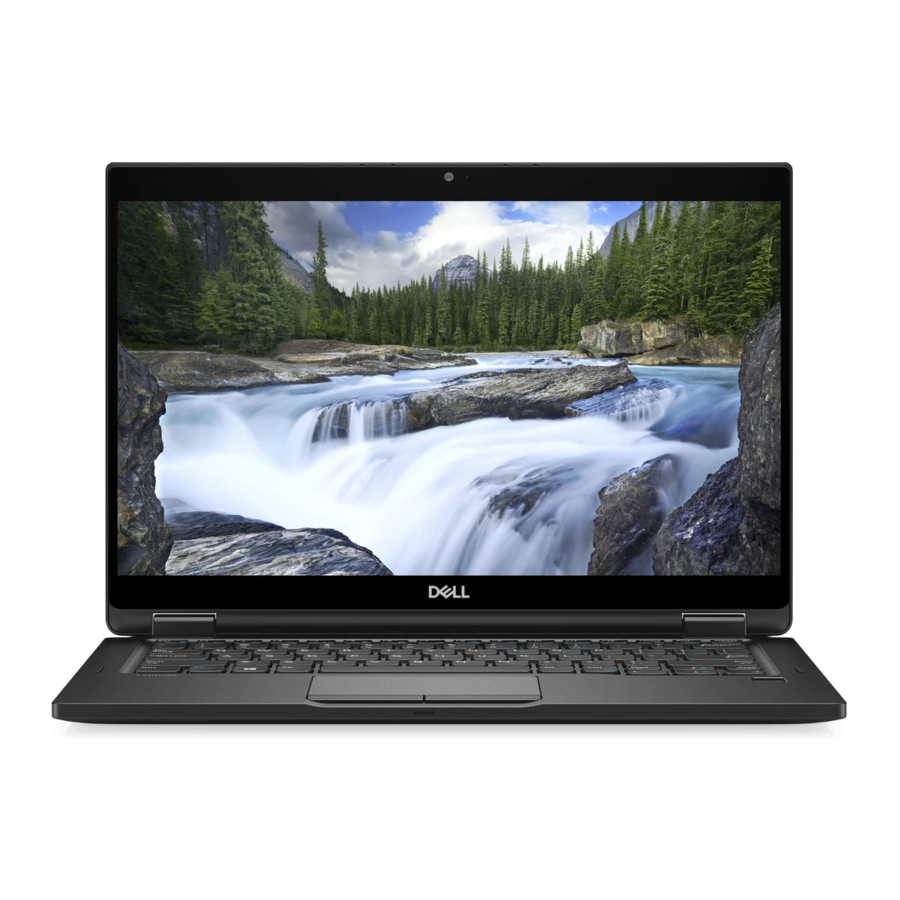
Functies


- Standaard rand
- Statuslampje infraroodcamera (IR) (optioneel)
- Infraroodcamera (IR) (optioneel)
- RGB-camera (optioneel)
- Statuslampje RGB-camera (optioneel)
- Optionele microfoons (IR+RGB- en RGB-ondersteuning)
- Smalle rand
- Camera
- Statuslampje camera
- Microfoons
- Noble Wedge-slot
- USB 3.1 Gen 1-poort met PowerShare
- micro-SIM-kaartslot
- microSD-kaartslot
- Headsetpoort
- Vingerafdruklezer (optioneel)
- Volumeknoppen
- Aan/uit-knop/statuslampje
- Luidspreker
- NFC-sensor (optioneel)
- Touchpad
- Statuslampje batterijlading
- Luidspreker
- Smartcardlezer (optioneel)
- Actieve pen (optioneel)
- USB 3.1 Gen 1-poort
- HDMI-poort
- DisplayPort via USB Type-C-oplaadpoort/Thunderbolt 3 (optioneel)
- Statuslampje microfoon
- Servicetaglabel
Sluit de voedingsadapter aan en druk op de aan/uit-knop

Wat is er nieuw

- Ondersteunt Intel ® 7e en 8e generatie processors
- Ondersteunt optionele Thunderbolt ™ 3
- Ondersteunt 2133 MHz op 16 GB geheugen
| Productondersteuning en handleidingen | Dell.com/support Dell.com/support/manuals Dell.com/support/windows |
| Contact met Dell | Dell.com/contactdell |
| Regelgeving en veiligheid | Dell.com/regulatory_compliance |
| Regelgevingsmodel | P29S |
| Regelgevingstype | P29S002 |
| Computermodel | Latitude -7390 2-in-1 |
© 2017 Dell Inc. of haar dochterondernemingen.
© 2017 Intel Corporation.

Referenties
Support | Dell US
Manuals | Dell US
Windows Operating Systems | Dell US
Support | Dell US
Regulatory Compliance | Dell

Download handleiding
Hier kunt u de volledige pdf-versie van de handleiding downloaden. Deze kan aanvullende veiligheidsinstructies, garantie-informatie, FCC-regels, enz. bevatten.
Download Dell Latitude 7390 2-in-1 P29S - Snelstartgids voor laptop


