Pioneer AVH-110BT - DVD RDS AV Receiver Quick Start Guide
Contents
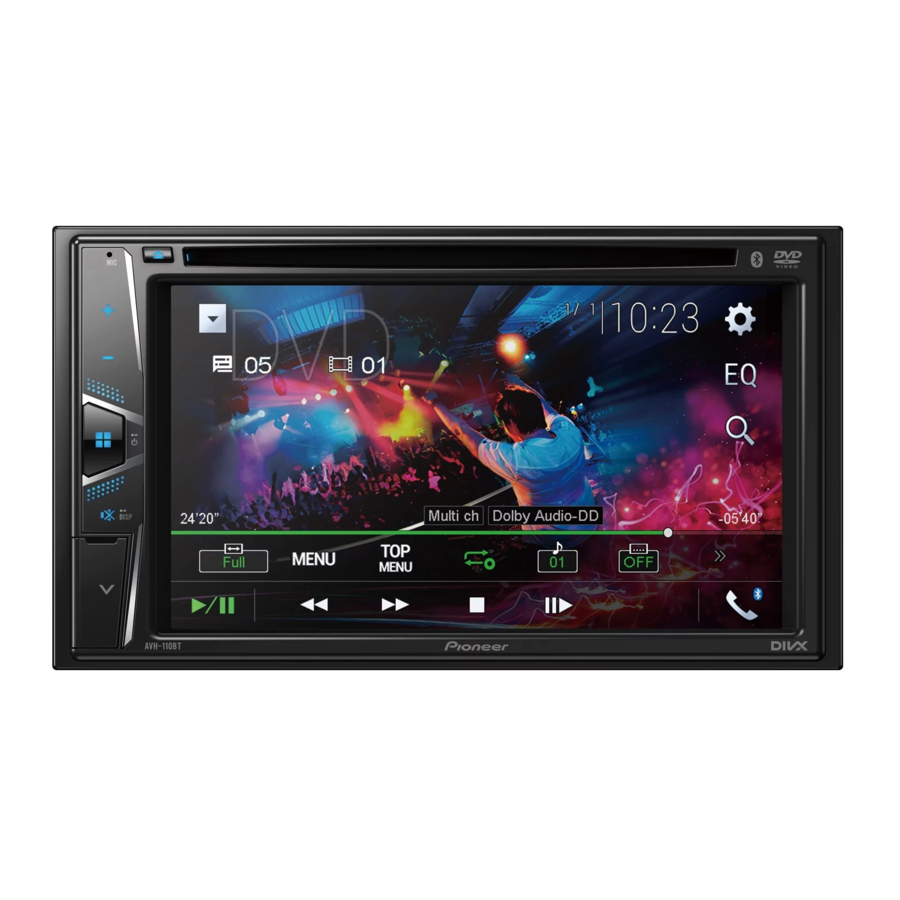
What's What and RESET Button Location
The screen shown in the examples may differ from actual screens, which may be changed without notice for performance and function improvements.


- VOL (+/–) button
![]() (HOME) button
(HOME) button
Press to display the top menu screen.
Press and hold to power off.![]() (MUTE) button
(MUTE) button
Press and hold to display off.- USB port
- RESET button
- Microphone
The Bluetooth microphone is built in the grill of the product.
Speak toward the microphone when you make a call. ![]() (EJECT) button
(EJECT) button- Disc-loading slot
- LCD screen
 (HOME) button
 (MUTE) button
 (EJECT) button
Selecting the source

Setting the clock

Tuner operation

Moving images operation
[DVD operation]

The vehicle must be in park with the parking brake set.
[ROM, USB-Video operation]

The vehicle must be in park with the parking brake set.
Audio operation

Bluetooth telephone operation
Connecting to Bluetooth
![]() .
.![]() .
.![]() [Connection] (Connection).
[Connection] (Connection).![]() .
.![]() the Bluetooth device name.
the Bluetooth device name.

 .
. .
. [Connection] (Connection).
 .
.

Download manual
Here you can download full pdf version of manual, it may contain additional safety instructions, warranty information, FCC rules, etc.
Download Pioneer AVH-110BT - DVD RDS AV Receiver Quick Start Guide


