Logitech S150 Manual
Contents
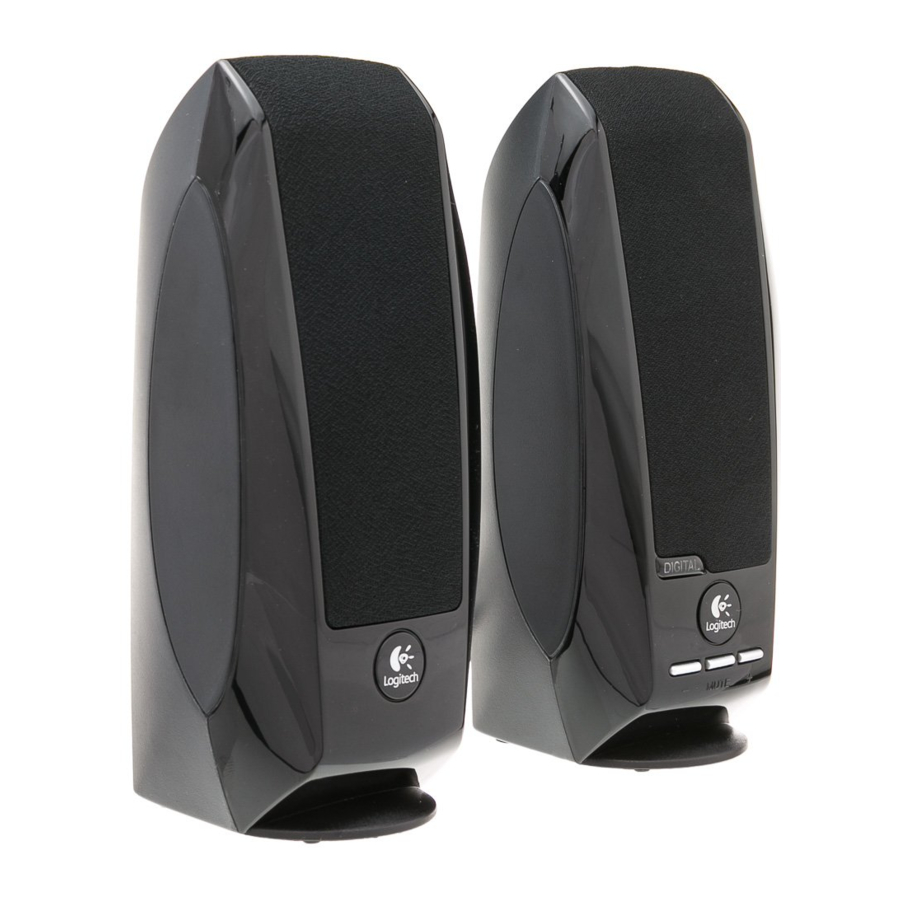
KNOW YOUR PRODUCT

CONNECT THE SPEAKERS
- Connect the USB-A power cable to your device for power and audio

- When the power is on, there will be an orange light signal on your right speaker


ADJUST THE VOLUME
- Increase (or decrease) the volume of speakers by pressing the + or - buttons.
![]()
- Mute by pressing the middle button.
![]()


References

Download manual
Here you can download full pdf version of manual, it may contain additional safety instructions, warranty information, FCC rules, etc.


