Logitech Z120 Manual
Contents
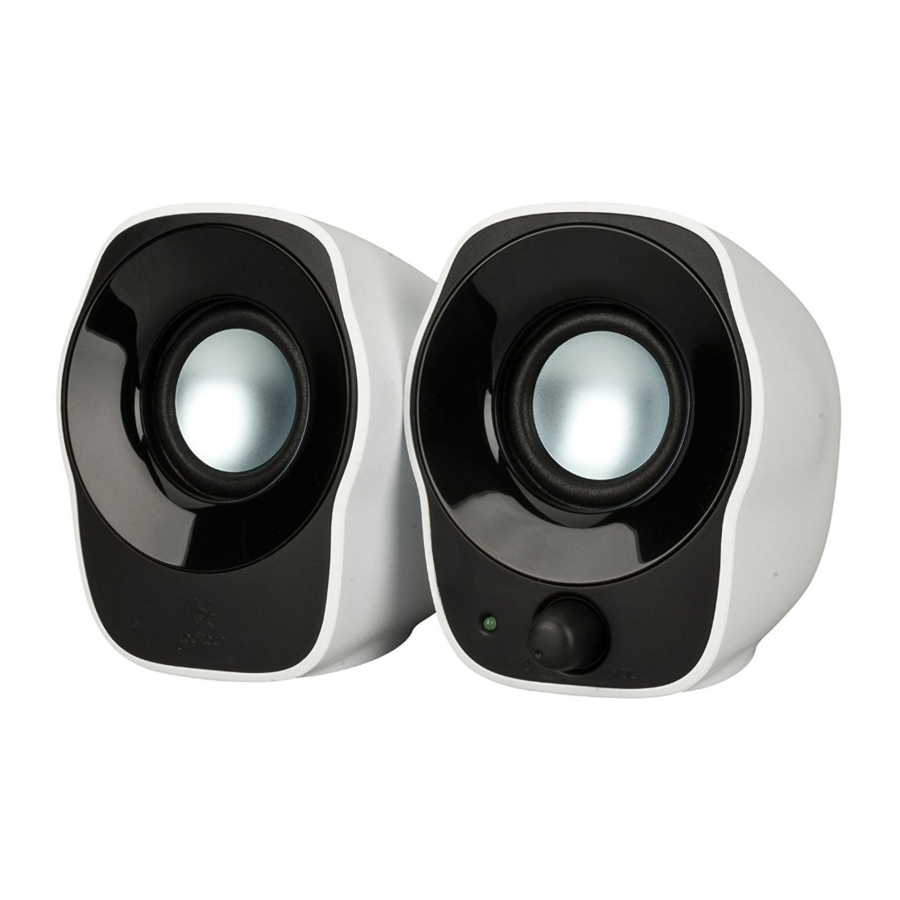
KNOW YOUR PRODUCT
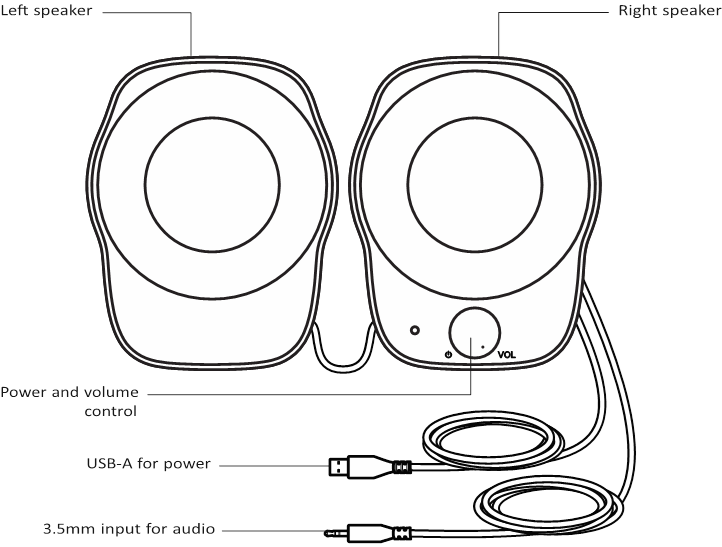
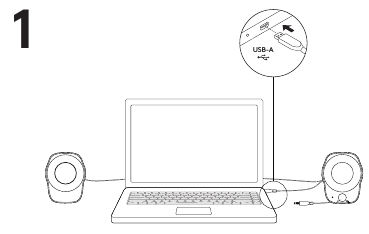
CONNECT THE SPEAKERS
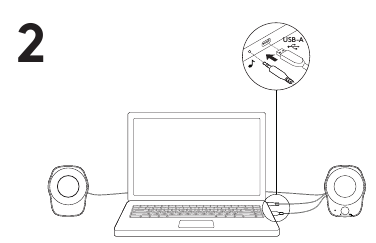
- Plug the USB-A plug into the USB-A port on your computer for power

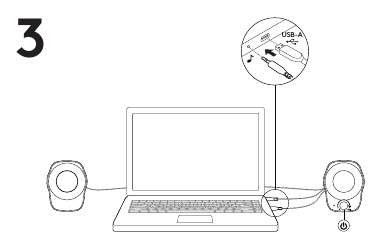
- Plug the 3 5mm connector into the 3 5mm jack on your audio device

- Turn the speaker on using the power knob

ADJUST THE VOLUME
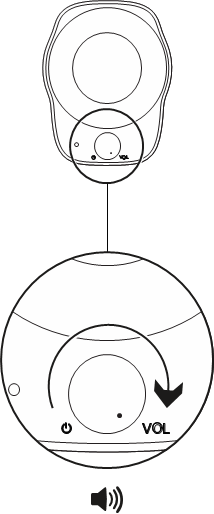
Increase (or decrease) the volume of speakers by rotating the volume control knob clockwise (counter-clockwise) on the right speaker
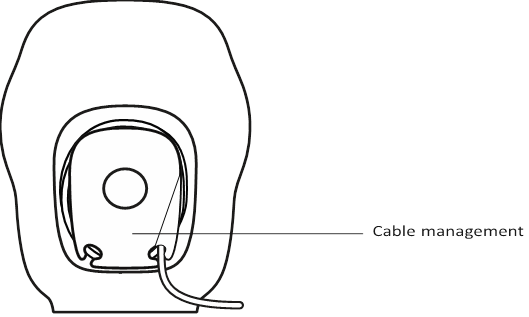
CABLE MANAGEMENT
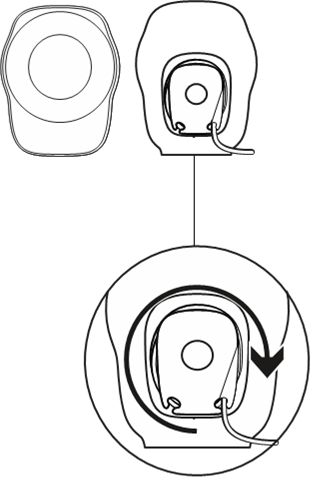
Wind up extra cable length inside convenient wells behind each speaker
References

Download manual
Here you can download full pdf version of manual, it may contain additional safety instructions, warranty information, FCC rules, etc.


