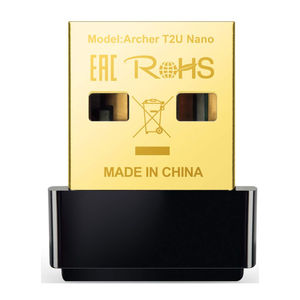
TP-Link Archer T2U Manual
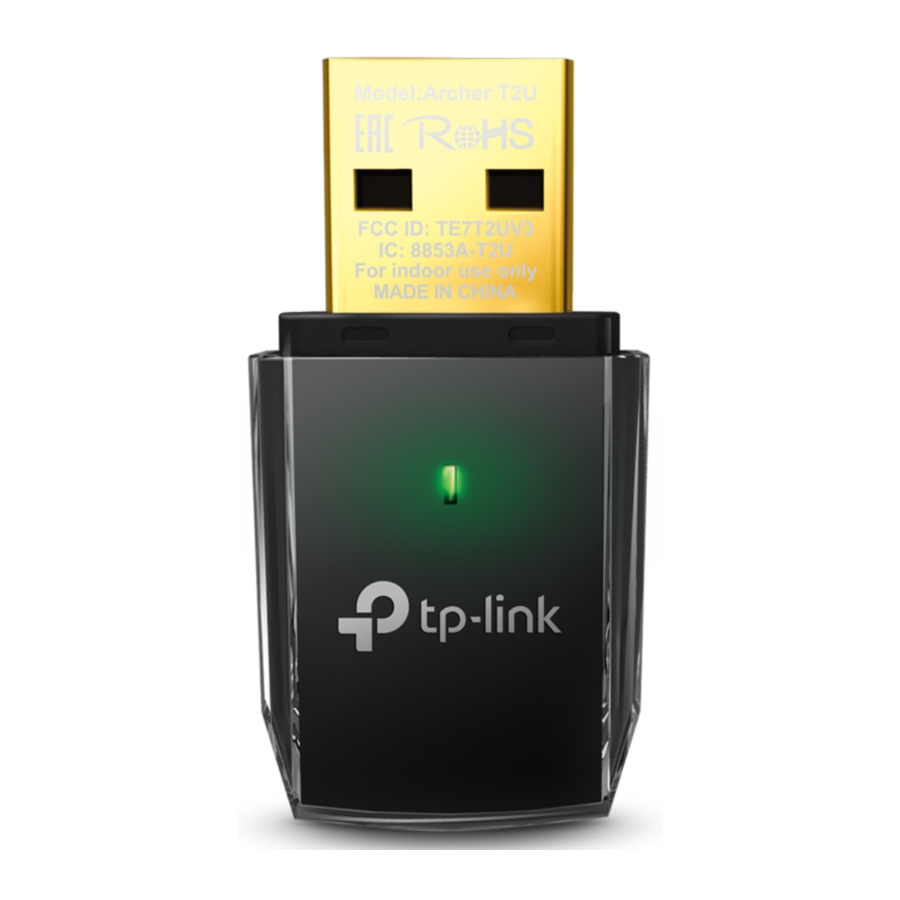
Connect to a Computer
Insert the adapter into a USB port on your computer, either directly or via the USB cable provided.
Option 1:

Option 2:

 Note:In Windows XP, a Found New Hardware Wizard window will pop up after the adapter has been inserted. Please click Cancel.
Install the Software
* You can also download the driver at www.tp-link.com/en/ if your computer can access the Internet via a wired connection.
- Insert the TP-LINK resource CD into the CD-ROM drive. The Resource CD screen will pop up automatically.

![warning]() Note:If the Resource CD screen does not display, browse the files on the CD and double-click Autorun.exe.
Note:If the Resource CD screen does not display, browse the files on the CD and double-click Autorun.exe. - Select the model Archer T2U and click Install Driver and Utility.

- The Install Shield Wizard window will appear. Click Next and follow the instructions to finish the installation process.


Join a Wireless Network
Select your target wireless network from the list and click Connect. If the network is secure, enter its password. The symbol  indicates a successful connection.


Note: Information for technical support can be found in the last page.
For more information, please visit our website: http://www.tp-link.com
References

Download manual
Here you can download full pdf version of manual, it may contain additional safety instructions, warranty information, FCC rules, etc.
Download TP-Link Archer T2U Manual