TP-Link TL-WN881ND Manual
Contents
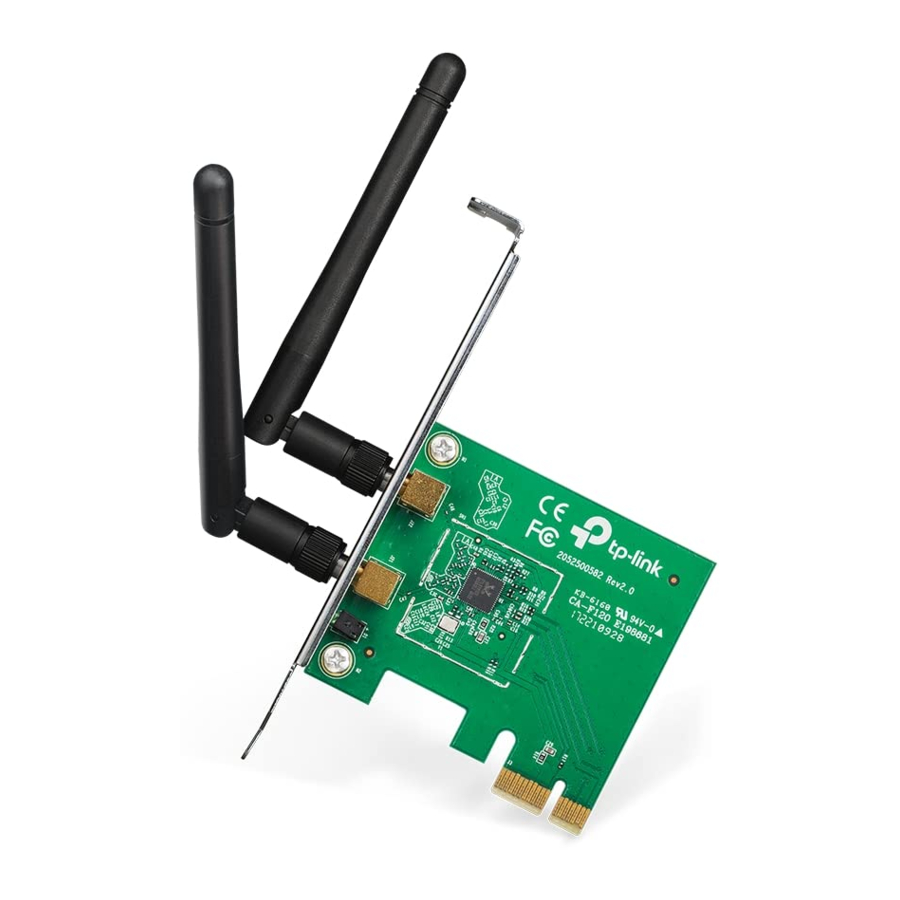
Connect to a Computer
Insert the adapter into your computer by following these steps:

- Turn off your computer, unplug the power cord and other connected peripheral devices to your computer.
- Remove the case panel. Locate an available PCI/PCI-E slot and remove its slot cover.
- Carefully insert the adapter into the PCI/PCI-E slot and secure it with the retaining screw.
- If your antenna is not installed, install the antenna.
- Install the case panel.
- Reconnect the power cord and turn on your computer.
Note: In Windows XP, a Found New Hardware Wizard window will appear when the adapter is detected. Please click Cancel.
Install Driver and Utility
You can also download the driver and utility at www.tp-link.com.
- A: Insert the CD and run the Autorun.exe from the pop-up window.
Note: In some operating systems, the CD screen will pop up automatically. Otherwise, run the CD manually. - B: Select your adapter and click Install Driver and Utility, then follow the InstallShield Wizard to complete the installation.


Join a Wireless Network
Option 1: Via TP-LINK Utility
Select your Wi-Fi network from the pop-up utility window and click
Connect. The symbol  indicates a successful connection.

Option 2: Via Windows Wireless Utility
Click  (Network icon) on the system tray, select your Wi-Fi network, and click Connect.
Note: In Windows XP, you need to close the TP-LINK Utility before using the Windows
Wireless Utility.

References

Download manual
Here you can download full pdf version of manual, it may contain additional safety instructions, warranty information, FCC rules, etc.
Download TP-Link TL-WN881ND Manual


