How to Enable, Disable, and Manage Voice Control on Insta360 GO 3S
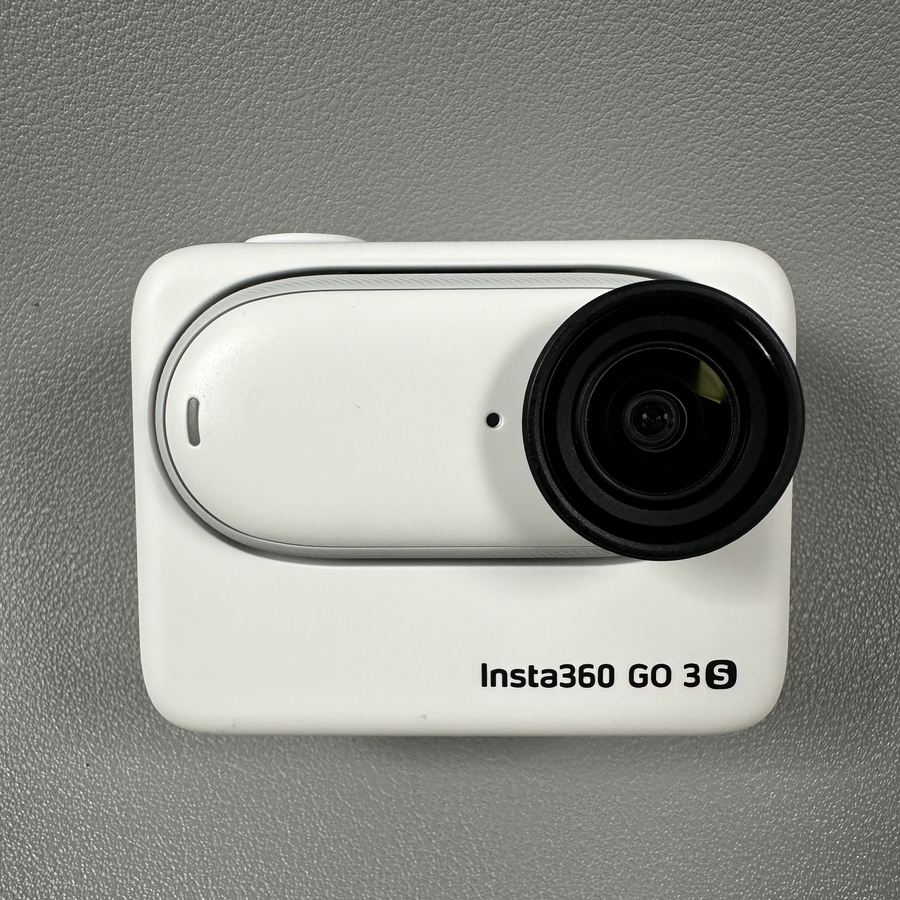
The Insta360 GO 3S is a powerful camera packed with features, including the convenient voice control option. Whether you want to enable or disable this feature, or simply manage it to suit your needs, we've got you covered in this step-by-step guide. Let's walk through how to make the most of the voice control feature on your Insta360 GO 3S.
Step 1: Enable Voice Control
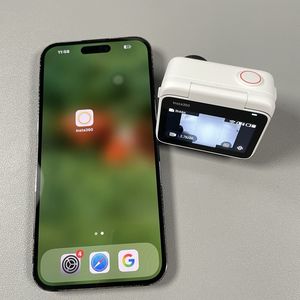
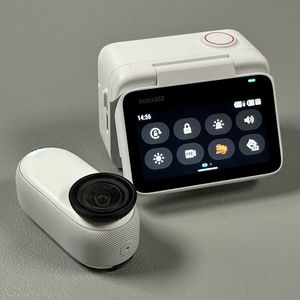
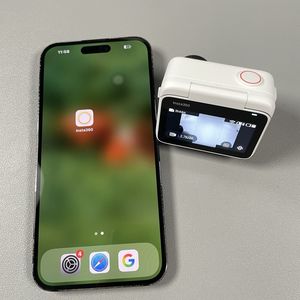
To begin, ensure your Insta360 GO 3S camera is switched on. Once your camera is active, navigate to the camera view on your device. From here, gently swipe down from the top edge of the screen to reveal the control panel. You'll then need to scroll to the second page of the control options where you'll see a distinct icon representing voice control. Tap this icon to toggle the voice control feature on.


Step 2: Changing the Voice Control Language
Once voice control is enabled, you have the option to adjust the language to better suit your preferences. By default, the language options available include English, Japanese, and Chinese. You can try these out and select the one that you are most comfortable with for seamless use of your camera's voice commands.

Step 3: Discover Available Voice Commands
As you explore the voice control settings, make sure to scroll down to see the list of available voice commands. This list will help you understand all the commands that your Insta360 GO 3S camera can interpret, enhancing your user experience by allowing you to operate the camera hands-free.

Step 4: Test and Use Voice Commands
With everything set up, it's time to test the voice commands. For instance, try saying "Take a photo" (take a photo), and observe as your camera promptly captures an image for you. This feature is particularly useful for capturing moments without physically handling your camera, allowing for more creativity and spontaneity.
Step 5: Disable Voice Control
If you wish to disable voice control, simply return to the control panel. Open the voice control preferences and toggle the feature off. This can be helpful if you prefer manual control over your device or find yourself in an environment where voice control usage is less practical.

Your Insta360 GO 3S's voice control feature provides a versatile way to interact with your camera. Whether you opt to use it or not, knowing how to manage it ensures you have full control over your camera experience.