Garmin Vivoactive 6 - How to Set Up Smart Wake Alarm
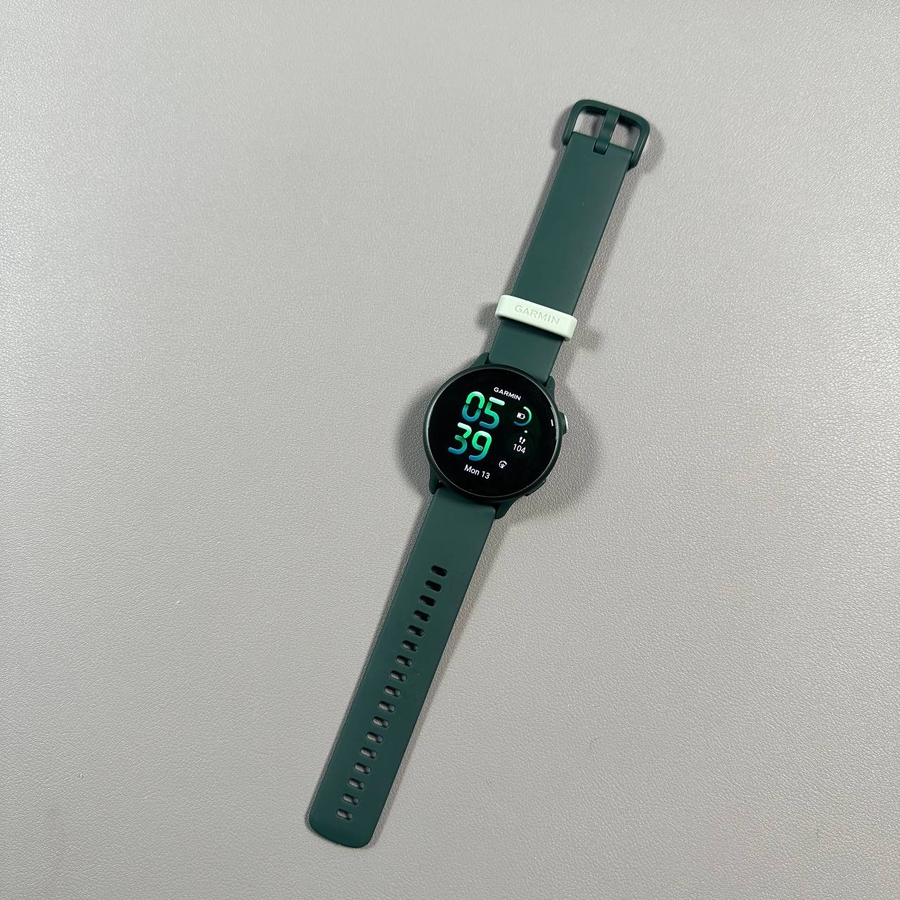
The Garmin Vivoactive 6 is packed with features to enhance your daily routine, including the Smart Wake Alarm designed to wake you during your optimal sleep stage. This guide will walk you through setting up this feature for a better start to your day.
Accessing the Alarm, Timer, and Stopwatch
To begin, locate the upper button on your Garmin Vivoactive 6 and press it. This action will take you to the control menu. There, make sure to choose Alarm option.


Setting a Regular Alarm
To set a regular alarm, press and hold the upper button for a few seconds to bring up the alarm options. You can configure the time by selecting hours and minutes according to your schedule. Once you have set the desired time, confirm your choices and save the alarm. The flexibility to add multiple alarms ensures that you're always on time, no matter the occasion.


Configuring the Smart Wake Alarm
The standout feature of the Garmin Vivoactive 6 is undoubtedly the Smart Wake Alarm. This function intelligently analyses your sleep data to determine the optimum time to wake you. Whether it's set for 3:30 a.m. or any other time, the watch ensures you are woken at the best possible sleep stage. This means you may wake up slightly earlier if your body is in a light sleep phase, making you feel more refreshed. From the alarm menu, toggle the Smart Wake option and let your Garmin handle the rest.