How to Force Restart the Garmin Vivoactive 6
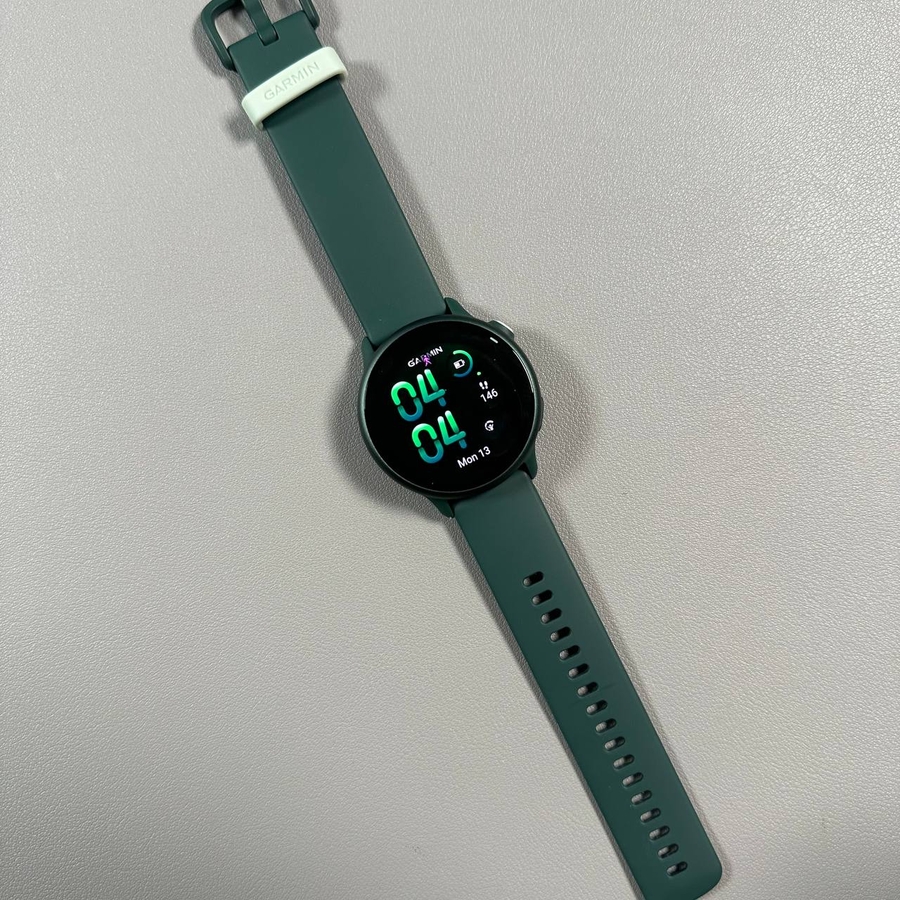
If your Garmin Vivoactive 6 becomes unresponsive, don't worry. Here's a quick and straightforward guide to help you force restart it and get back on track.
Step 1: Press and Hold the Upper Button
Begin by locating the upper button on your Garmin Vivoactive 6. This is the button you will use to perform the restart. Press and hold this button firmly. It's important to keep it held down continuously until your watch powers off. This usually takes around 10 seconds, so be patient and maintain your hold on the button.

Step 2: Wait for the Screen to Turn Off
As you maintain the pressure on the upper button, watch the screen attentively. Once the display turns off, keep the button pressed for an additional couple of seconds. This ensures that the watch is completely powered down.

Step 3: Release the Button
After the screen goes dark and you've waited a few extra seconds, you can let go of the upper button. The watch should now be fully turned off, allowing you to proceed to the next step.

Step 4: Power On the Watch
To turn your Garmin Vivoactive 6 back on, press and hold the same upper button once more. Watch for the Garmin logo to appear on the display. Once you see it, you can release the button. Your watch will finish booting up, and soon you'll be back to using your device as normal.