How to Connect JBL Charge 6 to Your iPhone: A Simple Guide
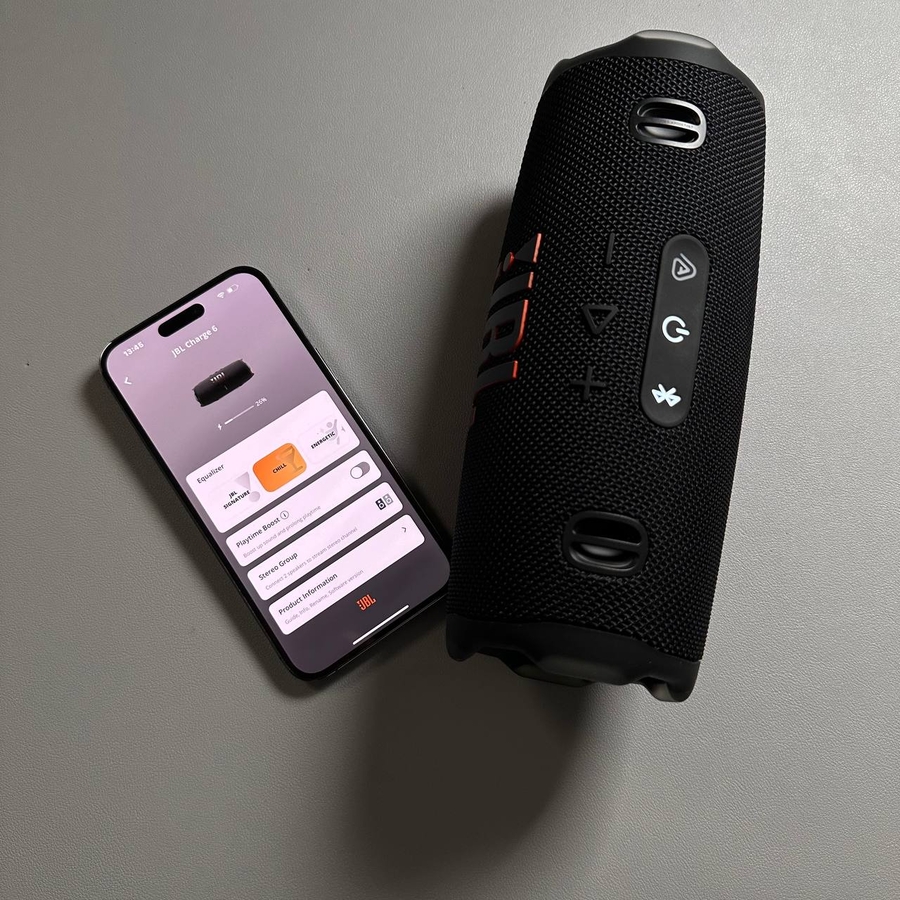
In this guide, we will walk you through the easy steps needed to connect your new JBL Charge 6 Bluetooth speaker to an iPhone. Furthermore, we will also explore the JBL Portable app, helping you unlock additional features for an enhanced audio experience.
Step 1: Turning On Your JBL Charge 6
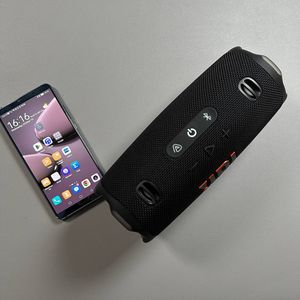
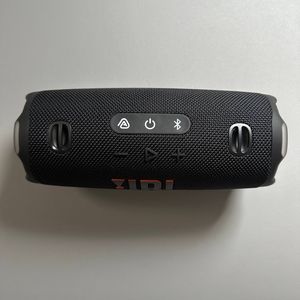
First, let's power on your JBL Charge 6. Locate the power button, which is typically marked with a universal power symbol. Press this button to turn on the speaker. You will know it's on when the light indicator is active.

Step 2: Activating Pairing Mode
Next, you need to put your JBL Charge 6 into pairing mode. Locate and press the Bluetooth button on your speaker. When this button is pressed, the indicator light should start blinking, indicating that the speaker is now discoverable by other devices.

Step 3: Connecting to Your iPhone
Now, on your iPhone, unlock the screen and access the Control Centre (Control Center). Swipe down from the top-right corner to reveal the Control Centre (Control Center). Here, you'll find the Bluetooth icon. Tap and hold the Bluetooth icon to access the Bluetooth settings. Ensure that Bluetooth is switched on. Your iPhone will start searching for available devices. Once you see 'JBL Charge 6' in the list of devices, simply tap on it to establish a connection.

Step 4: Installing the JBL Portable App
With your speaker now connected, let's enhance your experience by using the JBL Portable app. Open the App Store on your iPhone, and in the search bar, type 'JBL Portable'. Locate and install the app. Once installation is complete, open the app and select 'Get Started'. If the app requests any permissions, make sure to allow them for seamless operation. The app should automatically detect your connected JBL Charge 6.

Step 5: Exploring App Features
After your JBL Charge 6 is recognised (recognized) by the app, you can explore various features. The app allows you to monitor the battery status of your speaker, update its firmware, adjust sound settings with the equaliser (equalizer), and even link multiple JBL speakers together for a broader audio experience.

And there you have it!