How to Factory Reset Your JBL Charge 6
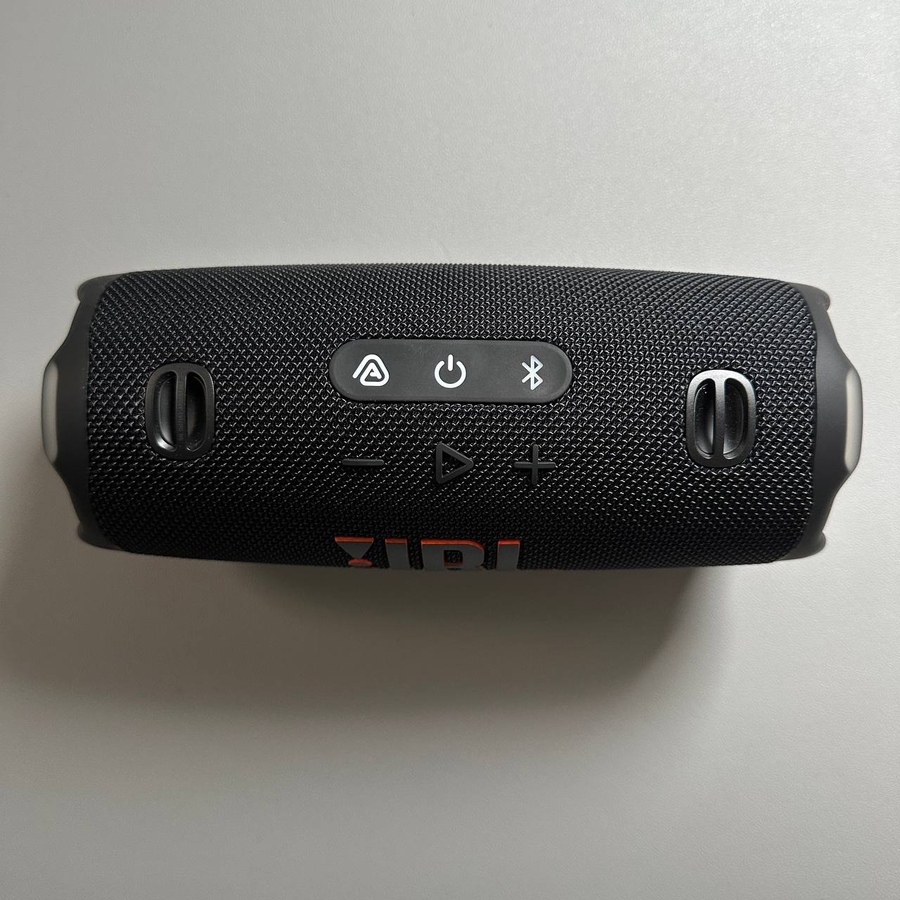
Welcome to our guide on how to perform a factory reset on your JBL Charge 6 speaker. Whether you're troubleshooting a problem or just want to refresh your device, resetting your speaker can be a great way to start anew.
Preparing for the Factory Reset
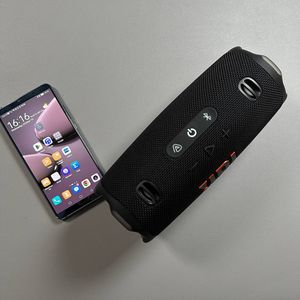
To begin the factory reset process on your JBL Charge 6, ensure that your speaker is on. You can do this by pressing the power button once, and you'll know it's on when you see the power indicator light up. It's important to note that your speaker does not need to be disconnected from other devices before resetting.

Executing the Reset
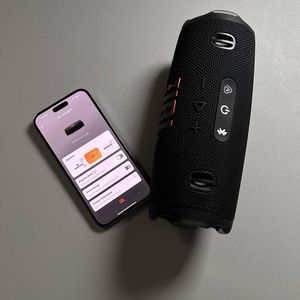
Once your JBL Charge 6 is turned on, it's time to perform the reset using a combination of buttons. You will need to press and hold both the 'Play' (play) button and the 'Volume Up' (volume up) button at the same time. Hold these buttons down until all the indicator lights on your speaker turn off, which indicates that the factory reset process is taking place. This might take a few seconds, so be patient.

Troubleshooting
If the factory reset does not initiate or complete successfully, try this: Connect the JBL Charge 6 to a power source using its charger. Then repeat the procedure by holding the 'Play' (play) and 'Volume Up' (volume up) buttons again. Sometimes a little extra power can help in the reset process.