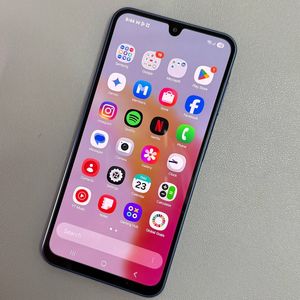
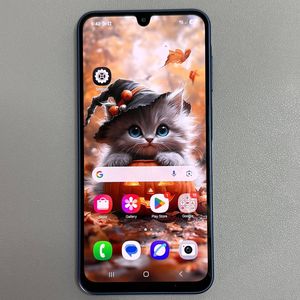
How to Confirm if Your Samsung Galaxy A17 5G is Original or Fake
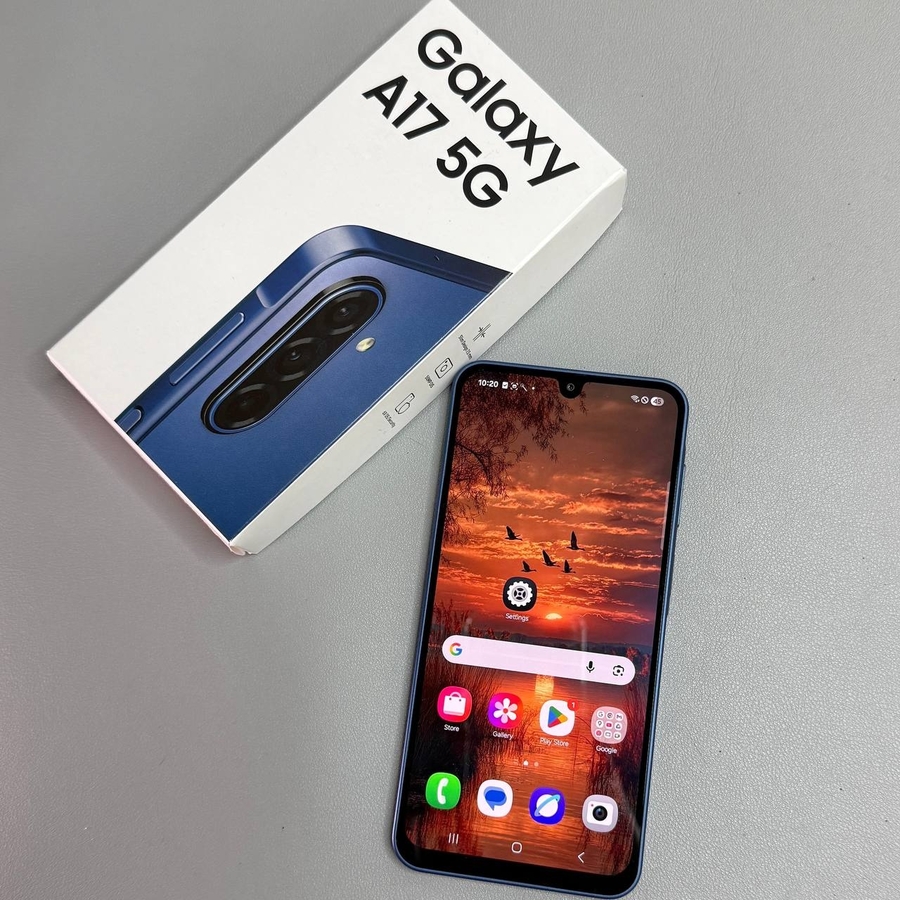
Recently purchased the Samsung Galaxy A17 5G? It's vital to ensure that your phone is a genuine Samsung device. This step-by-step guide will help you verify its authenticity with ease.
Check the Packaging Quality
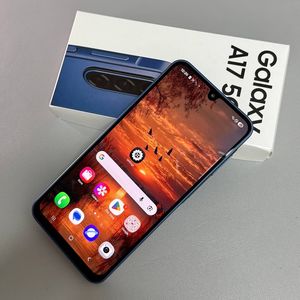
Start by examining the box in which your Samsung Galaxy A17 5G arrived. Genuine packaging typically has a smooth matte finish. The color should be consistent, usually a deep gray or black, avoiding unnatural shades. Look for stickers on the box that provide the IMEI numbers and the production details; a true packaging will include a QR code that can be scanned to give additional information about your phone.


Inspect the Device's Physical Characteristics
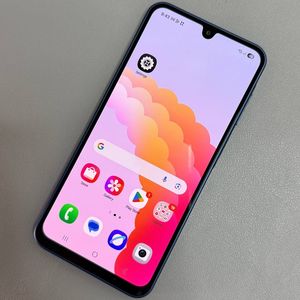
Examine the physical features of your phone closely. Authentic Samsung Galaxy A17 5G models have precise finishes. The camera bumps are seamlessly integrated and should not feel loose or removable. The charging port should align perfectly with no sign of rough cut edges. Additionally, the buttons should feel firm and produce a satisfying click when pressed.


Test Device Performance Using Benchmark Apps
Install a benchmark app such as Geekbench from Google Play Store. Run a CPU benchmark test to compare your device's performance. Genuine Samsung Galaxy A17 5G devices will score within specified ranges shared by Samsung official channels. Lower scores can indicate that the device is not original.

Run Diagnostics via Samsung Members App
Install the Samsung Members app available on the Play Store. Once installed, open the app, and go to the Diagnostics section. Perform a 'Test all' diagnostic procedure on all components of the phone. A legitimate Samsung Galaxy A17 5G passes these diagnostics without hiccups, while duplicates might not support all test functions.


Use the IMEI Number for Verification
You can also check your device's authenticity by using the IMEI number. Dial *#06# to display the IMEI number on your Samsung Galaxy A17 5G. Cross-reference this number with what is on the box and in the phone's settings. An authentic phone will have matching numbers across all sources.