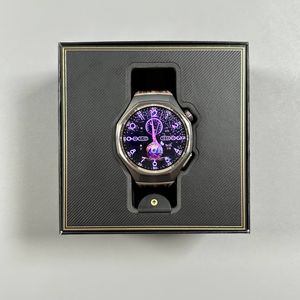
How to Pair Huawei Watch GT 6 Pro with an iPhone
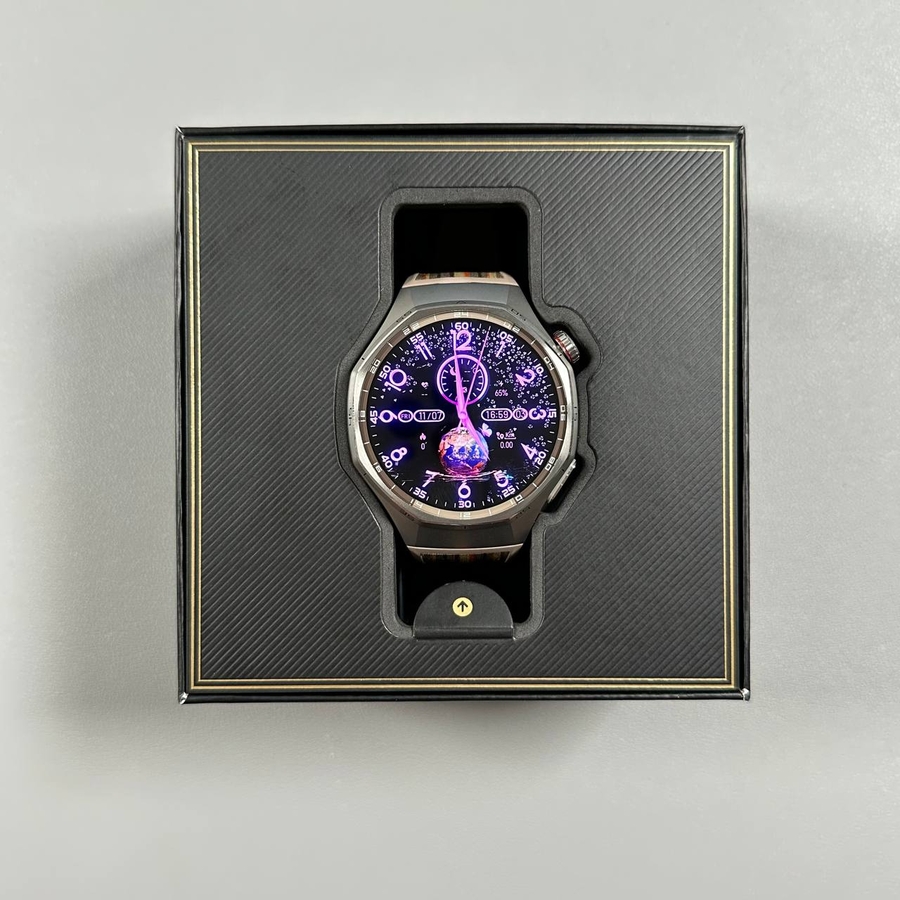
Welcome to your complete guide on pairing the Huawei Watch GT 6 Pro with your iPhone. With our step-by-step instructions, you'll find this process straightforward and quick. Whether you're tech-savvy or new to smart devices, these instructions aim to ensure your watch and phone work together seamlessly.
Step 1: Turn on Your Huawei Watch GT 6 Pro
To begin with, ensure your Huawei Watch GT 6 Pro is powered on. You can easily switch it on by pressing and holding the crown button on the side of the watch. Keep holding the button tight until you notice the Huawei logo appearing on the screen. As soon as you see the logo, release the button and wait for the watch to complete its boot-up process.

Step 2: Install the Huawei Health App on Your iPhone
Next, you'll need to download and install the Huawei Health app from the App Store on your iPhone. First, check that your iPhone is connected to the internet and has Bluetooth enabled. Launch the App Store, then tap on the search icon and enter "Huawei Health" into the search bar. Once the search completes, you should see the Huawei Health app in the results list. Tap the "Get" button to download and install this essential app.

Step 3: Select Your Watch's Language
After the watch finishes booting up, it will display a selection of languages. Scroll through this list and find your preferred language. Tap on it to select and apply your choice. This selection will personalize your device, making navigation easier for you.

Step 4: Set Up the Huawei Health App
Now, open the installed Huawei Health app on your iPhone. When prompted, choose a service region by tapping on the relevant option and scrolling through the list until you find your desired region. Once selected, tap "Next" and agree to the terms. Enable notifications if prompted, which can help you receive alerts directly on your watch.

Step 5: Add Your Huawei Watch GT 6 Pro
In the Huawei Health app, go to the "Devices" section and tap on "Add Device." You might be required to log into a Huawei account to proceed. Follow the on-screen instructions to log in. After logging in successfully, the application might restart. Once inside, agree to any prompts and manage permissions, choosing which data health features you would like to enable. For a seamless experience, consider turning on all features, but this is entirely up to you.

Step 6: Pair Your Devices
Allow the app to start scanning for devices. It should soon detect your Huawei Watch GT 6 Pro. When it appears, tap "Connect," followed by an acceptance of conditions and a tap on "Сonnect" to establish the connection. Grant any additional permissions as requested, such as access to contacts for making calls via the watch or calendar access for event alerts.

And there you have it! Once paired, your Huawei Watch GT 6 Pro will appear on the devices page, ready for use.