How to Confirm if Your Nothing Phone (3) is Original or Fake
- 1 Step 1: Examine the Symmetry of the Front Display
- 2 Step 2: Verify the Camera Design
- 3 Step 3: Inspect the Back of the Device
- 4 Step 4: Use the Camera App for Further Verification
- 5 Step 5: Confirm Device Information within Settings
- 6 Step 6: Final Verification via Online Tool
- 7 In Other Languages
Verifying the authenticity of your smartphone is essential to ensure you have the performance and quality you expect. If you own a Nothing Phone (3) and wonder whether it's original or counterfeit, follow these detailed steps to confirm its legitimacy through various checks and comparisons.
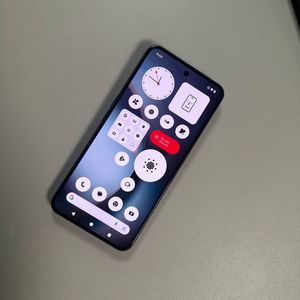
Step 1: Examine the Symmetry of the Front Display
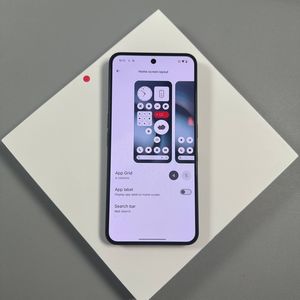
To begin, unlock your Nothing Phone (3) and carefully observe the front display. One of the hallmark features of an authentic Nothing Phone (3) is its perfectly symmetrical bezels. This means that the black border surrounding the screen should have equal width on all four sides. If you notice any discrepancies, such as wider bezels on one side than the others, this could be a sign of a counterfeit device.

Step 2: Verify the Camera Design
Next, take a look at your device's camera setup. An authentic Nothing Phone (3) features a punch-hole camera, meaning the camera is encompassed by the screen with display space both above and below it. Depending on the model, the camera might be positioned on the left or centered. Ensure your device matches this design to verify its authenticity.

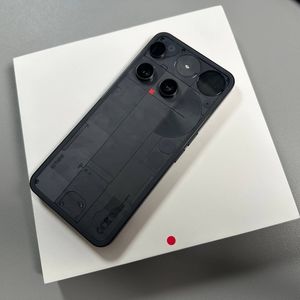
Step 3: Inspect the Back of the Device
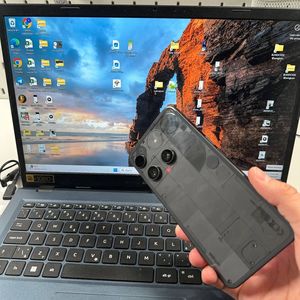
Turn the device over and inspect its back cover. The Nothing Phone (3) should have a distinctive, high-quality finish that matches official models. A notable feature is the Glyph Interface. Open the Settings app, navigate to the Glyph Interface option, and test a ringtone. The LEDs on the back should illuminate brightly with no discoloration. If they are dim or flicker, you might have a counterfeit.

Step 4: Use the Camera App for Further Verification
Launch the Camera app on your device. Authentic Nothing Phones typically have multiple functional camera lenses. Test these by selecting the 1X zoom and covering the lenses one at a time. The active lens should be obscured when covered. If some lenses do not function or mistakenly remain active, the device may be a fake.


Step 5: Confirm Device Information within Settings
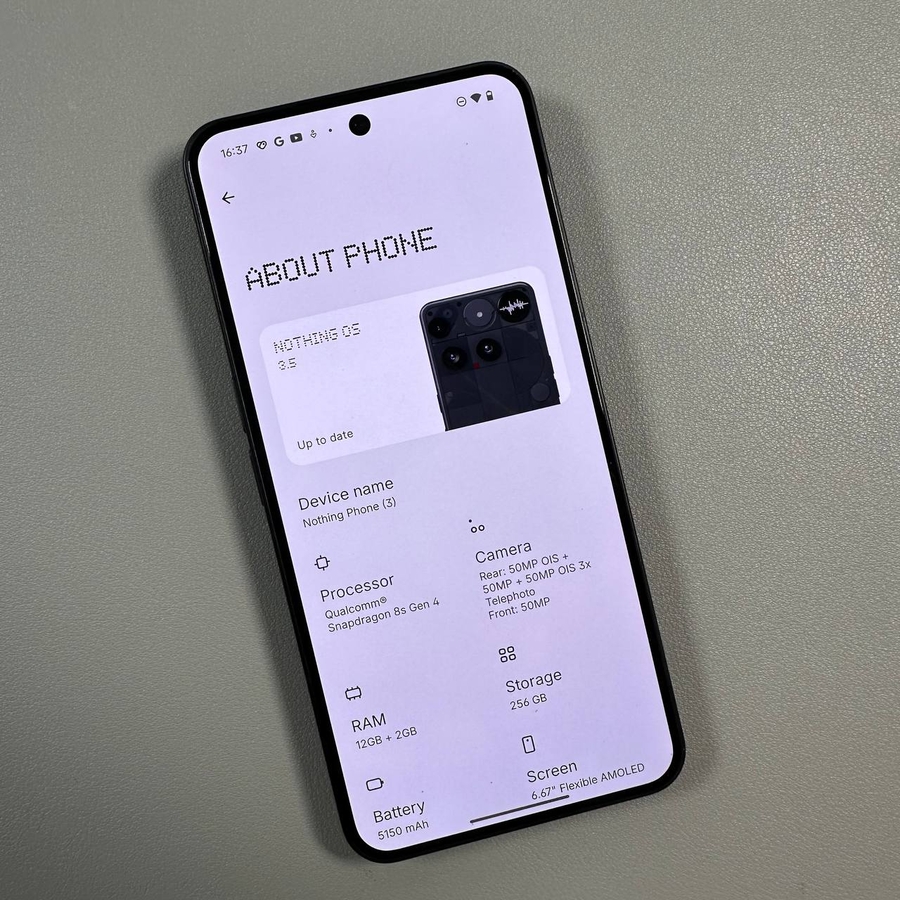
For an additional check, open the Settings on your Phone, scroll to the 'About Phone' section, and note down the IMEI numbers presented there.


Compare these numbers to those found on the original box your device came in. If they match across the device, settings, and packaging, it indicates an original phone.


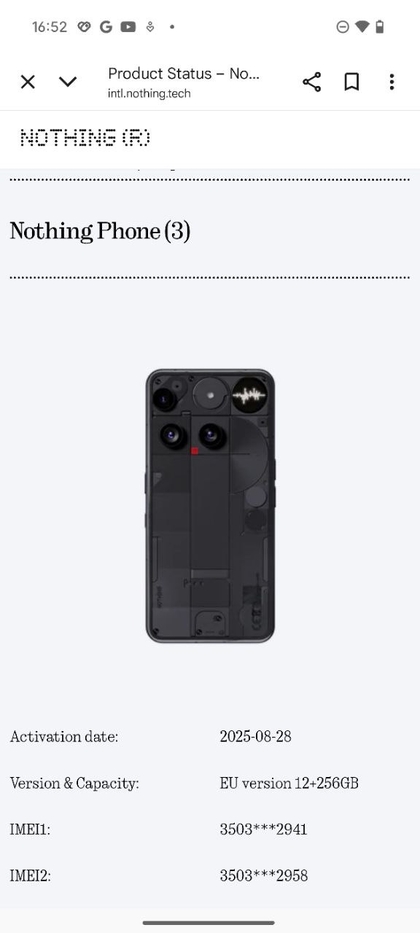
Step 6: Final Verification via Online Tool
Lastly, access the official Nothing Technology support website. Input your IMEI number or serial number and hit 'Submit'.


This process will verify your device's activation date, version, and capacity. If all details correlate with your phone's information, congratulations! Your Nothing Phone (3) is genuine.