Samsung IW008A/-V, IW012A/-V, IW016A/-V - Digital Signage Simple User Guide
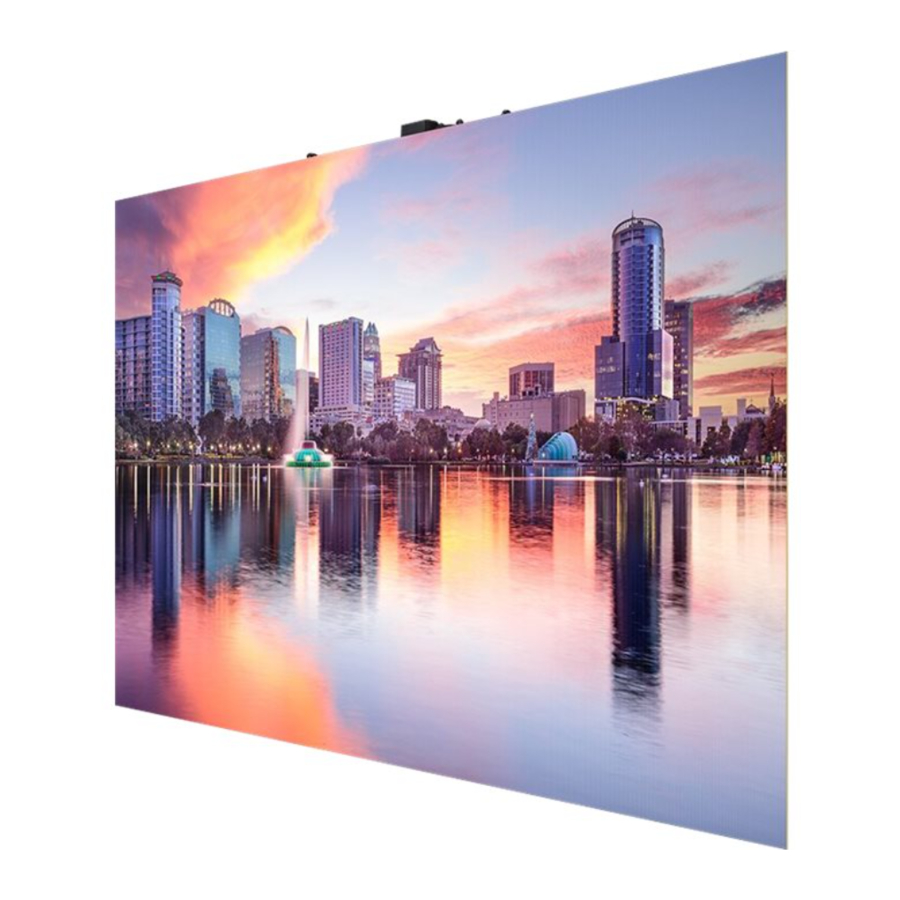
- The colour and the appearance may differ depending on the product, and the content in the manual is subject to change without prior notice to improve the performance.
Checking the Components
- Simple User Guide
- Warranty card (Not available in some locations)
- Regulatory guide
- Screw (M4 x L10) x 2
- Cleaning cloth
- spacer-eva
Contact the vendor where you purchased the product if any components are missing.
AC power cables may not be provided depending on the model. Contact the dealer from whom you purchased the product if you want to be purchased separately.
Connecting the Power Cable
- Connect the power cable after all cables are connected.
- Before connecting external devices, be sure to disconnect the power cable.
- AC power cables may not be provided depending on the model. Contact the dealer from whom you purchased the product if you want to be purchased separately.
Precautions when connecting power
If using 110V power, a maximum of 5 cabinets can be connected to the power source.
If using 220V power, a maximum of 10 cabinets can be connected to the power source.
(For detailed information, visit the install guide.)
* Exceeding the recommended maximum number of devices may produce overvoltage, causing the circuit breaker to trip down or the product to be damaged. Make sure that the number of connected devices does not exceed the recommended maximum number.
* Samsung is not liable for any problems incurred by connecting devices that exceed the recommended maximum number.

Precautions when handling the cabinets
* Metal objects may adhere to the front surface of the cabinet due to its magnetism.
* If any metal object adheres, use a magnet or airgun to remove it. Be careful when removing metal objects using a magnet, as the magnet may separate the module from the cabinet.
* Be careful when holding magnetic stripe cards close, as the magnetism may affect those cards.
- [Caution to prevent external shock and dropping of the product] (Caution to prevent external shock and dropping of the product)
After removing the protective brackets, be careful not to expose the product to external shocks or vibrations.
Make sure that the product is not dropped from any height.
![]()
- [Caution to prevent damage to the LED] (Caution to prevent damage to the LED)
Be careful not to expose the product to vibrations or external shocks when it is lying flat on the floor.
![]()
- [Caution to prevent damage to corners] (Caution to prevent damage to corners)
Take extra care to ensure that the corners of a cabinet do not get damaged.
![]()
- [Caution to prevent damage to the LED] (Caution to prevent damage to the LED)
After removing the protective brackets, do not place the product on the floor with the LED facing down.
![]()
- [Caution to prevent damage to the LED from static] (Caution to prevent damage to the LED from static)
Do not touch the product without anti-static gloves.


- Be sure to wear anti-static gloves when touching the product.
![]()

- [Caution to prevent damage to the LED] (Caution to prevent damage to the LED)
When lifting the product, be careful that the module frame does not separate from the main frame.
![]()

Troubleshooting Guide
| Issues | Solutions |
| The screen keeps switching on and off. | Check that the cable between the product and the PC is connected correctly. |
| No Signal is displayed on the screen. | Check that the product is connected correctly with a cable. |
| Check that the source device connected to the product is powered on. |
Specifications
| Model Name | IW008A / IW008A-V | IW012A / IW012A-V | IW016A / IW016A-V | |
| Cabinet | Pixel Pitch | 0.84 mm | 1.26 mm | 1.68 mm |
| LED pixel configuration | Flip Chip LED | |||
| Pixels (Row x Column) | 960 x 540 pixels | 640 x 360 pixels | 480 x 270 pixels | |
| Aspect ratio (W:H) | 16:9 (806.4 x 453.6) | |||
| Synchronization | Refresh rate | 3840Hz/7680Hz 7680Hz may not be supported in some models. | ||
| Video Frame rate | 100/120Hz | |||
| Power Supply | AC100-240V~ 50/60Hz Refer to the label at the back of the product as the standard voltage can vary in different countries. | |||
| Environmental considerations | Operating | Temperature: 0°C – 40°C (32°F – 104°F) Humidity: 10% – 80%, non-condensing | ||
| Storage | Temperature: -20°C – 45°C (-4°F – 113°F) Humidity: 5% – 95%, non-condensing | |||
*This device is a Class B digital apparatus.
*For detailed device specifications, visit the Samsung website.
*Open Source License Notice
To send inquiries and requests for questions regarding open sources, contact Samsung Open Source (http://opensource.samsung.com)
Installing the cabinets
- Make sure you entrust the installation to a professional installation service provider. For further information regarding installation, contact the dealer you purchased the product from.
- Install the cabinet using the frame kit provided by the manufacturer. For more information about how to install the frame kit, refer to the user manual that comes with it.
- Samsung shall not be liable for any damage to the product and any injury to the users or others that may be incurred while the users install the product by themselves.
Mounting the spacer-eva
Before installation, mount the spacer-eva near the Samsung logo on the rear of the product.

Removing the protective brackets
Remove the safety bracket before proceeding to installation.

Lowering the protective cap before connection of the power cable
Be sure to lower the protective cap before installation of the cabinet, in order to connect the power cable.
 Lower the protective cap only when connecting the AC power extension cable. Because there is a switch that selects AC power input inside the protection cap, incorrect switch operation may cause product malfunction.

Arranging the upper docking port at the top of the cabinet
For detailed information, visit the install guide.
- Place the product on the packaging cushion and then remove the module frame from the main frame.

- Remove the screws from the upper docking port on the main frame, lower the docking port, and then tighten the screws again.

- Reassemble the module frame to the main frame.


Contact SAMSUNG WORLD WIDE
Web site: http://www.samsung.com

References


Download manual
Here you can download full pdf version of manual, it may contain additional safety instructions, warranty information, FCC rules, etc.
Download Samsung IW008A/-V, IW012A/-V, IW016A/-V - Digital Signage Simple User Guide


