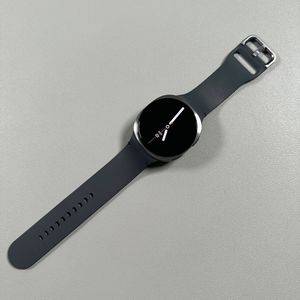
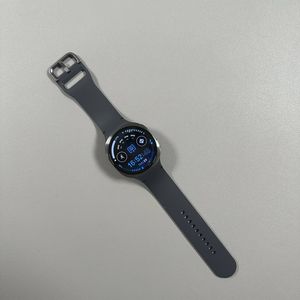
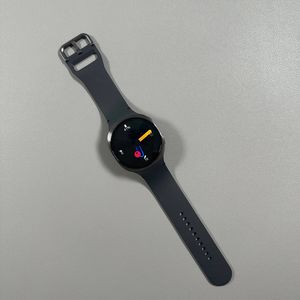
How to Factory Reset Your Samsung Galaxy Watch 8 LTE
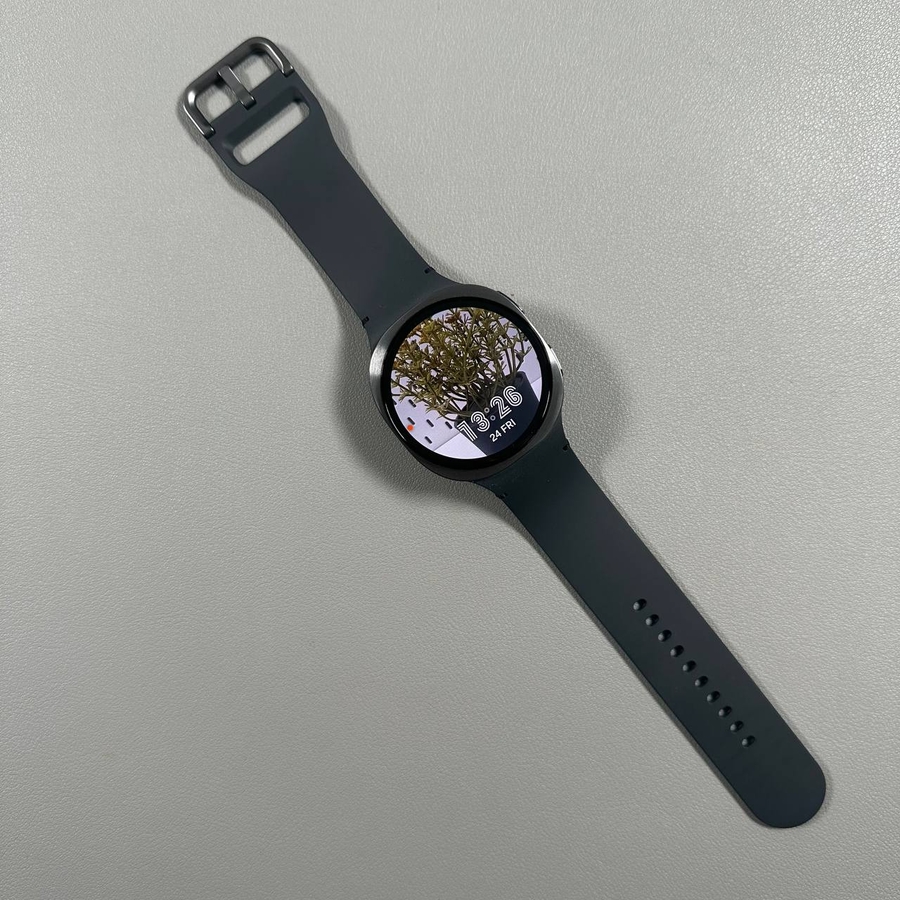
If you're planning to sell, return, or simply rejuvenate your Samsung Galaxy Watch 8 LTE, performing a factory reset is a vital step. This guide will walk you through the process with easy-to-follow instructions to ensure your device is ready for a fresh start.
Step 1: Backup Your Important Data
Before you start, ensure all crucial data on your Samsung Galaxy Watch 8 LTE is backed up. This is essential because the factory reset process will erase everything on the device. Check for any important contacts, settings, or personal data that are stored exclusively on your watch, and back them up accordingly to another device or cloud storage.
Step 2: Access the Settings App
Once you've secured your data, swipe up from the bottom of your watch face to open the app menu. From here, locate and tap on the gear-shaped icon to open the Settings app, where you'll find various configuration options for your device.

Step 3: Navigate to General Settings
In the Settings menu, scroll down until you find the "General" option. Tapping this will bring up another menu with settings related to your watch's core functions. Here, you will find options for resetting and transferring data.

Step 4: Proceed to Factory Reset
Within the General settings, continue to scroll down until you spot the "Reset" option. If you are changing phones, you might see an option to transfer data to a new phone. However, for a complete reset, select the "Reset" button. Carefully read and confirm any prompts detailing the reset process as they highlight what will be erased from your device.

Step 5: Confirm and Wait for Reset Completion
After confirming the reset, the device will begin to prepare by backing up any necessary data before proceeding. It is highly recommended to keep your watch charged or connected to power during this process to prevent any disruptions due to low battery. Your watch will eventually restart and return to its original settings, ready for a new owner or a fresh start.

Following these steps will ensure your Samsung Galaxy Watch 8 LTE is properly reset.