How to Force Restart Your Samsung Galaxy Watch 8 LTE
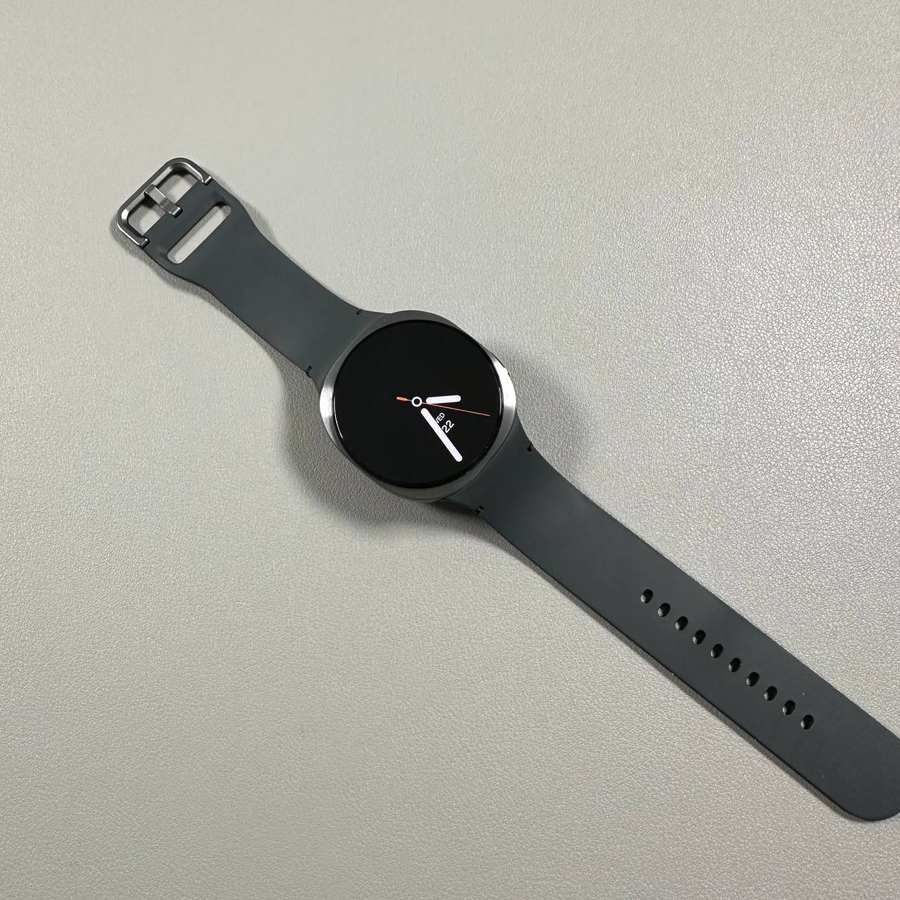
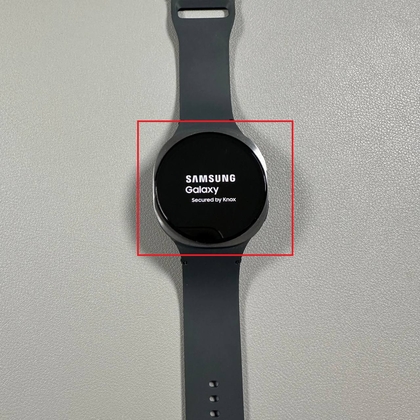
Do you need to force restart your Samsung Galaxy Watch 8 LTE, but unsure how to go about it? Don't worry! We've compiled a simple, easy-to-follow guide to help you perform a force restart on your device. Whether your smartwatch has frozen or is unresponsive, this guide will walk you through each step with clarity.
Step 1: Locate the Buttons on Your Galaxy Watch 8 LTE
To begin, you'll want to familiarize yourself with the physical buttons on your Samsung Galaxy Watch 8 LTE. The home button is typically located on the right side of the watch face, and just below it is the down button. Familiarizing yourself with these buttons will make the process quick and efficient.

Step 2: Activate the Screen
If the screen on your Galaxy Watch 8 LTE is off, simply tap it once to activate. It's important to have the screen on before proceeding to the next step.

Step 3: Press and Hold the Buttons
Press and hold both the home button and the down button simultaneously. It might take a few seconds for the watch to begin responding. If your screen switches to an app accidentally, don't worry—release the buttons and try again. The key is to hold both buttons until the screen turns off completely.

Step 4: Wait for the Screen to Turn Off
Continue holding the buttons until the watch screen goes dark. This indicates that the force restart has been successfully initiated. Once the screen is off, you can release the buttons and allow the device to reboot, which should resolve any issues you were experiencing.