How to Remove or Change Bands on Samsung Galaxy Watch 8 LTE
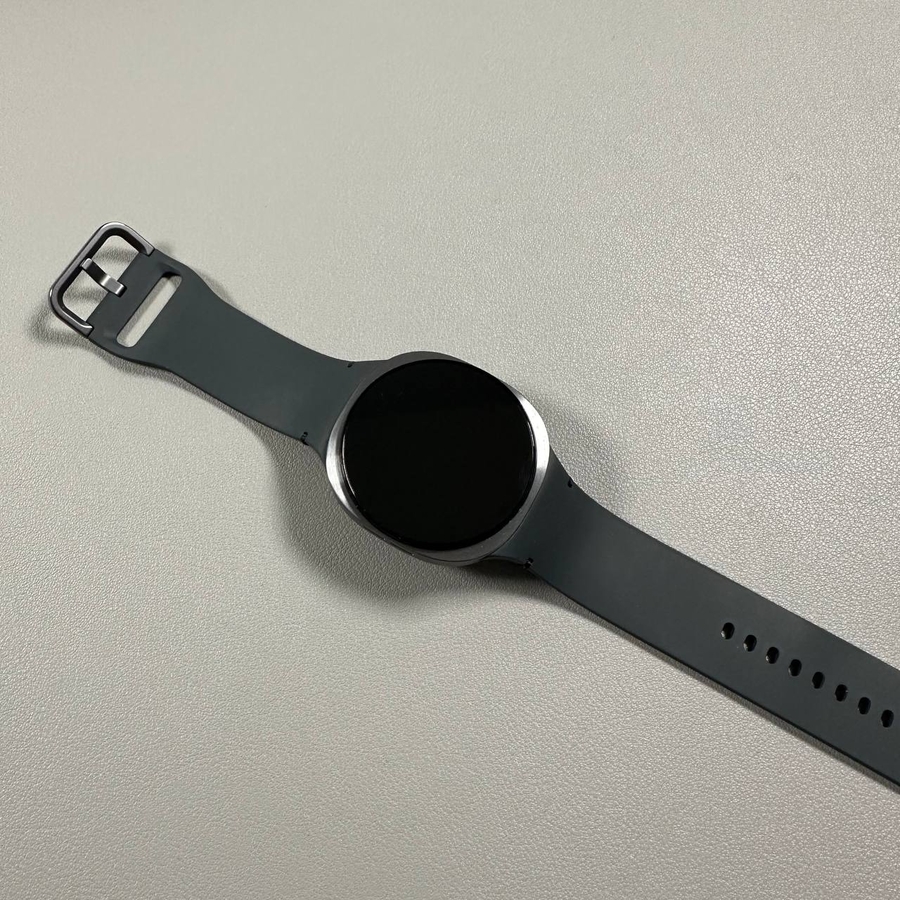
The Samsung Galaxy Watch 8 LTE has introduced an all-new strap design, making it different from its predecessors like the Galaxy Watch 7, 6, 5, and 4. If you're curious about how to replace the bands on this latest model, you're in the right place. Read on to learn a step-by-step process to remove or change the straps on your Samsung Galaxy Watch 8 LTE.
Removing the Strap
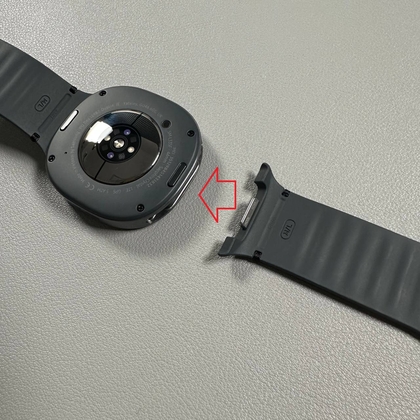
Begin by locating the two small buttons on the back of your Galaxy Watch 8. These buttons are key to unlocking the straps from the watch case. To remove the strap, use your fingernail to apply pressure on one of these buttons. While maintaining that pressure, gently but firmly pull the strap with your other hand. It might take a bit of effort, as pushing this button requires a solid push inward.


Inserting a New Strap
To insert a new strap, align the strap at a slight angle to the slot in the watch case. Push the strap firmly until you hear a distinct click, ensuring it's securely attached. This action might also require noticeable exertion as the mechanism is designed to hold the strap tightly in place.