How to Turn On or Off NFC on Samsung Galaxy A17 5G
NFC, or Near Field Communication, is a handy feature on your Samsung Galaxy A17 5G that allows for easy sharing of data and enables seamless contactless payments. If you want to know how to switch NFC on or off, follow these simple steps to manage this feature effortlessly.
Step 1: Accessing NFC Settings
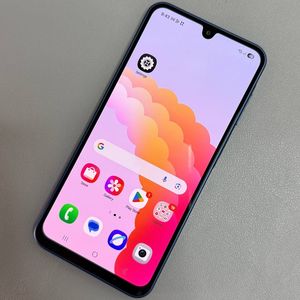
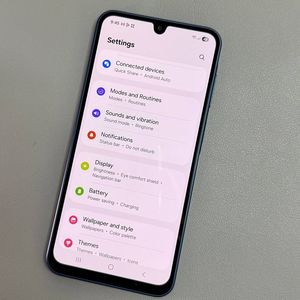
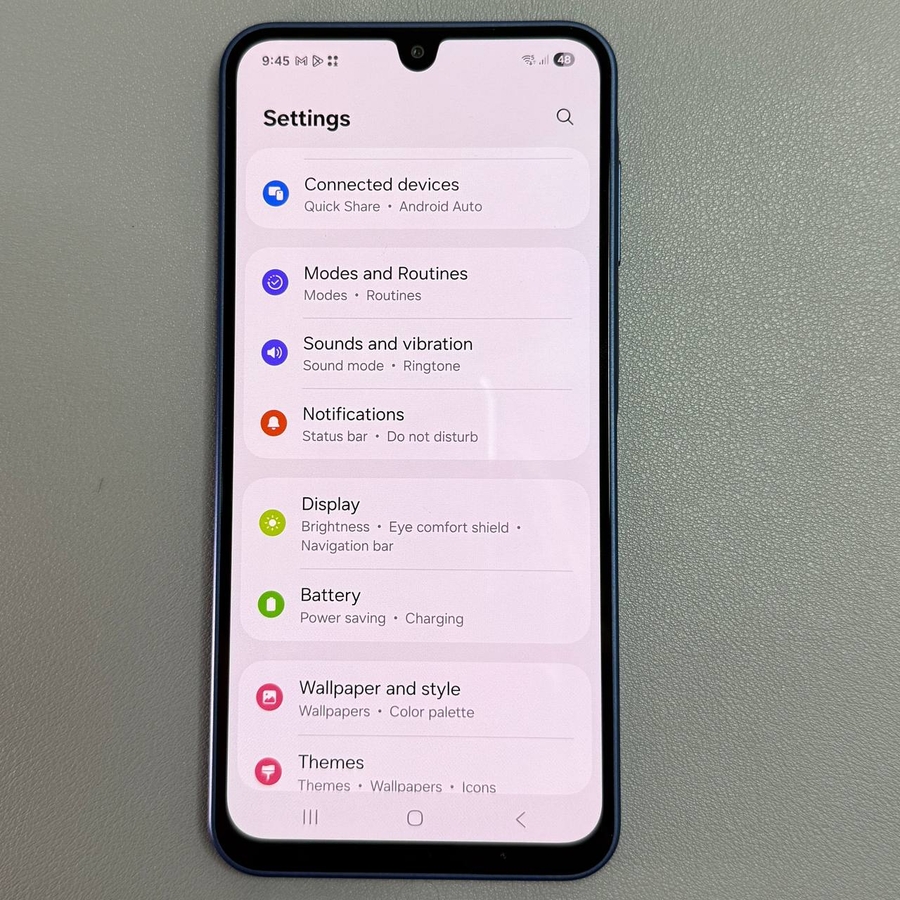
To begin managing NFC, unlock your Samsung Galaxy A17 5G and locate the Settings app. This app typically features a gear-shaped icon and can be found on your home screen or within the app drawer. Once you've located it, tap to open the settings menu.

Step 2: Opening the Connections Menu
Within the Settings app, scroll until you see the 'Connections' option, which handles various connectivity features of your device. Tap on it to open the connections menu, where you will adjust NFC settings.

Step 3: Finding and Toggling NFC
Within the 'Connections' menu, you should find the option for 'NFC and contactless payments.' You can toggle NFC on or off by tapping the switch next to this option. Additionally, tapping on the text itself will provide further options and settings for NFC.

Step 4: Adding NFC to Quick Settings
If you frequently use NFC, it's a good idea to add it to your Quick Settings for easier access. To do this, swipe down from the top of your screen to expand the Quick Settings panel. Then, tap on the pen icon to edit the panel. Look for NFC among the available buttons, then drag it to your Quick Settings area. Once done, tap 'Done' in the top-right corner twice to save your changes.

Step 5: Using Quick Settings for NFC
After adding NFC to your Quick Settings, you can now easily turn it on or off directly from this menu. Just swipe down twice from the top of your screen to fully reveal Quick Settings and tap on the NFC icon to toggle it as needed.