Samsung Galaxy Watch 8 LTE - How to Power On or Off
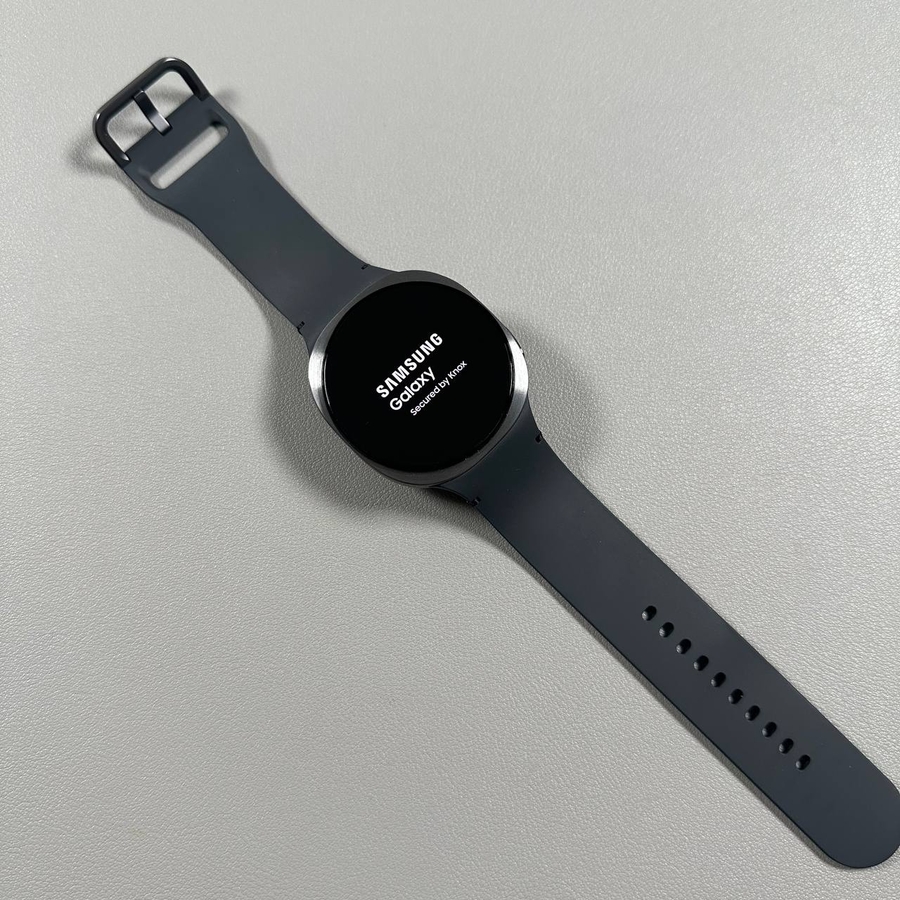
Mastering the power controls on your Samsung Galaxy Watch 8 LTE is a breeze with this concise guide.
How to Power On Your Samsung Galaxy Watch 8 LTE
When you want to turn on your Samsung Galaxy Watch 8 LTE, the process is straightforward. Locate the button on the side of your watch, often referred to as the "Power" (power) or "Home" (home) button. This is usually the upper button if your watch has multiple side buttons. Simply press and hold this button until you see the Samsung logo appear on the screen. At this point, your watch is powering on and will soon be ready for use.

How to Power Off Your Samsung Galaxy Watch 8 LTE
Turning off your Samsung Galaxy Watch 8 LTE is equally simple. If your watch is currently turned on, you can start by accessing the quick settings menu. Swipe down from the top of the display to reveal several quick access options. Look for the power icon among these. Tapping this icon will open the power menu, where you can choose to turn off your device.

Alternative Method to Power Off
If the quick settings method is unavailable, perhaps due to a software glitch or customisation, you can use an alternative method. Simply press and hold both side buttons simultaneously. After a few seconds, the power menu will appear on your screen. From there, tap the power icon to turn off your watch. This method is often foolproof, ensuring you can turn off your device even when other methods might fail.