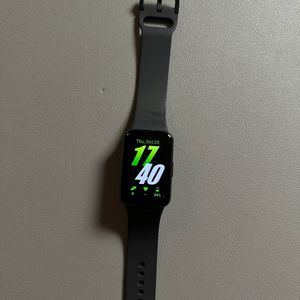
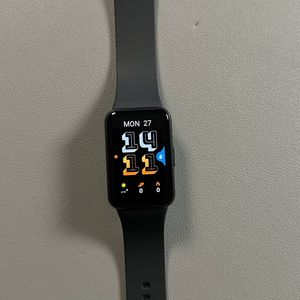
How to Turn On or Off Your Samsung Galaxy Fit 3
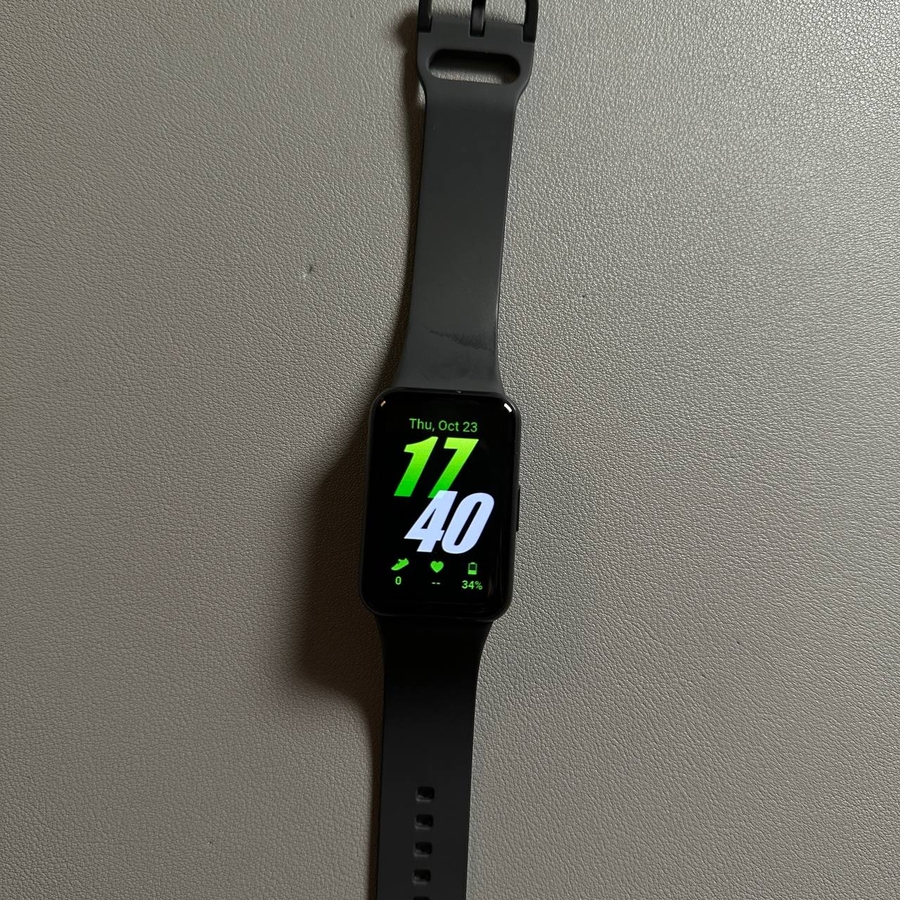
Welcome to this beginner's guide on how to power your Samsung Galaxy Fit 3 on and off. Whether you're using the power button or seeking alternative methods, this guide will take you through step-by-step instructions to ensure you can easily manage your device's power status.
Using the Quick Panel
To turn off your Samsung Galaxy Fit 3 quickly and efficiently, start by swiping down from the top of your screen to open the Quick Panel. Once the panel appears, locate and tap the power icon. This will bring up the power options menu. Simply tap on the "Power Off" (power off) option, and your device will vibrate briefly before displaying the Samsung logo, indicating it is shutting down.

Using the Side Button
Another way to turn off your Samsung Galaxy Fit 3 is by using the side button. Press and hold the button until your device vibrates, and the power options menu appears on the screen. From here, select the "Power Off" (power off) option. Your device will vibrate and shut down, displaying the Samsung logo as it turns off.

Turning the Device Back On
To turn your Samsung Galaxy Fit 3 back on, simply press and hold the side button until the device vibrates and the Samsung logo appears. It will start up within a few seconds, and you'll be ready to use it again. Alternatively, you can connect your device to its charger. This will automatically power on the Galaxy Fit 3, which can be particularly helpful if the power button is not functioning correctly.


And that's it! You now know how to easily turn your Samsung Galaxy Fit 3 on and off using these simple steps.