How to Measure Heart Rate on Samsung Galaxy Fit 3
Welcome, everyone! Today, we will guide you through the process of measuring your heart rate using the Samsung Galaxy Fit 3. This sleek fitness bracelet offers quick and easy heart rate monitoring to help you stay on top of your health. Let's get started by unlocking the device and diving into the steps.
Step 1: Unlock Your Samsung Galaxy Fit 3
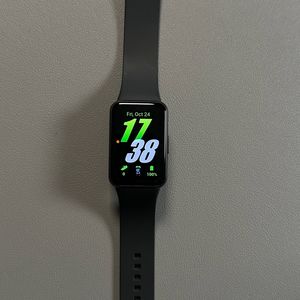
Begin by unlocking your Samsung Galaxy Fit 3. To do this, activate the screen either by pressing the side button or by lifting your wrist. Ensure the display is on before proceeding to the next step.

Step 2: Locate the Heart Rate Feature
Once your device is active, navigate to the heart rate feature. You can find this by swiping through the menu on your fitness tracker until you see the heart rate icon or title.

Step 3: Measure Your Heart Rate
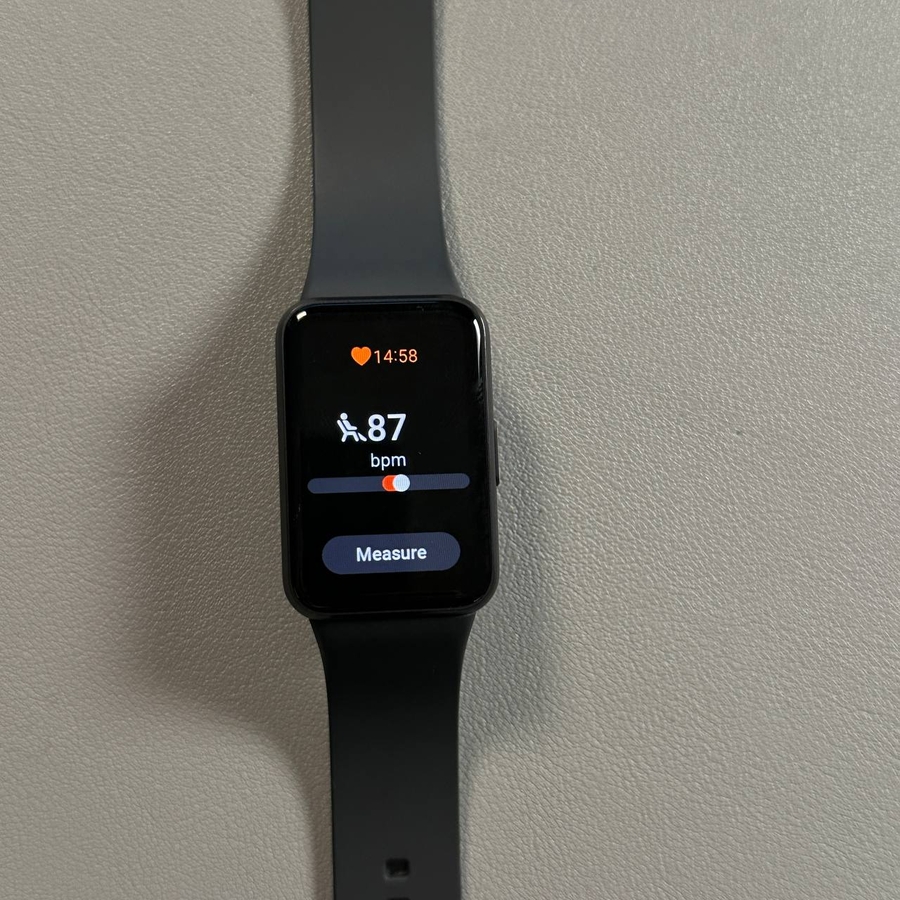
To initiate the heart rate measurement, tap on the "Measure" (measure) option. It is important to stay still during the process to ensure the accuracy of the results. The device will take a moment to gather your heart rate data.


Step 4: Record Your Heart Rate Condition
After obtaining your heart rate result, you will see an option to select a condition that best describes how you're feeling. Options include 'tired', 'resting', 'before exercise', or 'excited'. Select the most appropriate one, such as 'resting', to log this reading as your resting heart rate.

Step 5: Review Additional Settings
For more enhanced tracking, you might consider adjusting the heart rate measurement settings. Access the settings menu by swiping to the 'Settings' (settings) option. Here, you can enable automatic measurement every 10 minutes when you are stationary, or choose continuous measurement. Keep in mind that continuous measurement may deplete the battery more rapidly.

We hope this guide has been helpful in teaching you how to measure and track your heart rate using the Samsung Galaxy Fit 3.