How to Unpair Samsung Galaxy Fit 3 from an Android Device
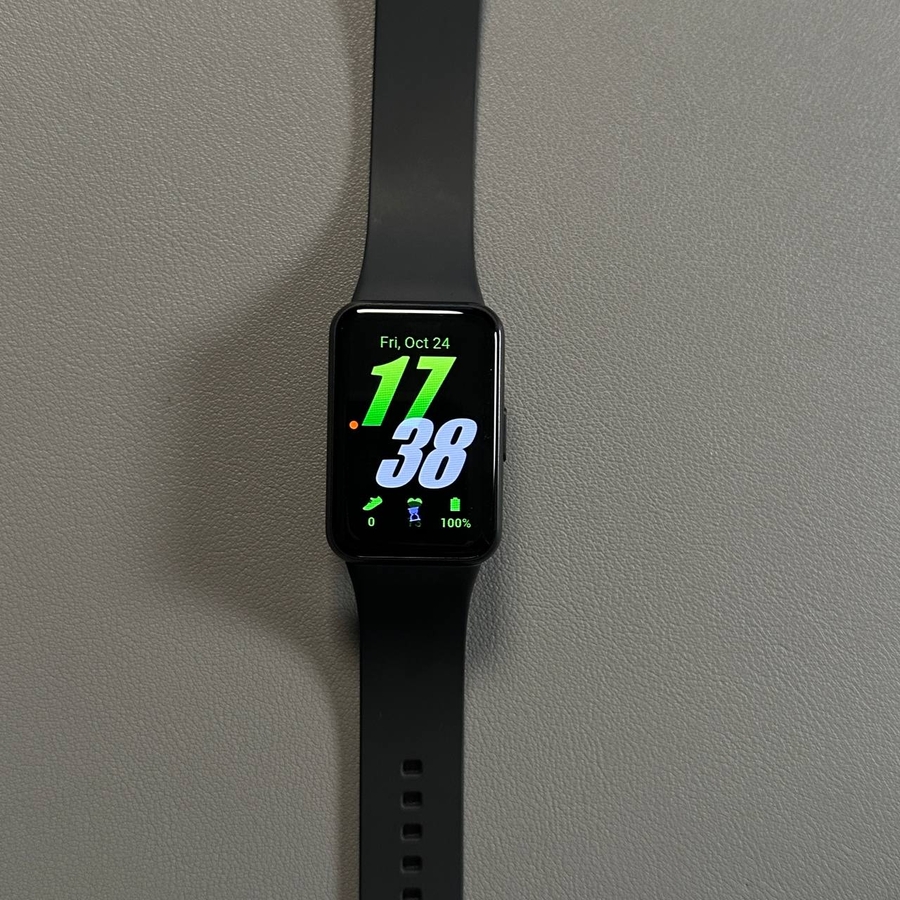
If you're looking to unpair your Samsung Galaxy Fit 3 from your Android smartphone, you've come to the right place. This guide will walk you through the simple steps needed to disconnect the smart band from both the Galaxy Wearable app and the Bluetooth settings on your phone.
Step 1: Open the Galaxy Wearable App
To begin the unpairing process, pick up your Android device and locate the Galaxy Wearable app. You can usually find this in your app drawer or amongst your home screen apps. Tap the app to open it and proceed to the next step.

Step 2: Access the Menu
Once inside the Galaxy Wearable app, you should see your Galaxy Fit 3 displayed on the main screen. Look for the menu icon, which is typically represented by three horizontal lines or a similar symbol. Tap on this icon to access the app's menu.

Step 3: Remove the Device
In the menu, locate the "Remove Device" (remove device) option. Selecting this option will bring up a list of connected devices. Find your Samsung Galaxy Fit 3 in the list, tap on it, and select "Remove All" (remove all). Follow any further prompts to confirm your choice. Your device will now be disconnected from the app.

Step 4: Access Bluetooth Settings
After removing the device from the app, it's time to disconnect via Bluetooth. Swipe down from the top of your screen to open the Quick Settings panel. Find the Bluetooth icon, press and hold it to enter the detailed Bluetooth settings.

Step 5: Forget the Device
In the Bluetooth settings, look for the Galaxy Fit 3 under paired devices. Tap on its name and choose the "Forget" (forget) or "Unpair" (unpair) option. Confirm your action when prompted. This step ensures that the Galaxy Fit 3 is completely unpaired from your Android device.

By following these steps, you've successfully unpaired your Samsung Galaxy Fit 3 from your Android phone.