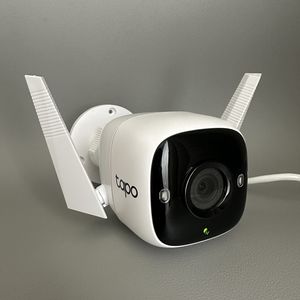
How to Factory Reset Your Tapo Link C310 Camera
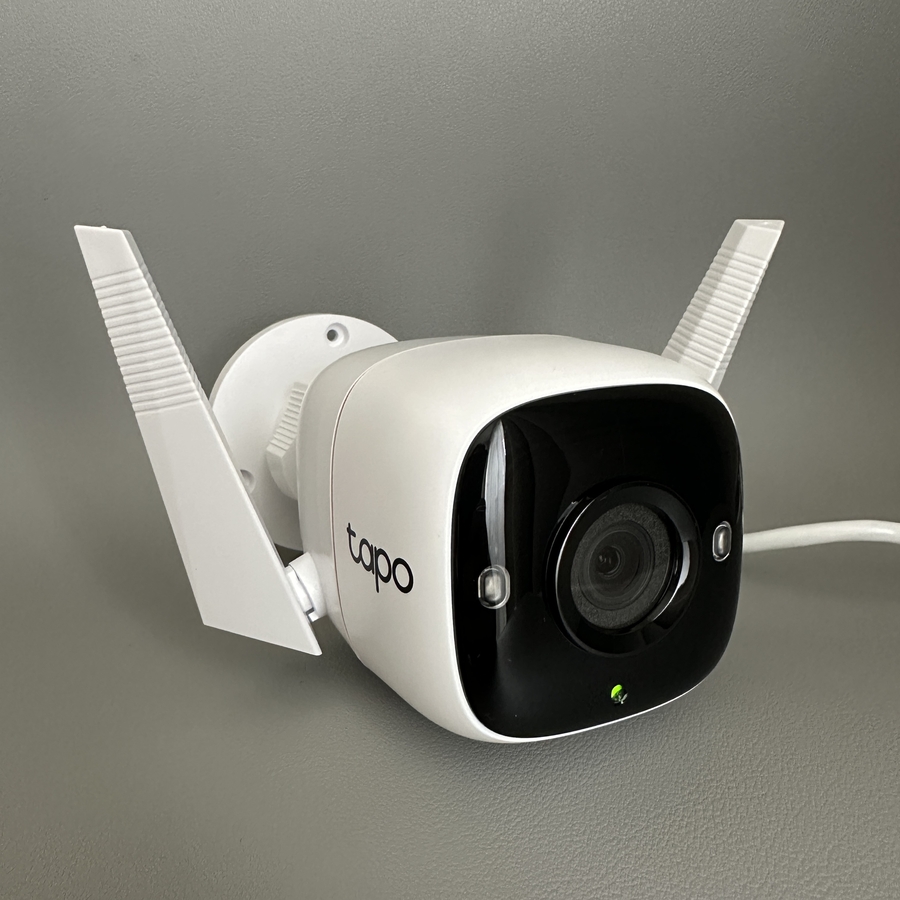
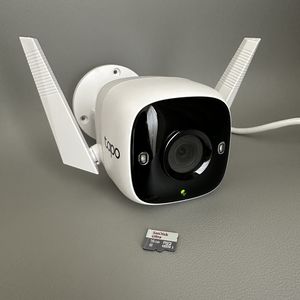
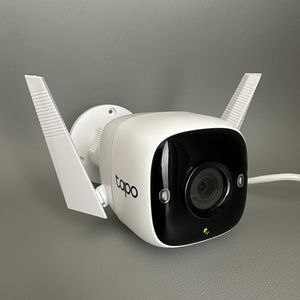
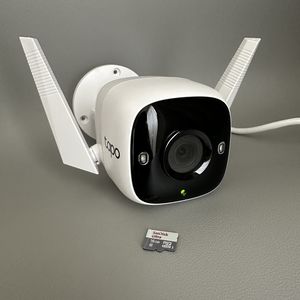
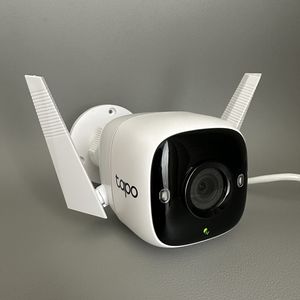
If you're experiencing issues with your Tapo Link C310 camera or simply need to start fresh, performing a factory reset can be a helpful solution. This guide will walk you through each step of the process in a straightforward manner, ensuring that you can easily restore your camera to its original settings.
Locate the Protective Hatch
To initiate the factory reset process on your Tapo Link C310 camera, begin by flipping the camera upside down. This will allow you to locate the small protective hatch, which is secured by two screws. You'll need a screwdriver to carefully unscrew them and reveal the internal components.

Access the Reset Button
Once the hatch is open, you'll see a small button inside. This is the reset button, which you need to press and hold to start the reset process. It might not be easy to see the button directly, so using a slim object like a needle for precision could be helpful.

Hold the Reset Button
Press and hold the reset button for about 10 seconds. You will know the process has started when the LED light begins to blink. Continue holding the button until you hear a success prompt indicating that the reset is complete and your camera has returned to its factory settings.
Release the Reset Button
After you hear the reset confirmation, you can release the button. At this point, the factory reset process is finished, and your camera should be back to its default settings, ready to be configured anew.