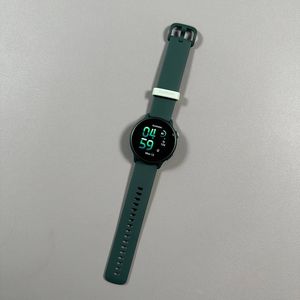
How to Enable or Disable Raise Wrist to Wake Screen on Garmin Vivoactive 6
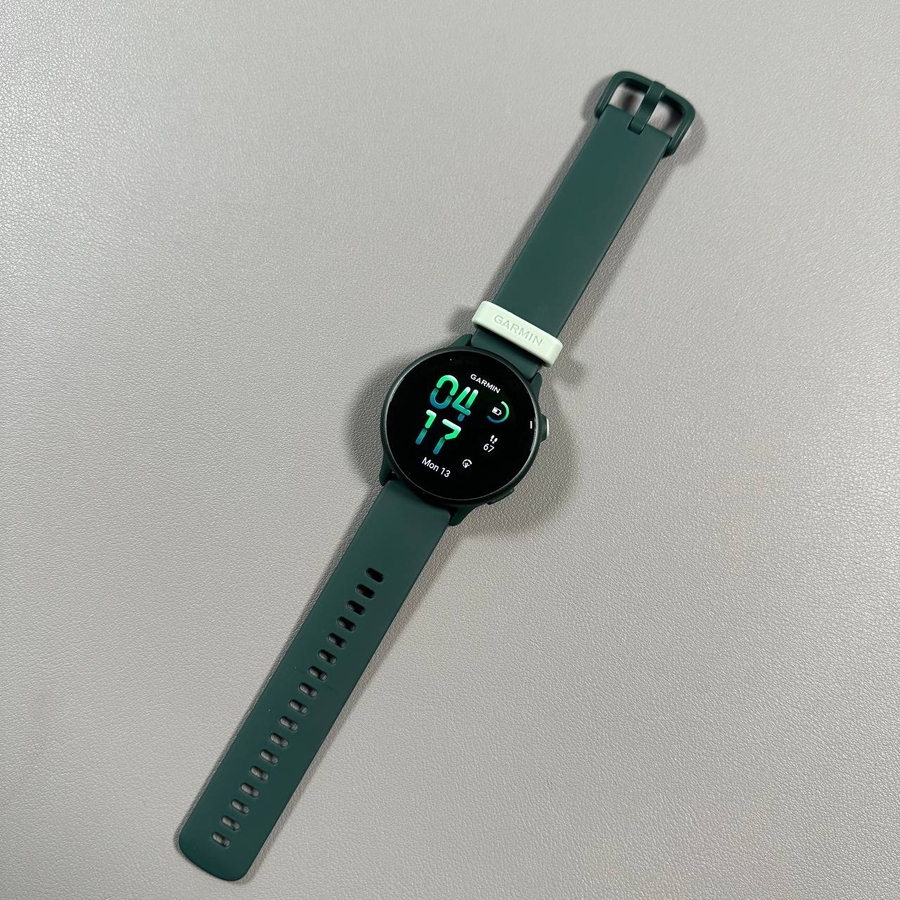
The Raise Wrist to Wake Screen feature on your Garmin Vivoactive 6 automatically turns on the display when you raise your wrist. This guide will show you how to enable or disable this feature based on your preference.
Step 1: Access the Main Menu
To begin, locate and press the upper button on the right side of your Garmin Vivoactive 6. This will take you to the main menu of the smartwatch, where you can access various features and settings.

Step 2: Navigate to Settings
Within the main menu, look for the Settings option. You can identify it by its gear-shaped icon. Select this option to access the settings menu of your device.

Step 3: Access Display Settings
Once you are in the settings menu, scroll down to find the Display option and select it. This section contains various display-related settings.

Step 4: Enable/Disable Raise to Wake
Within the display settings, look for the Wake On Gesture option. Toggle the switch to either activate or deactivate this function based on your preference.

By following these steps, you can customize your Garmin Vivoactive 6 to fit your needs, either saving battery life or enjoying the convenience of an automatically waking screen.