How to Turn Off Your Xiaomi 15T Pro
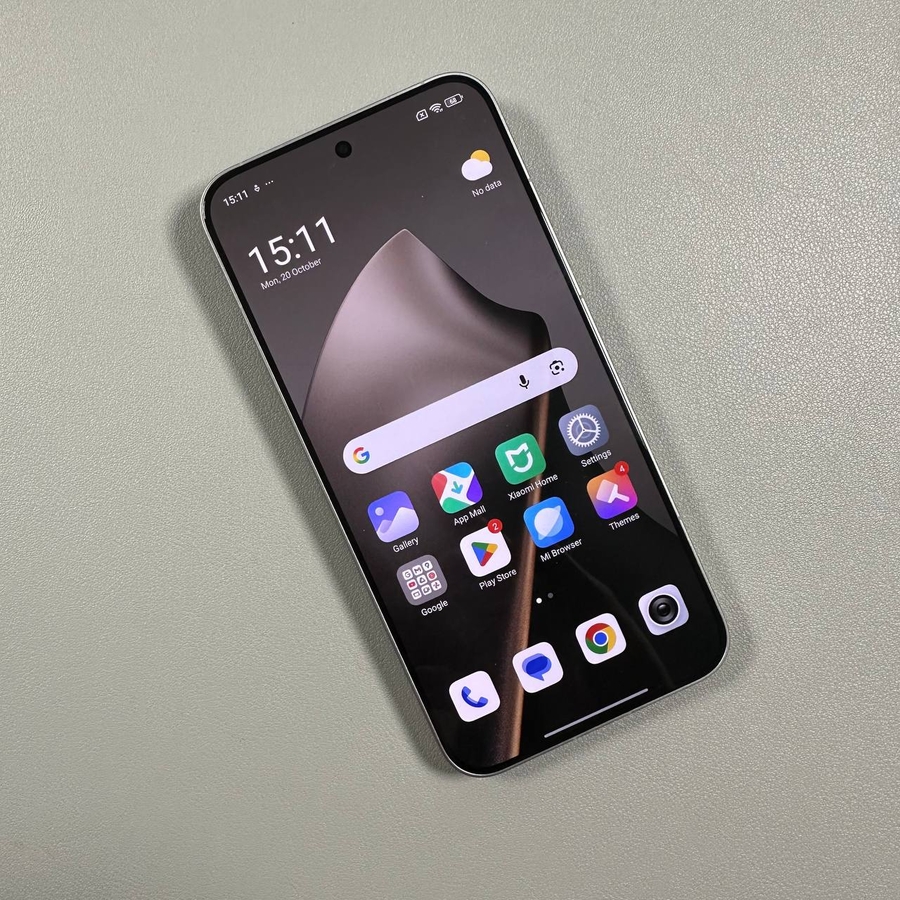
Got a new Xiaomi 15T Pro and wondering how to turn it off? Don't worry; we've got you covered with this straightforward guide. Whether you're preparing for a software update or just need to power down your device, our step-by-step process will ensure you can turn off your device without a hitch.
Step 1: Locate the Buttons
To begin, you need to find the power button and the volume up button on your Xiaomi 15T Pro. The power button is usually located on the right side of your phone, along with the volume buttons. Identifying these buttons is the first step to powering down your device efficiently.

Step 2: Press the Power and Volume Up Buttons
Once you have located the correct buttons, use your thumb and forefinger to simultaneously press and hold both the power button and the volume up button. Hold both buttons for a few seconds as this action is necessary to bring up the power menu on the screen.

Step 3: Swipe to Power Off
After a few moments, you will see the power menu appear on the screen. There, you will find an option labelled 'Power Off' (power off). To turn off your Xiaomi 15T Pro, simply swipe up on this option. This action will initiate the shutdown process, and your device will power down shortly.

Conclusion
And there you have it! Now you know how to safely and easily turn off your Xiaomi 15T Pro. Whether you're taking a break from using your device or preparing it for maintenance, shutting it down is a simple process when you follow these steps. If you found this guide helpful, check out other tips and tutorials for your Xiaomi devices on our blog.