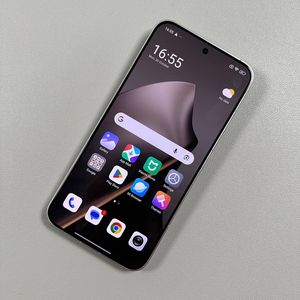
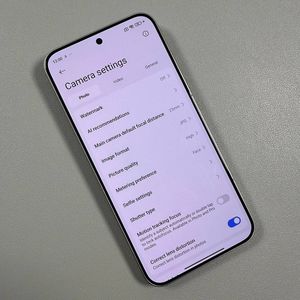
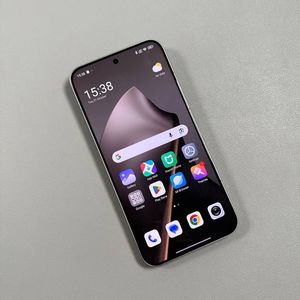
How to Activate 144Hz Screen Refresh Rate on Xiaomi 15T Pro
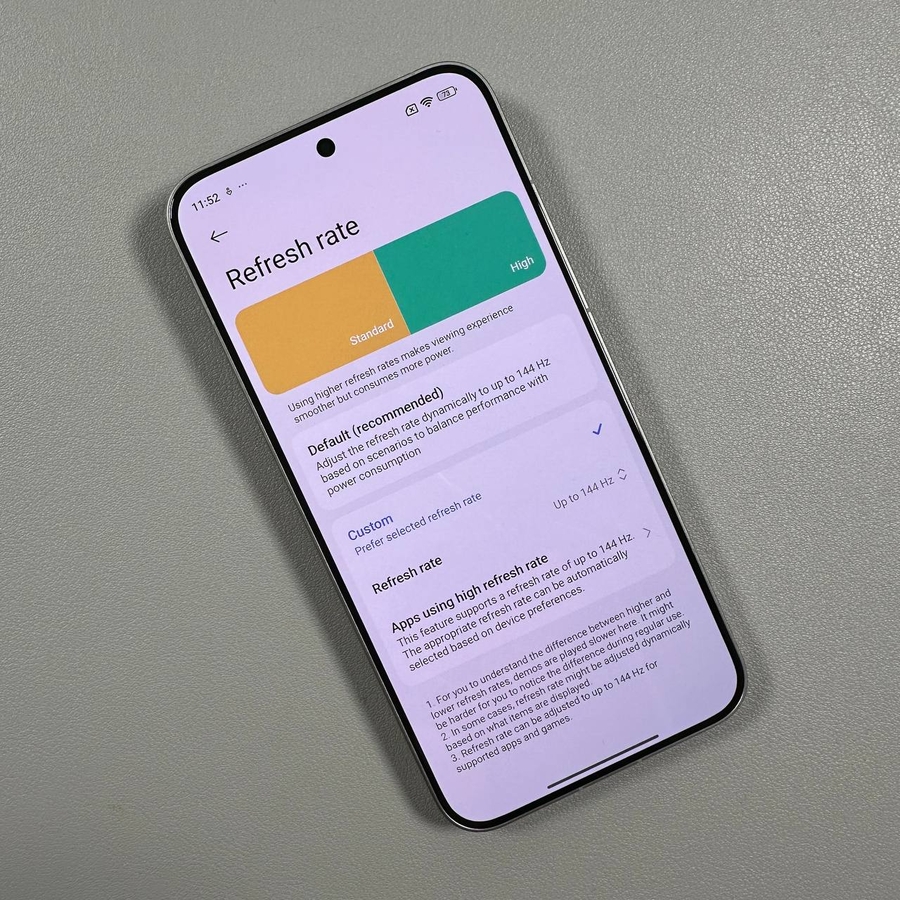
Welcome to our guide on optimising your Xiaomi 15T Pro experience by activating its impressive 144Hz screen refresh rate. By enabling this feature, you'll notice smoother transitions and a more responsive touchscreen experience, perfect for gaming and multimedia usage. Follow these straightforward steps to get started.
Step 1: Access the Settings Menu
To begin, unlock your Xiaomi 15T Pro and navigate to the main Settings app. Look for the gear-shaped icon either on your home screen or in your app drawer.

Step 2: Navigate to Display and Brightness Settings
Within the Settings menu, find and tap on the option labelled Display & Brightness. This section allows you to adjust various aspects of your phone's display to match your preferences.

Step 3: Select the Refresh Rate Option
Scroll through the display settings until you find the Refresh Rate option. Tap on it to explore the available refresh rate settings.

Step 4: Choose the Custom Refresh Rate
Once you are in the Refresh Rate menu, look for the Custom Refresh Rate option. This is where you can select the desired refresh rate for your phone's display.

Step 5: Activate 144Hz Refresh Rate
Finally, within the custom options, find and select the 144Hz option to activate this high refresh rate on your Xiaomi 15T Pro. This action will provide you with smoother visuals and enhance your overall user experience.

Bonus Tip: High Refresh Rate Apps
If you wish to customise specific applications to utilise the high refresh rate setting, explore the same Refresh Rate menu where you can choose which apps benefit most from this feature.