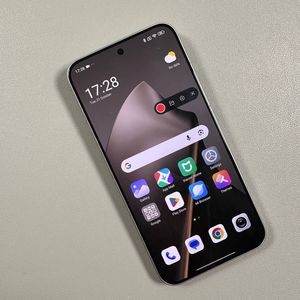
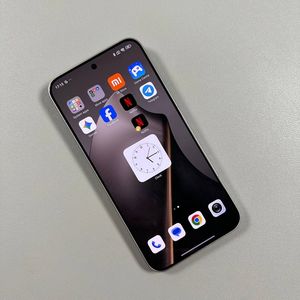
How to Change Wallpaper on Xiaomi 15T Pro
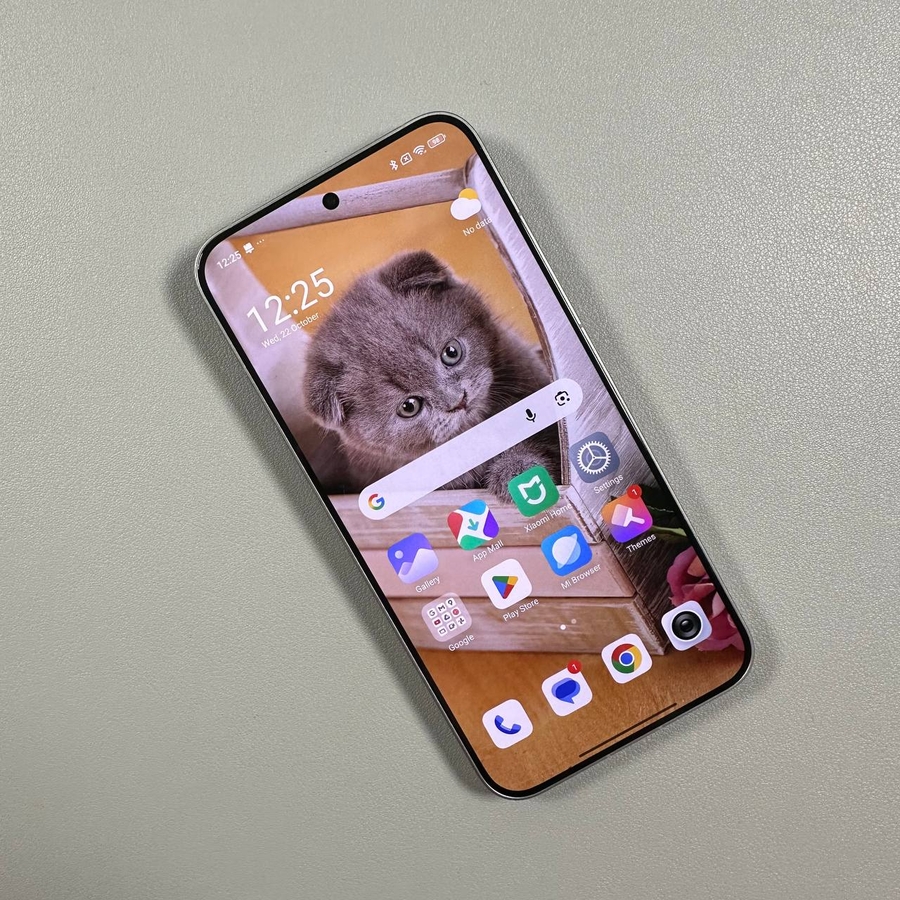
Are you ready to personalise your Xiaomi 15T Pro with a fresh new wallpaper? Follow along to discover just how simple it is to give your Xiaomi device a brand-new look.
Step 1: Access the Wallpaper Settings
To begin the customisation process, once on the home screen, find a blank space and press and hold it gently. This will bring up a menu with various options. Look for and select the "Wallpaper" option to proceed.

Step 2: Choose a Wallpaper from the Theme Shop
Once you have accessed the wallpaper settings, you will be directed to the theme shop. Here, you can browse various wallpapers. Take your time to explore and choose the one that appeals to you. Once you've made your choice, click the "Apply" button (apply button) to confirm your selection.


Step 3: Set Your Wallpaper Preference
Now that you've selected a wallpaper, it's time to set your preference. You'll be given the option to apply the wallpaper to the lock screen, home screen, or both. To give your device a cohesive look, select "Set as both" (set as both) and admire your new wallpaper. Your Xiaomi device is now personalised and ready to impress!


Step 4: Select a Wallpaper from Your Gallery
If your preference leans more towards personal photos, you can set your gallery images as your wallpaper. Open the Gallery app, locate the picture you want, and open it. Tap the three-dot icon located at the bottom of the screen, then select "Set as wallpaper" (set as wallpaper). Adjust any screen effects if desired, then click "Apply" (apply) in the top right corner. Choose your preference for the lock screen, home screen, or both to finalise.