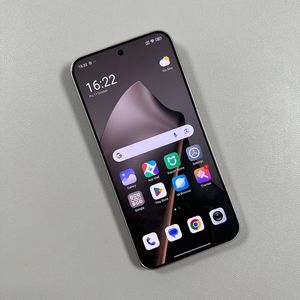
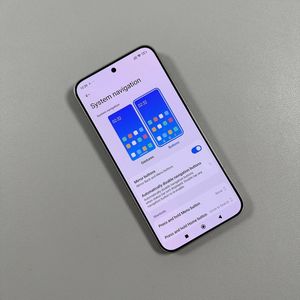
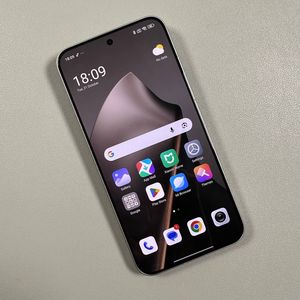
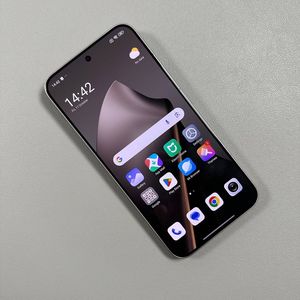
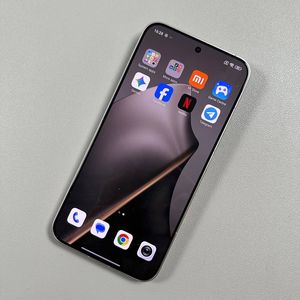
How to Turn On Always On Display on Xiaomi 15T Pro
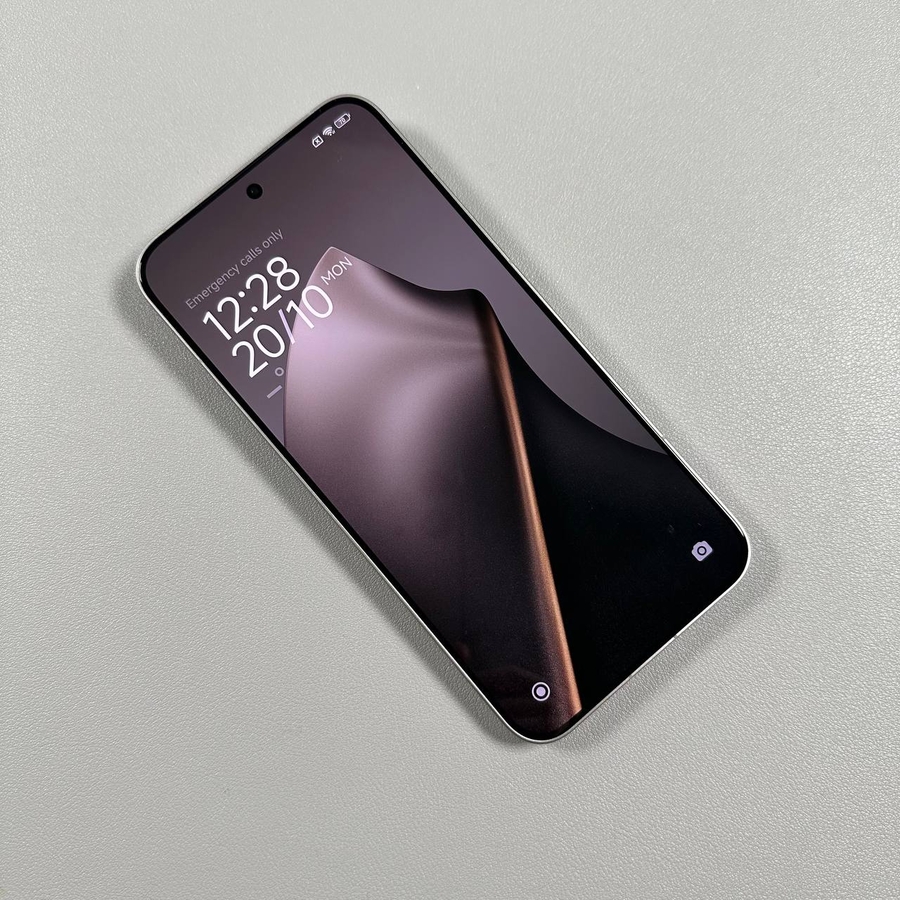
How to Turn On Always On Display on Xiaomi 15T Pro? This display feature allows you to glance at important information such as the time, date, and notifications without needing to unlock your device. Below, we'll walk you through the steps to enable this feature so you can make use of all your phone has to offer.
Step 1: Access the Settings Menu
To begin, navigate to your device's main Settings app. You can locate the Settings app by looking for the gear-shaped icon on your home screen or within the app drawer.

Step 2: Navigate to Personalisation
Once you're in the Settings menu, scroll down the list of options, and select 'Personalization.' This section allows you to customise how your device looks and behaves.

Step 3: Enter the Always On Display Section
Within the Personalisation menu, look for the 'Always On Display' section and tap on it. This is where you will find all the settings related to the Always On Display feature.

Step 4: Enable Always On Display
In the Always On Display section, you should see a toggle switch that allows you to turn the feature on. Use this switch to enable Always On Display. Once switched on, your screen can display information even when your device is locked, without significantly impacting battery life.

Conclusion
And there you have it – Always On Display is now activated on your Xiaomi 15T Pro. This feature is a great way to stay informed at a glance without unlocking your phone constantly. Feel free to customise the display settings to better suit your needs. Enjoy your enhanced smartphone experience!