How to Set Up Hotspot on Xiaomi 15T Pro
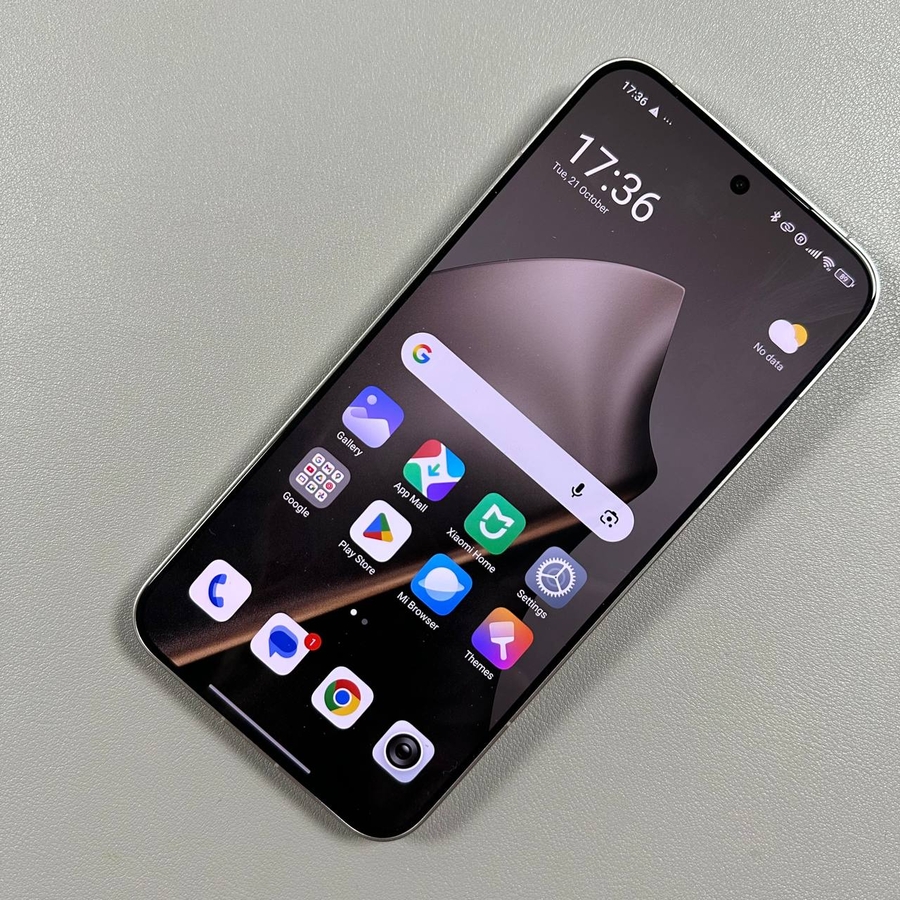
If you have a Xiaomi 15T Pro and are looking to enable its portable hotspot feature, you're in the right place! This easy-to-follow guide will walk you through every step to set it up, ensuring you can share your internet connection with other devices seamlessly.
Step 1: Open Settings on Your Xiaomi Device
To get started, look for the Settings app, which is iconised by a gear symbol, and tap to open it.

Step 2: Access More Connectivity Options
Once you're in the Settings, scroll through the menu until you find the section labelled "More Connectivity Options." Tap this option to proceed to where additional network settings are located.

Step 3: Turn On Portable Hotspot
Within the Connectivity Options, there should be an entry titled "Portable Hotspot." Tap this entry, and you'll see an option to enable it. Simply toggle the switch to the "On" position to activate your phone's hotspot feature.


Step 4: Configure and Setup Your Hotspot
After turning on the hotspot feature, you can further customise it by selecting "Setup Portable Hotspot." Here, you can view and alter your hotspot password, change the network name, and configure various other settings to tailor your hotspot's security and features to your preference.


And that's it!