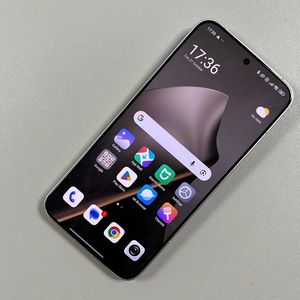
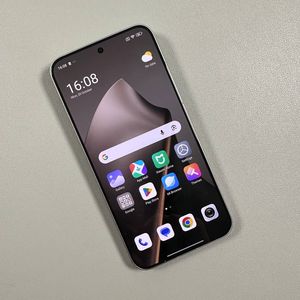
How to Change Lock Screen Time on Xiaomi 15T Pro
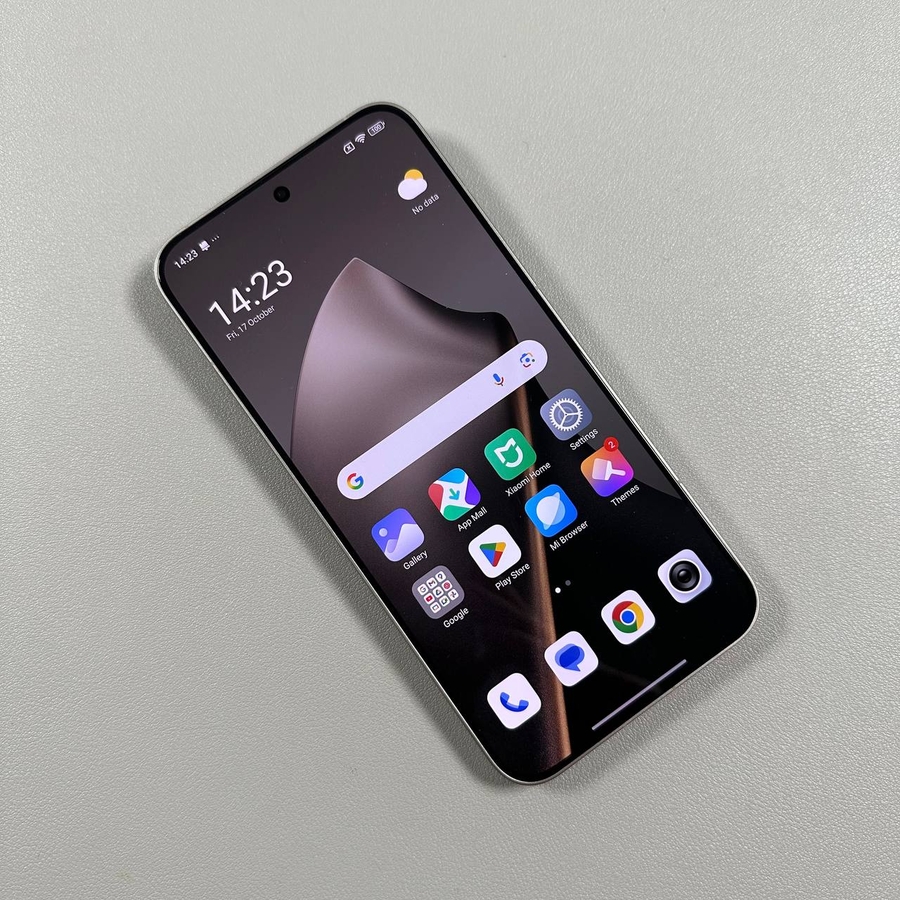
Are you wondering how to adjust the lock screen timeout on your Xiaomi 15T Pro? This guide will take you through the process step-by-step, making it simple and easy to follow, even if you're not particularly tech-savvy. Changing the lock screen timeout can help you manage your device's power usage and convenience more effectively.
Step 1: Accessing Settings
To begin, look for the Settings app, which is typically represented by a gear icon found on your home screen or in the app drawer.

Step 2: Navigating to Lock Screen Settings
Within the Settings menu, scroll until you spot the option labelled 'Lock Screen'. Select it to access specific settings for your lock screen, including the timeout duration.

Step 3: Modifying the Sleep Timeout
Inside the Lock Screen settings, find the 'Sleep' section. This is where you can control how long your device stays active on the lock screen before going to sleep. You have the option to set the timeout duration for as long as 10 minutes, depending on your preference.


By following these steps, you'll be able to personalise the lock screen settings on your Xiaomi 15T Pro, ensuring your smartphone suits your specific needs.