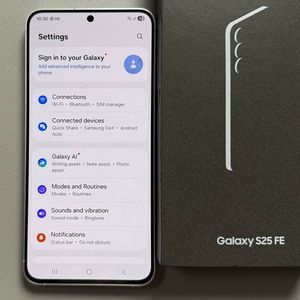
How to Power Off Your Samsung Galaxy S25 FE

In this guide, we will cover how to power off your Samsung Galaxy S25 FE. Whether you want to shut down your device for a break or reboot it to resolve issues, there are several methods available. We'll walk you through each step, making it simple for everyone, even if you're not tech-savvy.
Method 1: Using the Hardware Buttons
The first method involves using the physical buttons on your Samsung Galaxy S25 FE. Unlike older models, pressing the power button alone will not shut down the device as it triggers the Google Assistant instead. To access the power menu, you need to press and hold the power button and the volume down button simultaneously.

Step 2: Confirm Power Off
Once the power menu appears on your screen, tap on 'Power Off'. Then, confirm by tapping 'Power Off' again. Your phone will then proceed to shut down.

Method 2: Through the Control Center
If you prefer not to use the physical buttons, you can power off your Galaxy S25 FE through the control center. Start by swiping down from the top of the screen to open the notification panel. Look for the power icon, usually found near the battery symbol, and tap on it.


Step 2: Power Off Through the Menu
The power menu will appear. Tap on 'Power Off', and confirm your choice. Your device will then turn off.

Customizing the Side Button
To make powering off even easier, you can customize the side button to act as a true power button. First, access the Settings by swiping down to open the control center and tapping the gear icon. Navigate to 'Advanced Features', select 'Side Button', and configure it to directly open the power menu when pressed. This way, long-pressing the side button will take you straight to the power menu, allowing an easy shutdown procedure.