How to Read and Reply to Text Messages on Samsung Galaxy Fit 3
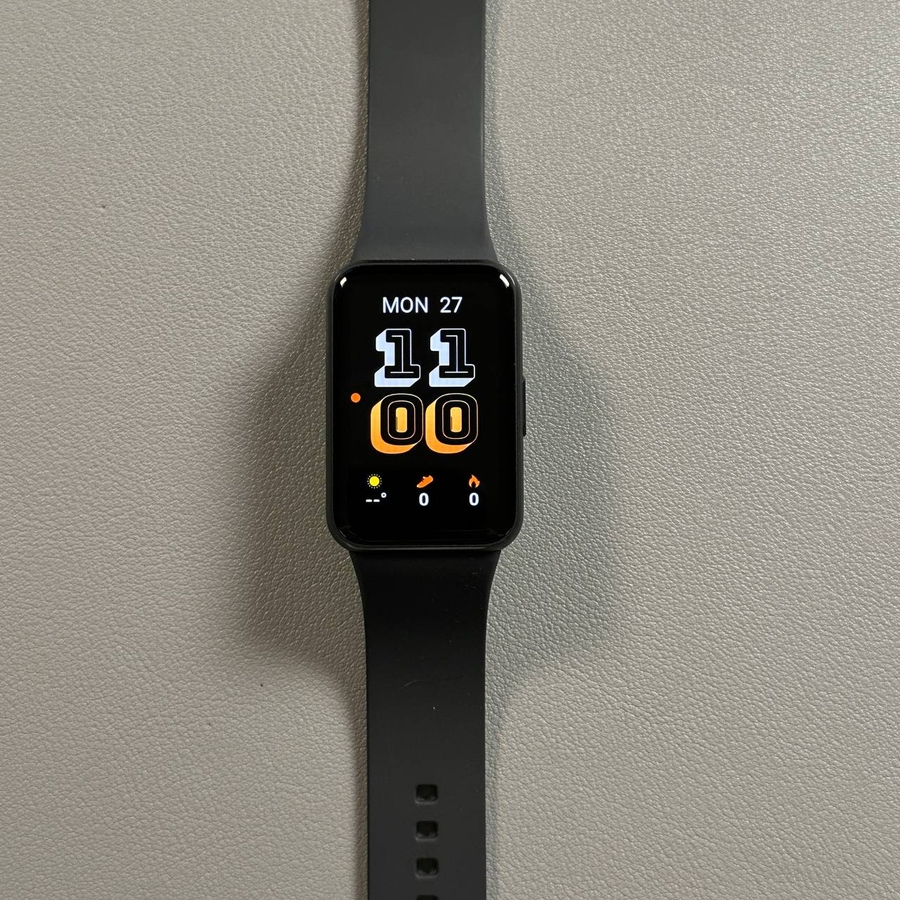
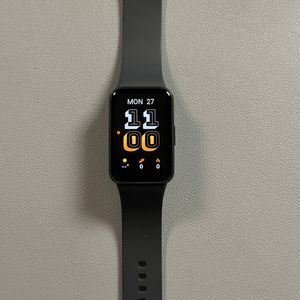
If you're curious about the messaging capabilities of the Samsung Galaxy Fit 3, you've come to the right place. This modern wearable device offers a delightful way to manage notifications and messages, making staying connected even easier. In this guide, we'll explore how you can effectively read and reply to messages using your Galaxy Fit 3.
Staying Updated with Notifications
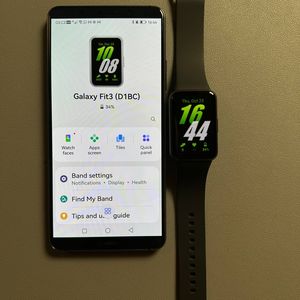
The Samsung Galaxy Fit 3 is elegantly designed to help you manage your notifications effortlessly. By connecting to your smartphone, it provides the ability to receive notifications, including text messages, directly on your wrist. This feature ensures that you are constantly updated on incoming messages without needing to repeatedly check your phone, offering you a significant level of convenience in your daily life.

Replying to Messages with Quick Responses
When it comes to replying to messages, the Galaxy Fit 3 has thought ahead to give you an efficient solution. The device supports quick replies for text messages, allowing you to choose from a selection of predefined responses or even customize your own via the Galaxy Wearable app. This functionality proves invaluable for sending prompt replies without needing to pull out your phone, such as when you're in a meeting or on the move. To access the message on your watchs gently swipe the the right from the main screen.


Understanding Compatibility Limitations
While the Galaxy Fit 3 performs admirably with text messages, it's important to be aware of a few limitations. Some users have discovered challenges when trying to reply to messages on platforms beyond basic text messaging, such as Facebook Messenger. This indicates that while the Galaxy Fit 3 is excellent for handling basic text replies, its compatibility might not extend to all third-party messaging applications.
Enhancing Your User Experience
The ability to reply to messages directly from your Galaxy Fit 3 adds a significant boost to your overall user experience. You'll find it incredibly useful to manage simple communication tasks straight from your wrist, particularly during situations where reaching for your phone wouldn't be practical, like during a workout or an important meeting. This capability helps you remain responsive and connected without interrupting your activities.
In summary, the Samsung Galaxy Fit 3 does support the functionality to reply to messages, especially using quick response options for standard text messages. However, it's important to assess how well it pairs with your preferred messaging platforms to ensure a seamless experience.