How to Turn On/Off Motion Detection on TP-Link Tapo C200
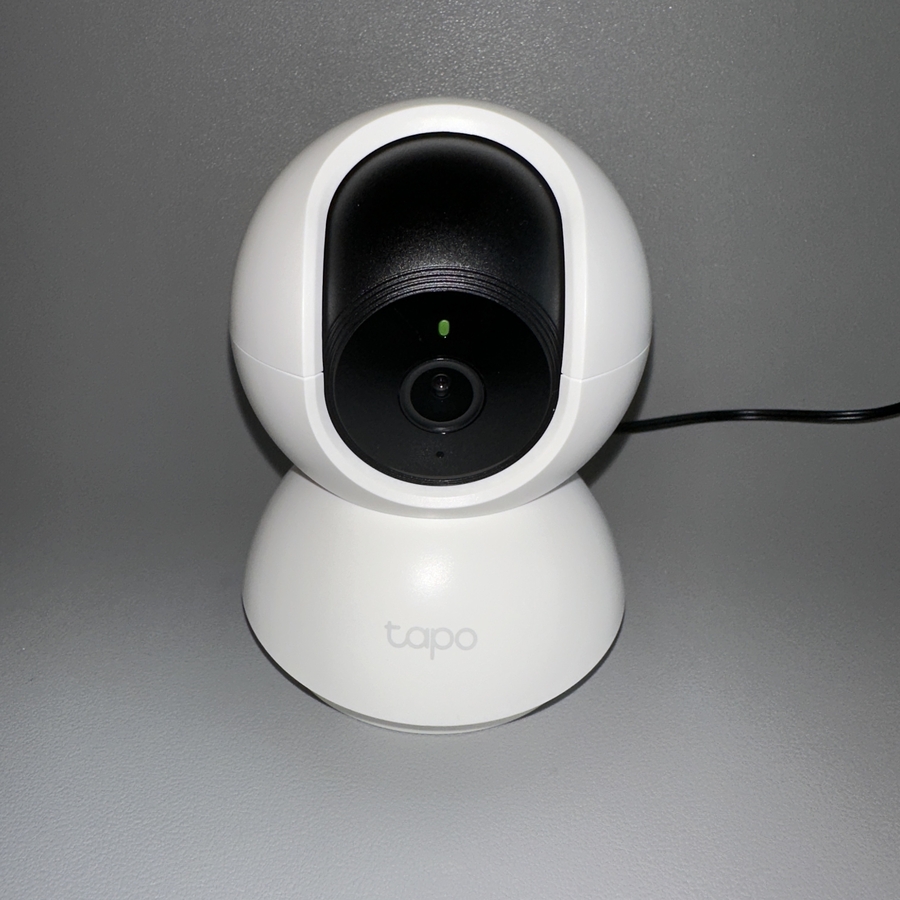
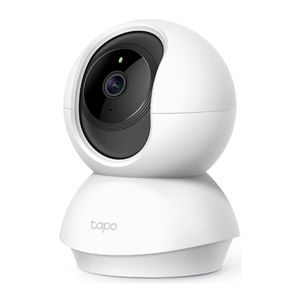
The TP-Link Tapo C200 camera is a versatile security device that can help you monitor your environment. In this guide, we will walk you through the simple steps to enable or disable motion detection using the Tapo app. Motion detection is a critical feature that helps you receive alerts and keep an eye on important activities around your camera.
Step 1: Open the Tapo App
To begin, locate and open the Tapo app on your smartphone. Its icon typically features a blue background with a white letter 'T' in the centre (center). If you haven't downloaded the app yet, you can find it on Google Play Store for Android devices or the Apple App Store for iOS devices.

Step 2: Select Your Camera
Once the app is open, you will see a list of devices connected to your account. Carefully scroll through the list and select your TP-Link Tapo C200 camera to proceed to the camera settings.

Step 3: Access Camera Settings
After selecting your camera, look to the top right corner of the screen for a small gear icon, which represents the settings menu. Tap on this gear icon to access detailed settings for your Tapo C200 camera.

Step 4: Navigate to Motion Detection
Within the settings menu, you will find a section labelled (labeled) 'Detection'. Tap on 'Detection' to enter the motion detection settings, where you can manage all related functions for your camera.

Step 5: Toggle Motion Detection On or Off
In the motion detection settings, you'll see a toggle switch for turning the feature on or off. Simply tap this switch to enable or disable motion detection as per your preference. You will also notice a sensitivity slider, which allows you to adjust how sensitive the camera should be to movement.


And that covers everything you need to know about managing motion detection on your TP-Link Tapo C200 camera. With these settings, you can ensure that your camera is monitoring exactly what you want and alerting you when necessary. Whether you're using an Android or iOS device, these steps will help you make the most of your security camera's features.