How to Back Up Data on Your Samsung Galaxy Watch 8 LTE
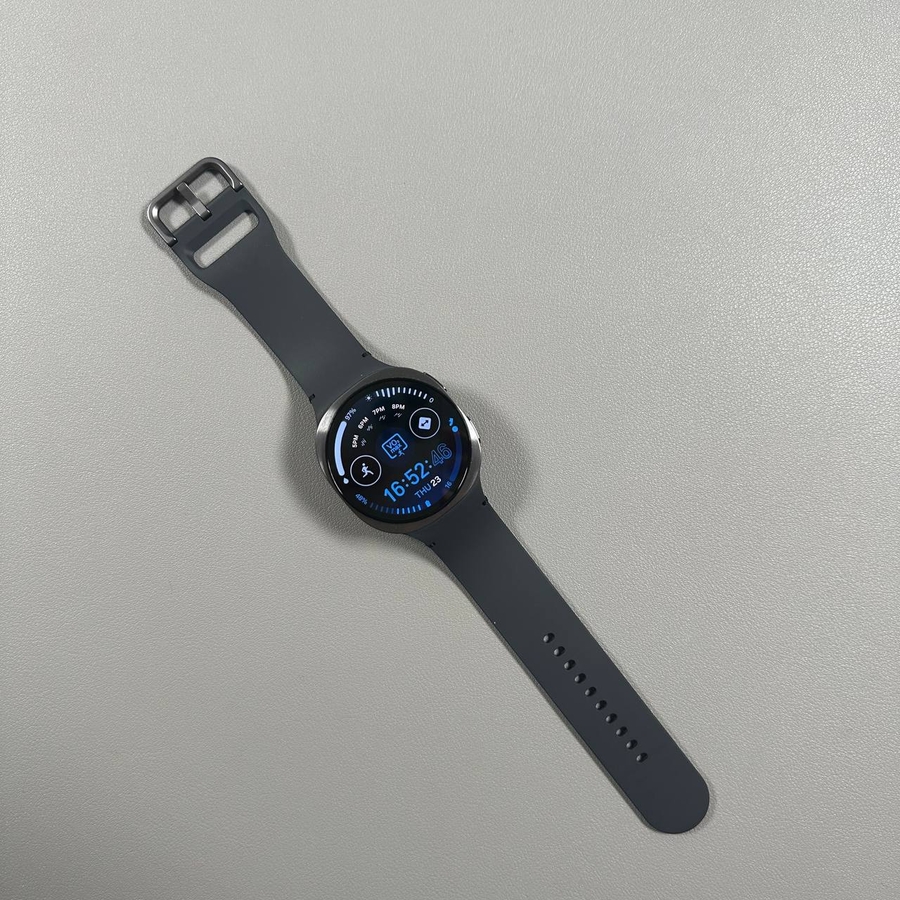
Ensuring that your data is safely backed up is one of the most important tasks you can do for your Samsung Galaxy Watch 8 LTE. In this guide, we'll walk you step-by-step through the process of backing up your watch data to your Samsung account or Samsung Cloud. By default, your Galaxy Watch uses your Google account, which is running the Wear OS, to back up data. Let's dive into how you can ensure your backups are secure and up-to-date.
Step 1: Open the Wearable App on Your Phone
To begin, unlock your smartphone, whether it's your Samsung, Google Pixel, or any other compatible device, and open the Galaxy Wearable app. This app serves as the central hub for managing your Samsung Galaxy Watch 8 LTE settings and configurations.

Step 2: Navigate to Watch Settings
Within the Galaxy Wearable app, scroll down to find and tap on the section labelled 'Watch Settings' (watch settings). This section contains all the settings specifically related to your Galaxy Watch, allowing you to customise and manage various functionalities.

Step 3: Access Accounts and Backup
Once you're in the Watch Settings (watch settings), look for an option that says 'Accounts and Backup' (accounts and backup). Tap on it to proceed. This is where you can control how your watch manages backups and accounts.

Step 4: Check Last Backup Status
In the Accounts and Backup (accounts and backup) section, you'll notice information about the last time your data was backed up. For any recent backup activity, the timestamp will appear here—like a backup completed today at 4:01 PM. This verification ensures your data is being regularly saved.

Step 5: Enable Samsung Cloud Backup
If you prefer to store your backups not only on your Google account but also on your Samsung Cloud, you can enable this option here. Simply toggle the Samsung Cloud backup option on, and your watch will start saving data to both your Google account and Samsung Cloud account going forward.

Following these steps will ensure that the data on your Samsung Galaxy Watch 8 LTE is backed up regularly and securely, giving you peace of mind that your information is safe.